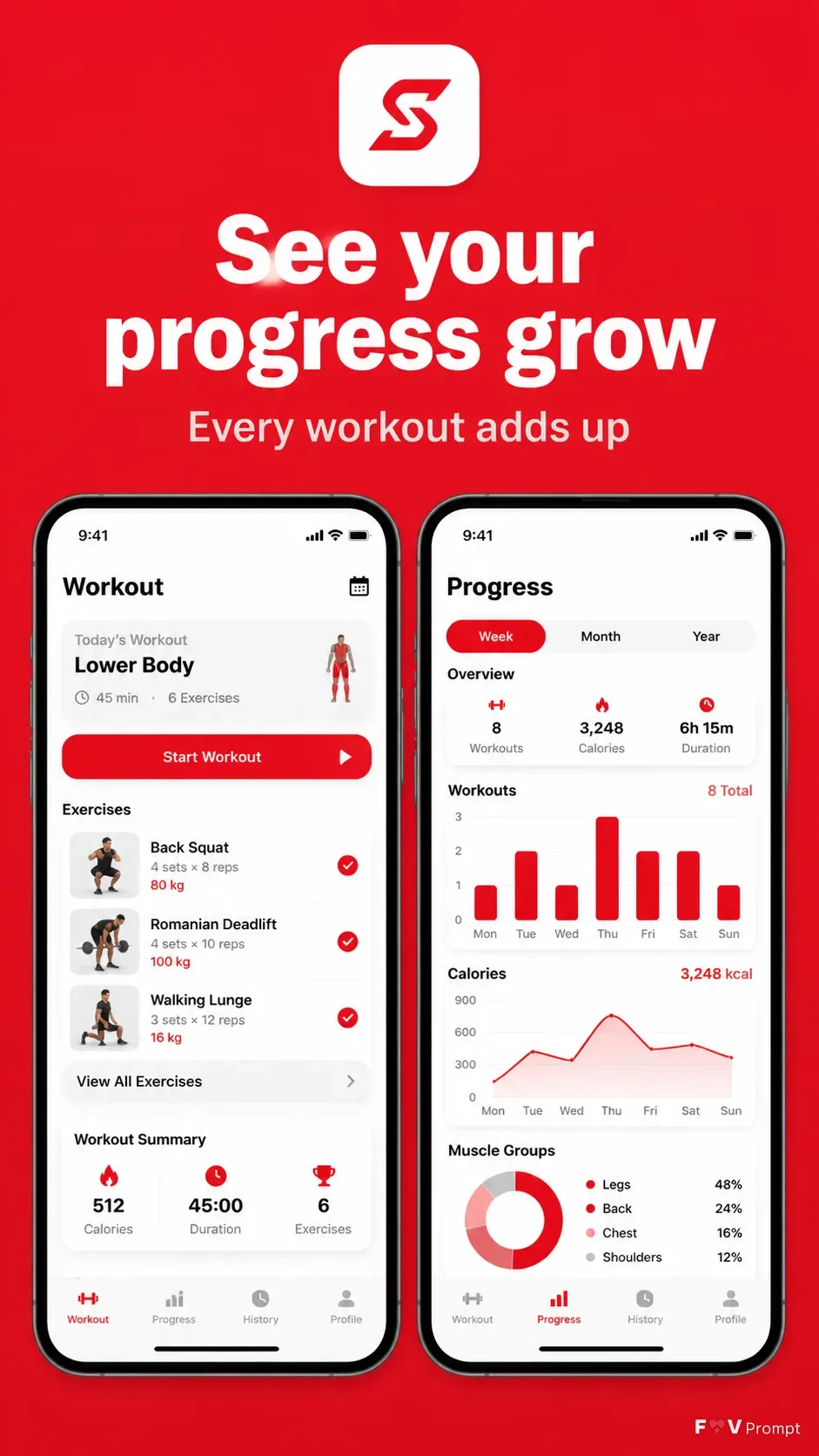
Build a professionally art-directed App Store or Google Play listing screenshot in a vertical 9:16 format, with one screenshot per image. Place the Headline at the top in large, bold, clean sans serif type, using no more than two lines. Add the Subline beneath it with smaller, well-spaced lettering. Below the text, show two generic modern smartphones with thin bezels, no brand logos, soft realistic shadows, and the Device Angle. Place the User Screenshots inside the phone screens exactly as provided when available. Otherwise, design believable fitness app interfaces based on the Screen Content, including a workout dashboard and clear progress statistics with a 9:41 status bar. Use the User App Icon where appropriate. Use the Brand Color for a solid background and coordinated interface accents. Keep generous margins around the phones, sharp readable UI text, realistic device proportions, and clean store-listing composition. Avoid glow, sparkles, lens flares, glassmorphism, busy backgrounds, gibberish, watermarks, ratings, reviews, download counts, store badges, and third-party logos.

Use these details:
App Name: "Stride"
Headline: "See your progress grow"
Subline: "Every workout adds up"
Brand Color: "vivid athletic red"
Screen Content: "workout tracking dashboard and weekly progress statistics"
Device Angle: "front-facing and straight-on, side by side"
User Screenshots: ["workout screen screenshot", "progress statistics screen screenshot"]
User App Icon: "Stride app icon"
Using your own logo, product or face? Attach it in the chat and say which of the details it replaces.
Your result will come out close to the example rather than identical to it. Change the details to make it yours.