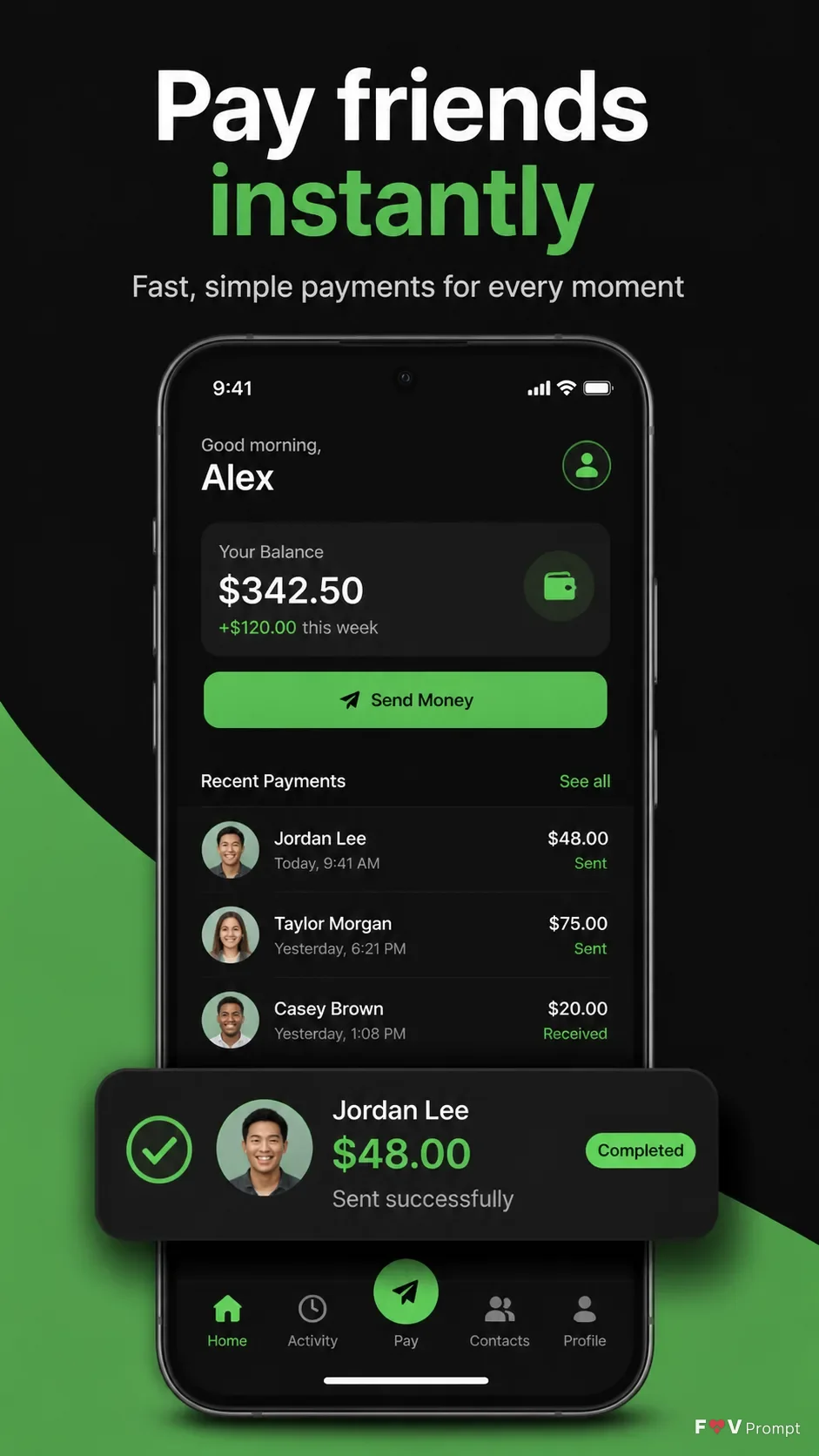
Design a professional App Store and Google Play screenshot for the App Name app in a vertical 9:16 format, with one screenshot per image. Place the Headline at the top in large, bold, clean sans serif type, rendered exactly as written and kept to no more than two lines. Add the Subline beneath it with smaller, highly legible type. Below, show a generic modern smartphone with thin bezels, no brand logos, and the Device Angle. Place the Attached Screenshots inside the phone screen exactly as provided when available, using the Attached App Icon exactly when available. Otherwise, create a believable payments interface based on the Screen Content, with a 9:41 status bar and legible UI text. Use the Brand Color throughout the interface and background, with a near-black base and green accents. Make a payment confirmation card visibly float out from the phone screen as a clean crop of the same UI, enlarged with a soft realistic shadow. Keep generous margins, a sharp readable screen, balanced spacing, and a subtle realistic phone shadow. No logos, badges, ratings, reviews, download counts, glow, sparkles, lens flares, glassmorphism, watermarks, or garbled text.

Use these details:
App Name: "Sendly"
Headline: "Pay friends instantly"
Subline: "Fast, simple payments for every moment"
Brand Color: "black and vivid green"
Screen Content: "A modern payments app home screen with a recent payments list, balance summary, Send Money button, and a completed payment confirmation card for Jordan Lee showing $48.00 sent"
Device Angle: "front-facing and straight"
Attached Screenshots: ["A payment home screen and confirmation screen showing the app's real interface"]
Attached App Icon: "A simple green payment checkmark icon on a black background"
Using your own logo, product or face? Attach it in the chat and say which of the details it replaces.
Your result will come out close to the example rather than identical to it. Change the details to make it yours.