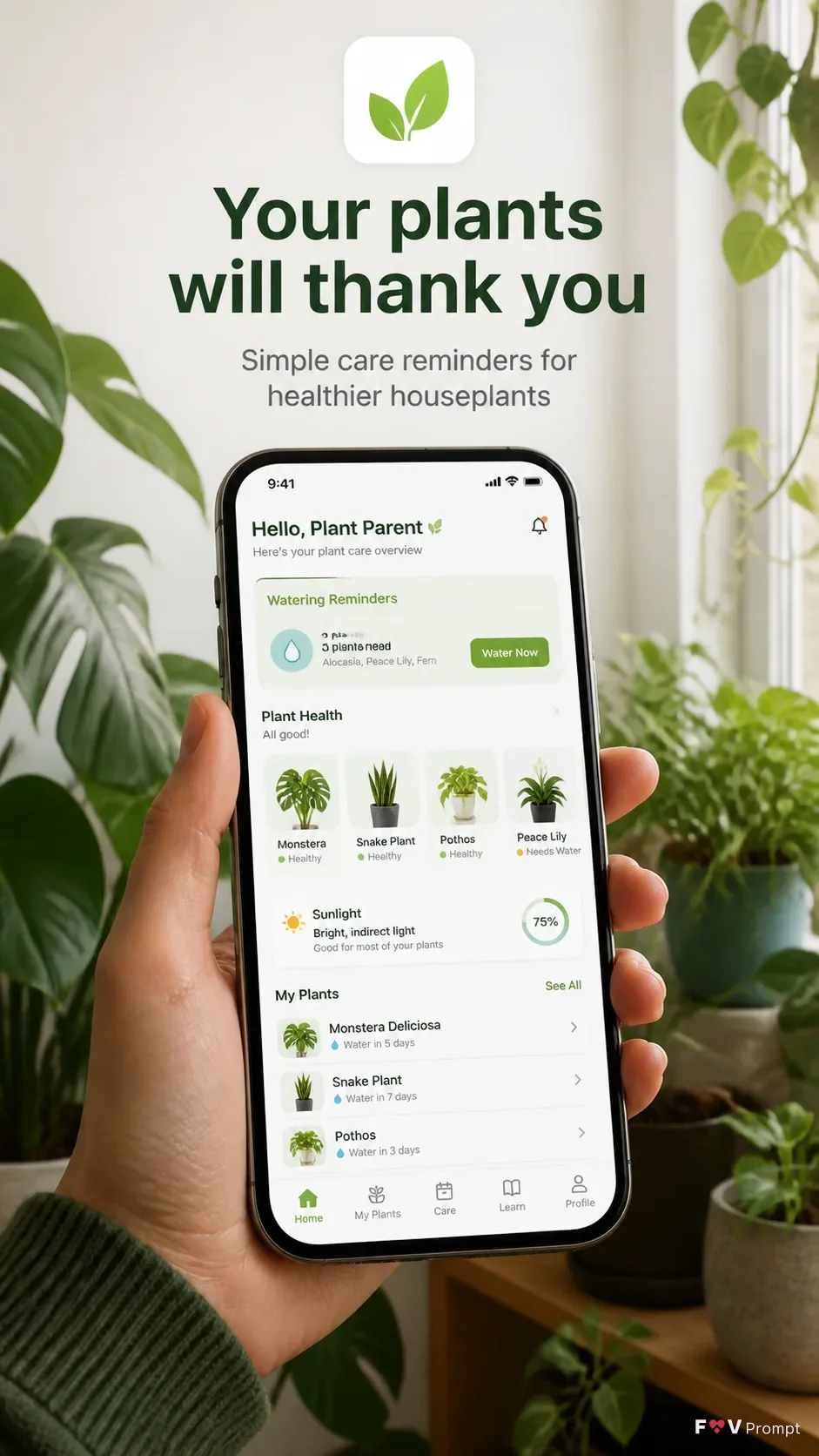
Design a professionally made App Store screenshot in a vertical 9:16 format, showing the App Name experience through a real photo of a modern generic smartphone held among the plants in the Setting. Use the Device Angle, with thin bezels, no brand logos and a soft realistic shadow. Place the Headline at the top in large, bold, clean sans serif type, using no more than two lines and rendering it exactly as written. Add the Subline beneath it in smaller, highly legible type. Keep the phone as the main element with comfortable margins around every edge. Use the App Screenshots inside the phone screen exactly as provided when available; otherwise design a believable, modern plant care interface based on the Screen Content, with a 9:41 status bar and the Brand Color carried through the UI. Use the App Icon exactly as provided when available. Shoot with natural window light, realistic skin and plant textures, a sharp readable screen and a softly defocused background. No glow, sparkles, busy scenery, gibberish, watermarks, store badges or extra logos.

Use these details:
App Name: "Leafwise"
Headline: "Your plants will thank you"
Subline: "Simple care reminders for healthier houseplants"
Brand Color: "fresh leaf green"
Screen Content: "A plant care dashboard showing watering reminders, plant health cards, sunlight levels and a short list of houseplants"
Device Angle: "front-facing with a slight natural tilt"
App Screenshots: ["Supplied app screenshots placed inside the phone screen exactly as provided"]
App Icon: "Supplied app icon used exactly as provided"
Setting: "A bright indoor plant corner filled with healthy houseplants near a window"
Using your own logo, product or face? Attach it in the chat and say which of the details it replaces.
Your result will come out close to the example rather than identical to it. Change the details to make it yours.