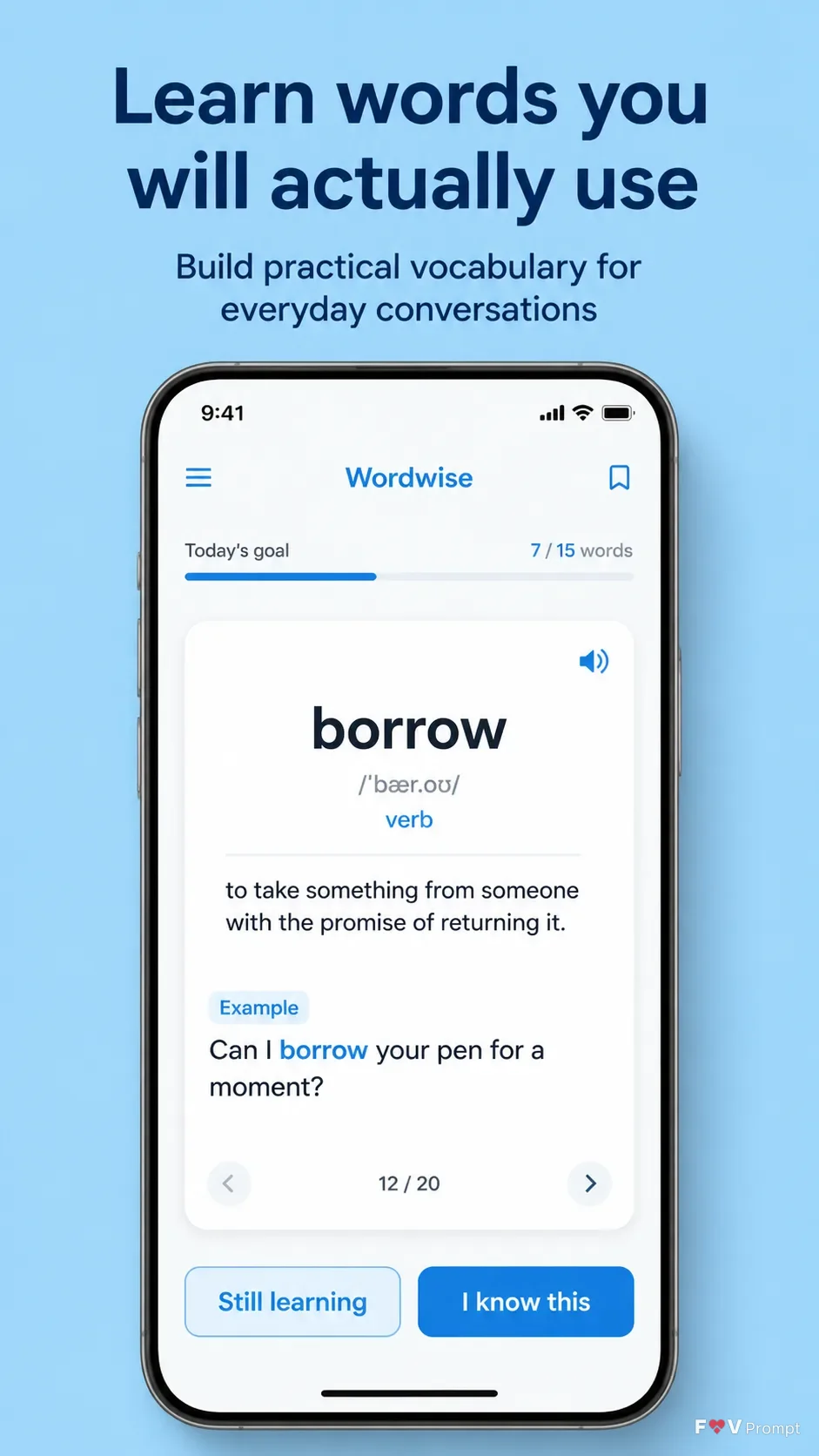
Design one professionally made App Store or Google Play screenshot in a vertical 9:16 format. Set the Headline at the top in large, bold, clean sans serif type, on no more than two lines, rendered exactly as written. Place the Subline beneath it in smaller, highly legible type. Use the Brand Color for a solid background or a soft two-tone gradient, with generous margins around every element.

Below the copy, place a generic modern smartphone with thin bezels, no brand logos, and a soft realistic shadow. Keep it in the Device Angle. Show the Attached Screenshots inside the phone screen exactly as provided when available. If they are unavailable, create a believable modern language-learning interface based on the Screen Content, with clean cards, sensible spacing, clear hierarchy, and a 9:41 status bar. Keep the vocabulary flashcard as the main focus and make every word legible. Use the Brand Color consistently across the interface.

Treat the Attached App Icon as unavailable unless an icon is supplied, and do not invent a branded logo. Use realistic UI components, accurate spelling, and restrained contrast. Avoid busy backgrounds, glow, sparkles, lens flares, glassmorphism, gibberish text, store badges, ratings, reviews, download counts, laurels, watermarks, and other company logos.

Use these details:
App Name: "Wordwise"
Headline: "Learn words you will actually use"
Subline: "Build practical vocabulary for everyday conversations"
Brand Color: "sky blue"
Screen Content: "A vocabulary flashcard showing the word 'borrow', its pronunciation, a short definition, an example sentence, and buttons for 'Still learning' and 'I know this'"
Device Angle: "straight-on front view"
Attached Screenshots: ["None provided"]
Attached App Icon: "None provided"
Using your own logo, product or face? Attach it in the chat and say which of the details it replaces.
Your result will come out close to the example rather than identical to it. Change the details to make it yours.