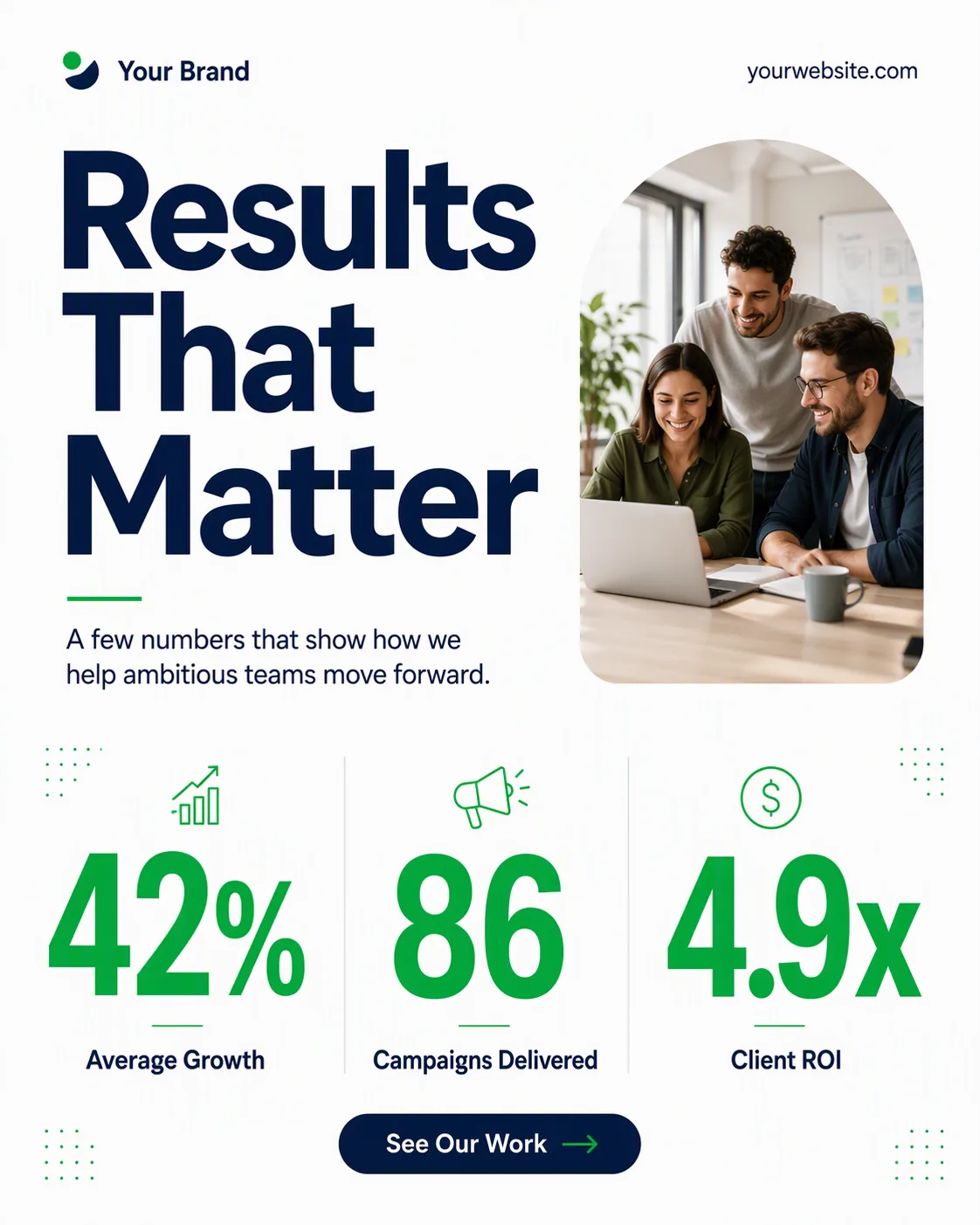
Build one single social media post shown flat and full-frame in the Format, using the Background as the canvas and the Color Palette throughout. Set the Brand Name and Website Or Handle along the top or bottom edge in small, carefully spaced type. Make the Headline the dominant element in a heavy geometric sans-serif, with the Supporting Line grouped beneath it in smaller type.

Arrange the Stat 1 Number with the Stat 1 Label, the Stat 2 Number with the Stat 2 Label, and the Stat 3 Number with the Stat 3 Label in a clear three-part grid. Use very large numerals, compact labels, generous margins and deliberate alignment. Place the Photo Inside Frame in a small rounded rectangle or organic arch, naturally lit and clearly secondary to the statistics. Add the Call-To-Action Button Text in one modest pill button only. Use no more than two typefaces, with one accent color reserved for highlighted numerals or details. Keep every word correctly spelled and legible at phone size. Add only subtle grid lines or small geometric accents. No mockup device, multiple posts, watermarks, real logos or image border.

Use these details:
Headline: "Results That Matter"
Supporting Line: "A few numbers that show how we help ambitious teams move forward."
Brand Name: "Your Brand"
Website Or Handle: "yourwebsite.com"
Call-To-Action Button Text: "See Our Work"
Photo Inside Frame: "Small candid team portrait in a bright office"
Stat 1 Number: "42%"
Stat 1 Label: "Average Growth"
Stat 2 Number: "86"
Stat 2 Label: "Campaigns Delivered"
Stat 3 Number: "4.9x"
Stat 3 Label: "Client ROI"
Color Palette: "white, deep navy and fresh green"
Background: "clean white"
Format: "4:5 portrait LinkedIn post"
Using your own logo, product or face? Attach it in the chat and say which of the details it replaces.
Your result will come out close to the example rather than identical to it. Change the details to make it yours.