Design one single LinkedIn event recap post in the Format, shown flat and full-frame with no device mockup, border, watermark or additional posts. Use a clean white background and apply the Color Palette consistently, giving the Headline and Event Stats strong visual emphasis in the primary dark tone.

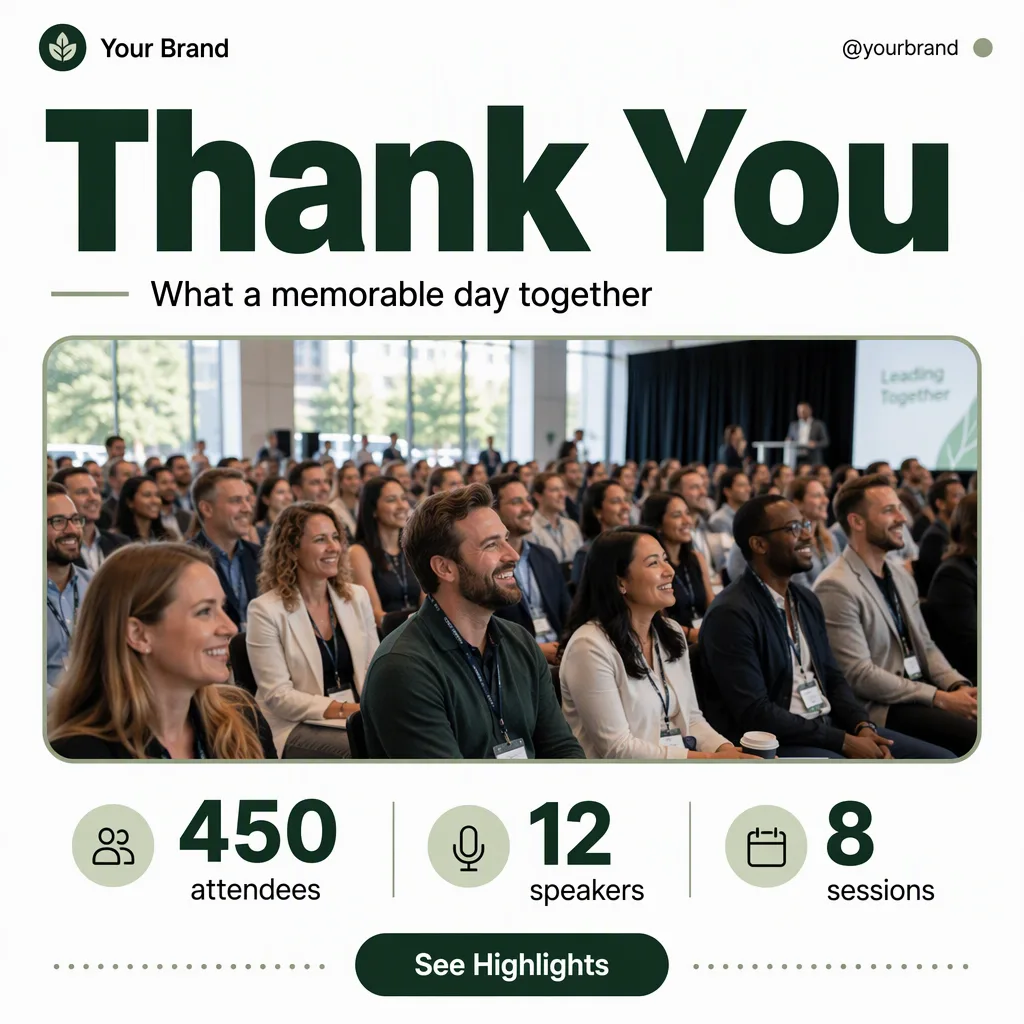
Place the Brand Name and Website Or Handle along the top edge in small, precise type. Make the Headline the dominant element, set in a heavy geometric sans-serif with generous spacing. Add the Supporting Line beneath it in a smaller, highly legible weight. Place the Event Photo inside one large horizontal rounded rectangle with a clear frame and natural cropping, showing an authentic crowd scene with natural light.

Build a neat Event Stats row beneath the photo, separating each statistic with subtle spacing or fine divider lines. Add no more than one CTA element: a compact pill button labeled exactly with the Call-To-Action Button Text. Keep the grid aligned, leave generous margins, and use one accent from the Color Palette for small highlights or decorative details. Limit the design to two typefaces. Render every text element exactly as provided, with flawless spelling and legibility at phone size. Use only restrained decorative lines or dots so the result feels like a refined professional design marketplace template rather than a crowded advertisement.

Use these details:
Headline: "Thank You"
Supporting Line: "What a memorable day together"
Brand Name: "Your Brand"
Website Or Handle: "@yourbrand"
Call-To-Action Button Text: "See Highlights"
Event Photo: "A naturally lit crowd gathered at a business conference, smiling and listening near the stage"
Event Stats: ["450 attendees", "12 speakers", "8 sessions"]
Color Palette: "white, dark green, muted sage and black"
Format: "4:5 portrait"
Using your own logo, product or face? Attach it in the chat and say which of the details it replaces.
Your result will come out close to the example rather than identical to it. Change the details to make it yours.