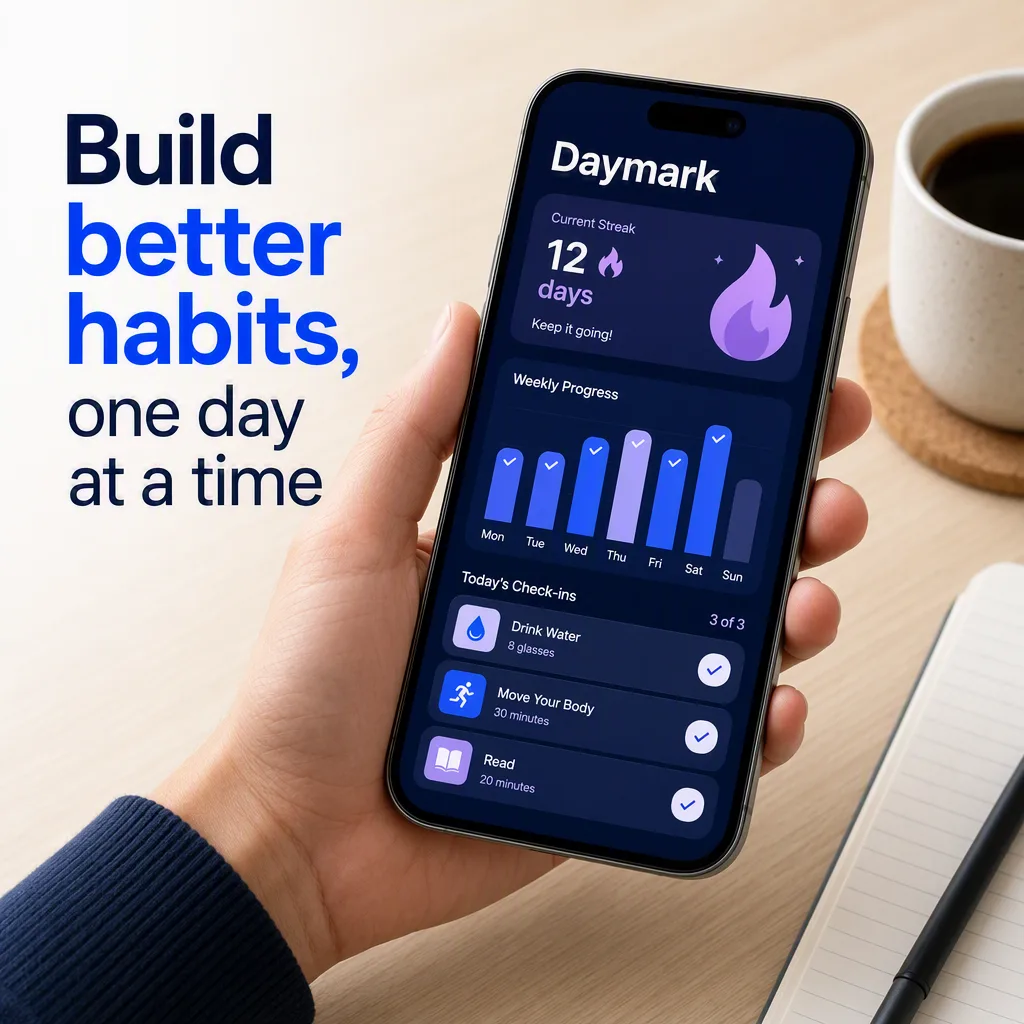
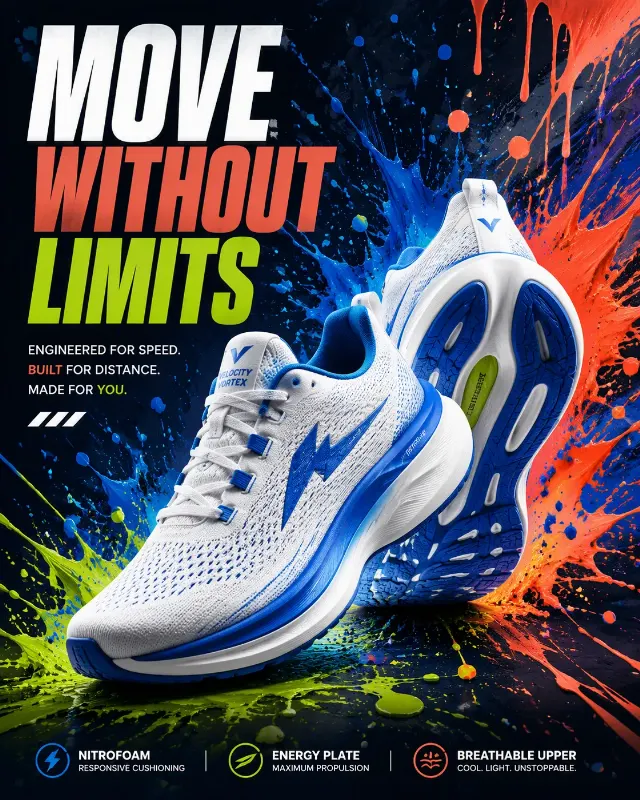
Present the App Name as a clean App Store screenshot featuring a modern smartphone held in the Phone Hand Setting. Show the App Screen Content clearly on the display, with crisp interface hierarchy, readable cards, realistic spacing, and subtle depth within the phone screen. Place the Feature Callout Text in a prominent typographic area beside or above the device, rendering it exactly as written. Use the Color Palette throughout the interface and surrounding graphic elements. Compose the image in the Format with generous margins, a clear focal point, and a polished mobile product advertising feel. Use soft directional light, realistic hand and phone proportions, controlled reflections on the glass, and sharp legible typography. Keep the background uncluttered and make the callout instantly readable at thumbnail size. Do not add extra words, badges, logos, or interface elements that compete with the supplied content.

Use these details:
App Name: "Daymark"
App Screen Content: "a habit tracking dashboard with a weekly progress chart, streak counter, and daily check-in cards"
Feature Callout Text: "Build better habits, one day at a time"
Color Palette: "deep navy, electric blue, white, and soft lavender"
Phone Hand Setting: "a natural hand holding the phone above a light wood desk beside a notebook and coffee"
Format: "1290 x 2796 pixel portrait App Store screenshot"
Using your own logo, product or face? Attach it in the chat and say which of the details it replaces.
Your result will come out close to the example rather than identical to it. Change the details to make it yours.