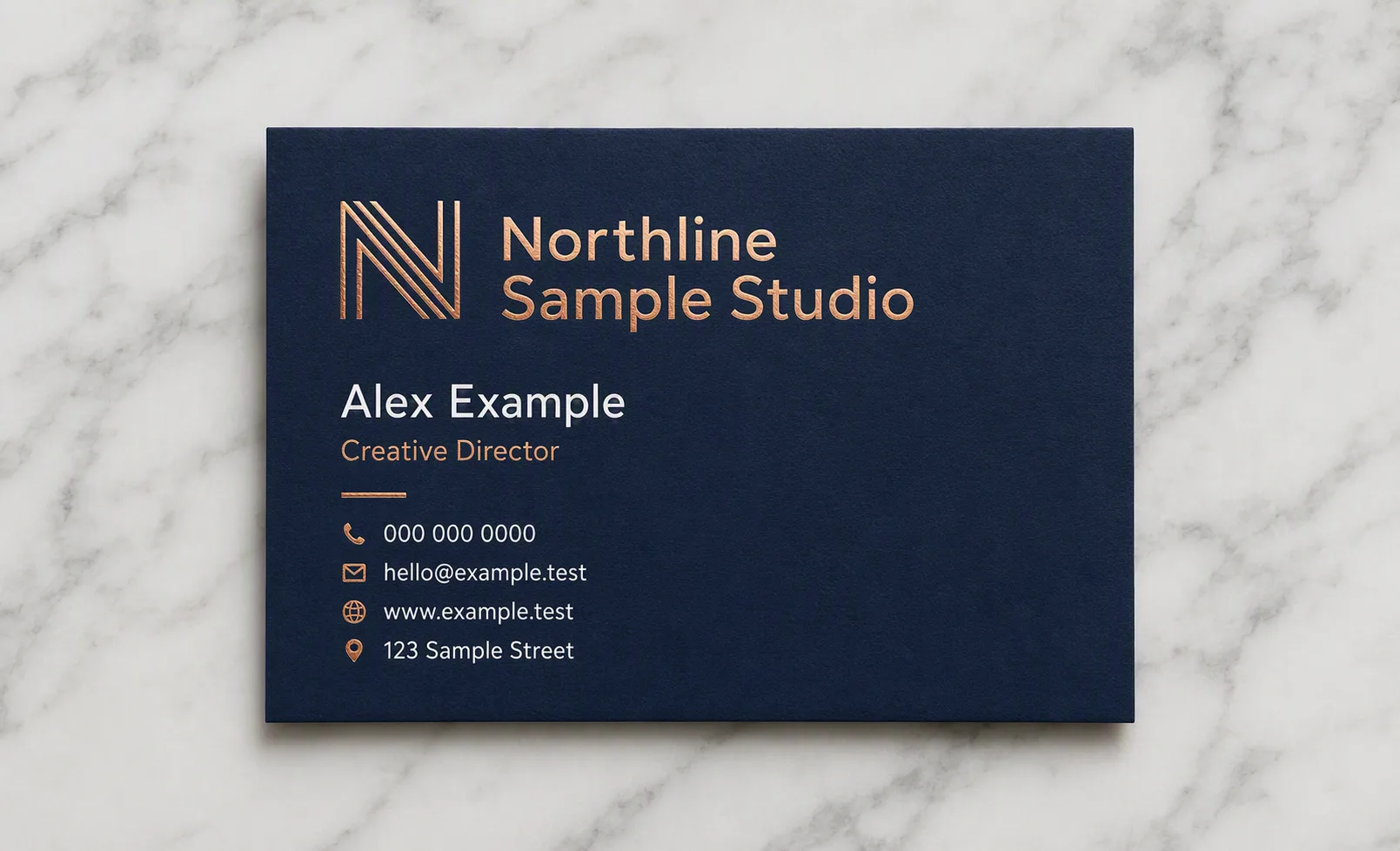
Lay out a finished business card for the Company Name in the Card Orientation, shown flat from directly overhead on the Surface. Use the Color Palette with restrained contrast and generous margins. Build a clear hierarchy: the company name or a small abstract mark based on the Company Name is largest, followed by the Person Name, then the Job Title, with the Phone Number, Email Address, Website and Street Address in the smallest consistent contact style. Render every line exactly as written, with short lines, precise spelling, clean alignment and comfortable spacing. Apply the Print Finish selectively to the logo, a small accent detail and key typographic elements so the foil catches the even studio light without overwhelming the card. Show realistic paper grain, subtle thickness and a soft contact shadow on the marble. Keep the composition uncluttered, with no props, border around the image, watermark, QR code or real brand marks.

Use these details:
Company Name: "Northline Sample Studio"
Person Name: "Alex Example"
Job Title: "Creative Director"
Phone Number: "000 000 0000"
Email Address: "hello@example.test"
Website: "www.example.test"
Street Address: "123 Sample Street"
Color Palette: "navy blue, copper and white"
Print Finish: "copper foil accents"
Card Orientation: "landscape"
Surface: "white marble"
Using your own logo, product or face? Attach it in the chat and say which of the details it replaces.
Your result will come out close to the example rather than identical to it. Change the details to make it yours.