Show the person in the Face Reference wearing the complete Costume at the Setting. Preserve the person's exact face, identity, skin tone, body type and facial features, while applying the Makeup and Hair Styling. Keep the costume fully covering, well made and believable, with coordinated accessories and realistic fabric texture. Use the Color Palette throughout the outfit and party environment. Light the scene with the Lighting, balancing colorful ambient illumination with natural phone-camera exposure and a gentle flash. Follow the Shot Type: a candid-looking full-body portrait taken by a friend at an actual Halloween event, with a relaxed retro party pose and a cheerful, nostalgic mood. Make it photorealistic, with natural skin texture, realistic proportions and slight phone-camera imperfections. Keep the person recognizable. No studio-rendered appearance, illustration, text, captions, watermarks, logos or UI overlays.

Use these details:
Face Reference: "The user's own face and identity"
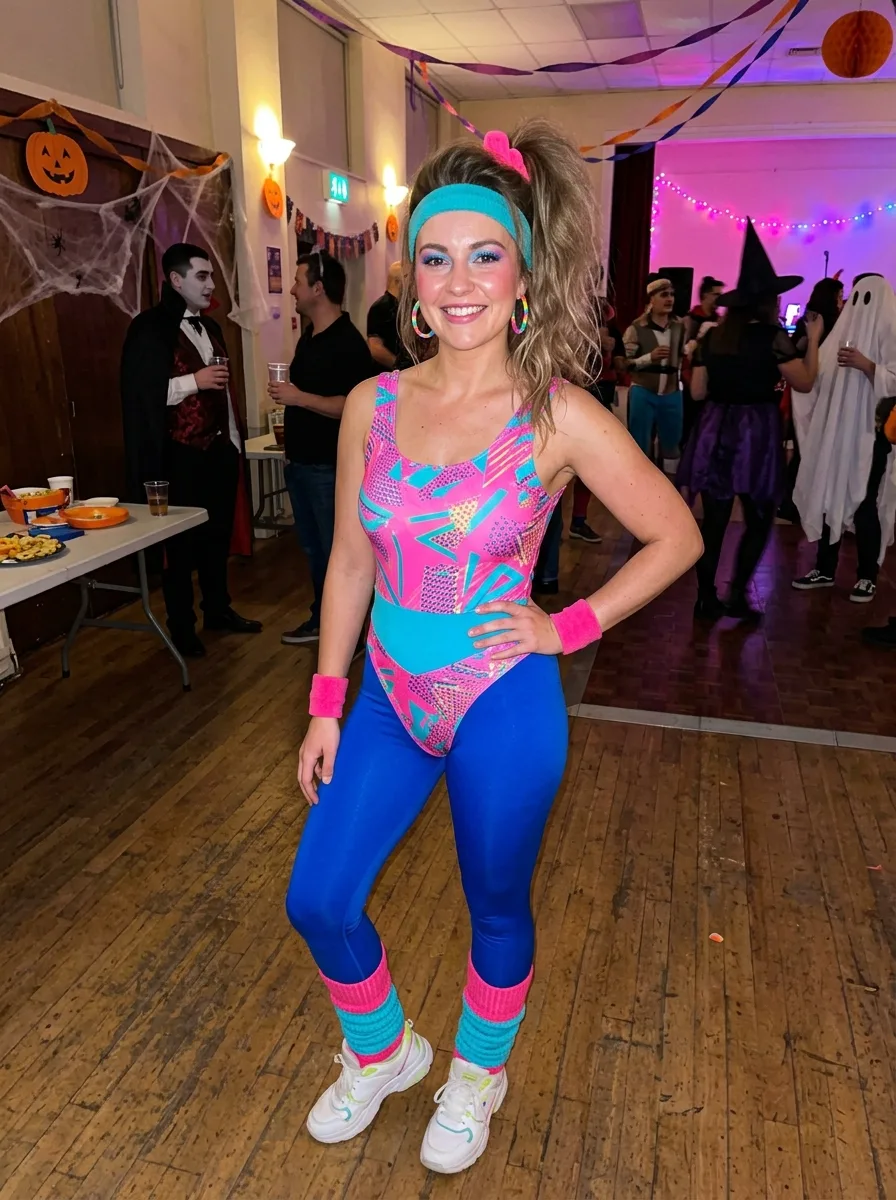
Costume: "1980s aerobics outfit with a neon pink and turquoise leotard, matching leg warmers, high-waisted leggings, sweatbands and colorful retro sneakers"
Makeup: "Bright 1980s makeup with electric blue eyeshadow, defined blush, glossy pink lips and recognizable natural facial features"
Hair Styling: "High side ponytail with a colorful scrunchie, soft teased volume and a few loose strands"
Setting: "A lively retro Halloween party in a decorated community hall with guests in generic costumes and a small dance floor"
Lighting: "Warm string lights, colorful party lights and a subtle on-camera phone flash"
Shot Type: "Full-body vertical 9:16 posed photo taken by a friend"
Color Palette: "Neon pink, turquoise, electric blue, purple and bright white"
Using your own logo, product or face? Attach it in the chat and say which of the details it replaces.
Your result will come out close to the example rather than identical to it. Change the details to make it yours.