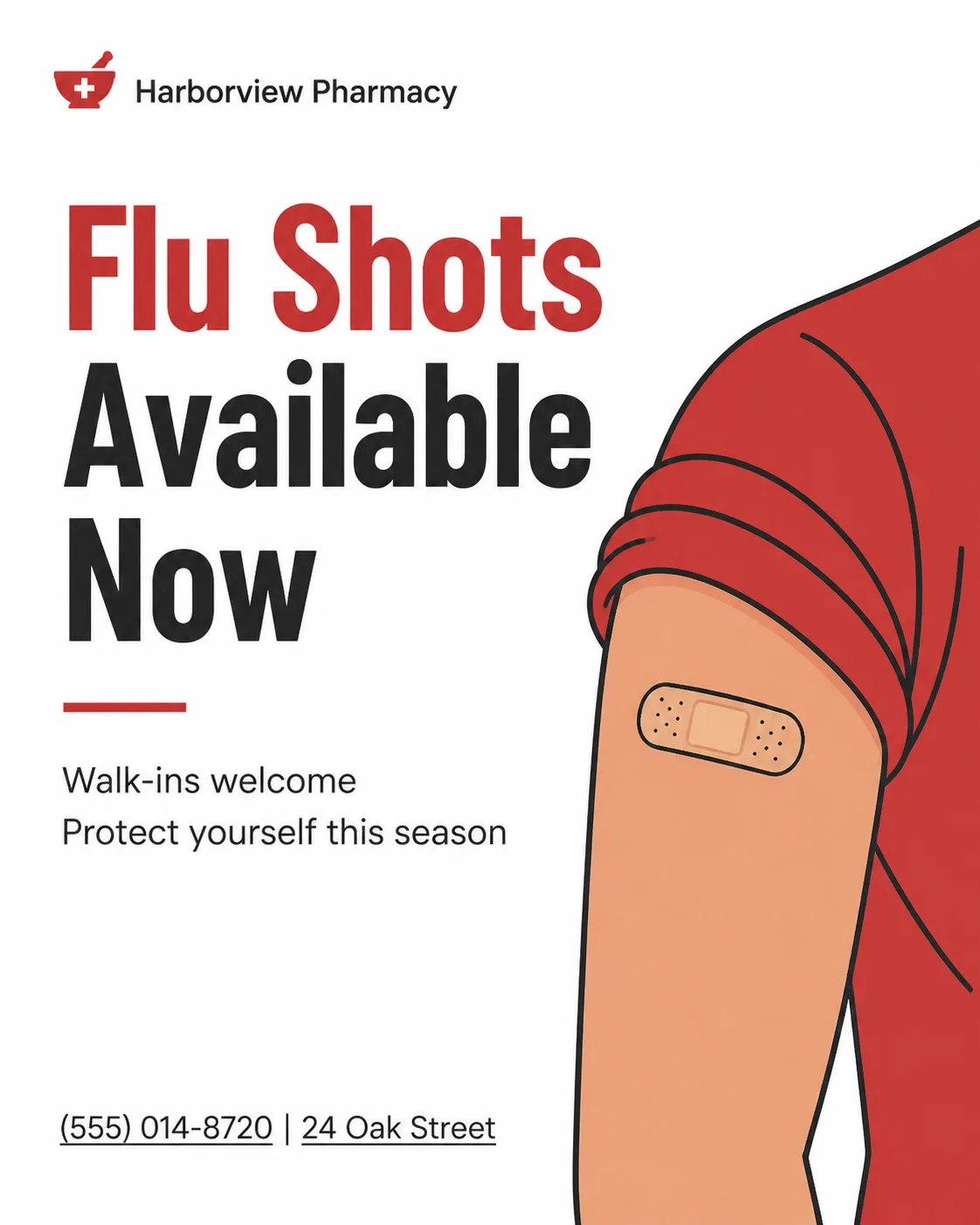
Build a 4:5 portrait Instagram post in the Format for a small neighborhood pharmacy. Use the Photo Subject Or Hero Object as a simple flat illustration, with clean geometric shapes, confident outlines and a warm, approachable feel. Set it within a generous white layout using the Color Palette, with a restrained red accent and no decorative circles, rings, gradients, glow, lens flares or 3D effects. Establish a clear type hierarchy: render the Headline as the dominant text, place the Supporting Text beneath it as no more than two short lines, and show the Business Name small exactly once. Include the Contact Details near the bottom as plain underlined text rather than a button. Use a practical editorial grid, generous margins and balanced asymmetry. Keep every text element correctly spelled, fully legible and comfortably away from the edges. The finished design should feel like it was made by a skilled human designer for a real pharmacy.

Use these details:
Business Name: "Harborview Pharmacy"
Headline: "Flu Shots Available Now"
Supporting Text: ["Walk-ins welcome", "Protect yourself this season"]
Photo Subject Or Hero Object: "Flat illustration of a rolled-up shirt sleeve with a small adhesive bandage at the injection site"
Color Palette: "Clean white, pharmacy red and soft charcoal"
Contact Details: "(555) 014-8720 | 24 Oak Street"
Format: "4:5 portrait Instagram post"
Using your own logo, product or face? Attach it in the chat and say which of the details it replaces.
Your result will come out close to the example rather than identical to it. Change the details to make it yours.