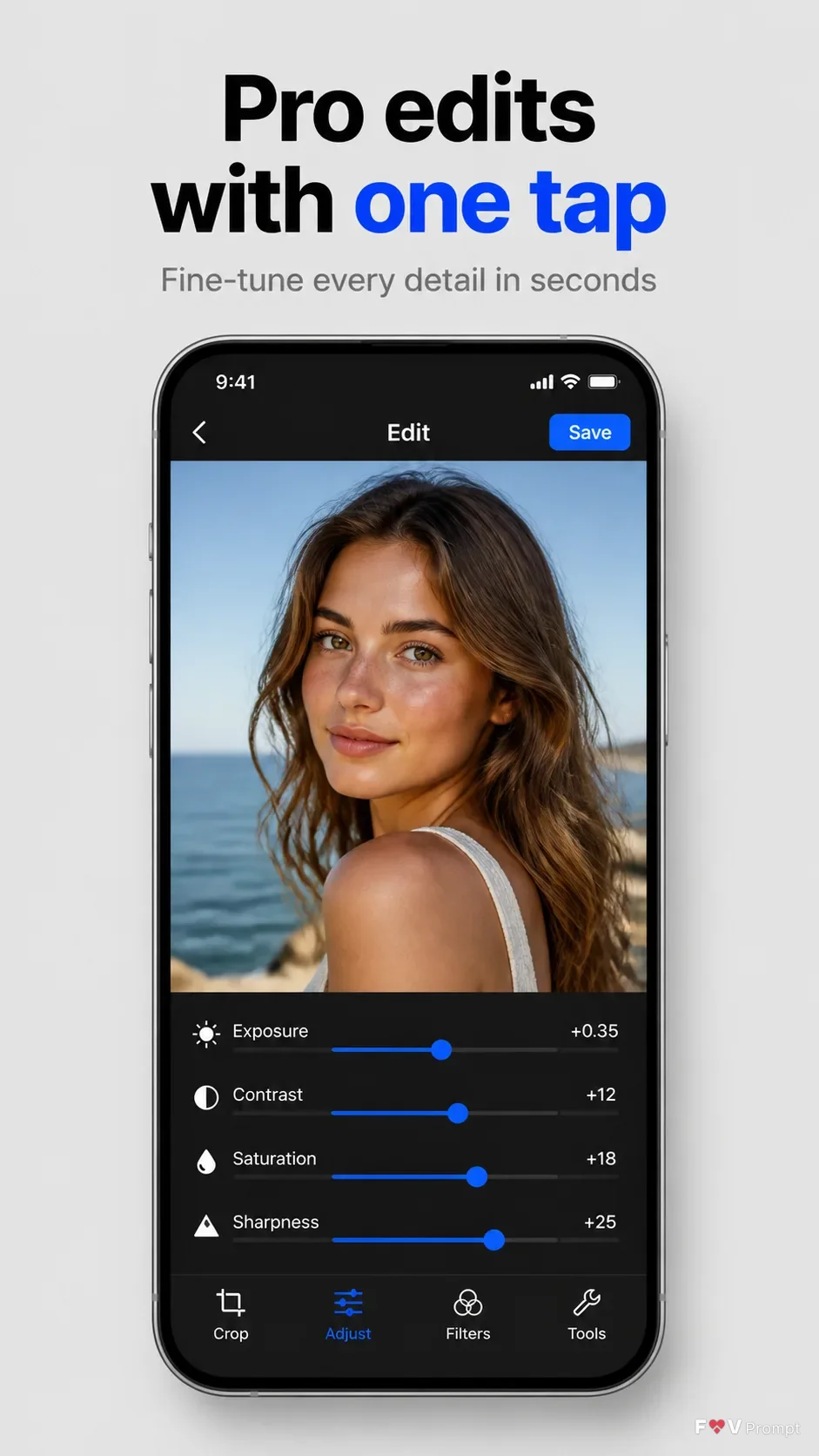
Present a single App Store listing screenshot in a vertical 9:16 format. Set the Background Color as a clean, uncluttered backdrop with a subtle studio finish. At the top, place the Headline in large, bold, clean sans serif type, using no more than two lines and rendering it exactly as written. Add the Subline beneath it in smaller, highly legible type. Below the copy, show a generic modern smartphone with thin bezels, no brand logo, and the Device Angle. Give it a soft realistic shadow and comfortable margins from every edge. If App Icon is provided, use it exactly in a small, restrained app identity area. Place App Screenshots inside the phone screen exactly as provided; otherwise create a believable photo editing interface based on Screen Content, with a sharp image preview, clean controls, sensible values, and a 9:41 status bar. Use Brand Color for the interface accents and controls. Keep every UI label correctly spelled and legible. Use no glow, sparkles, lens flares, glass effects, badges, ratings, reviews, watermarks, or store logos.

Use these details:
App Name: "Luma Edit"
Headline: "Pro edits with one tap"
Subline: "Fine-tune every detail in seconds"
Brand Color: "cobalt blue"
Screen Content: "photo editing interface with a portrait preview, exposure, contrast, saturation, and sharpness sliders"
Device Angle: "straight-on front view"
App Screenshots: ["No screenshot provided; design the screen content"]
App Icon: "No icon provided"
Background Color: "light gray"
Using your own logo, product or face? Attach it in the chat and say which of the details it replaces.
Your result will come out close to the example rather than identical to it. Change the details to make it yours.