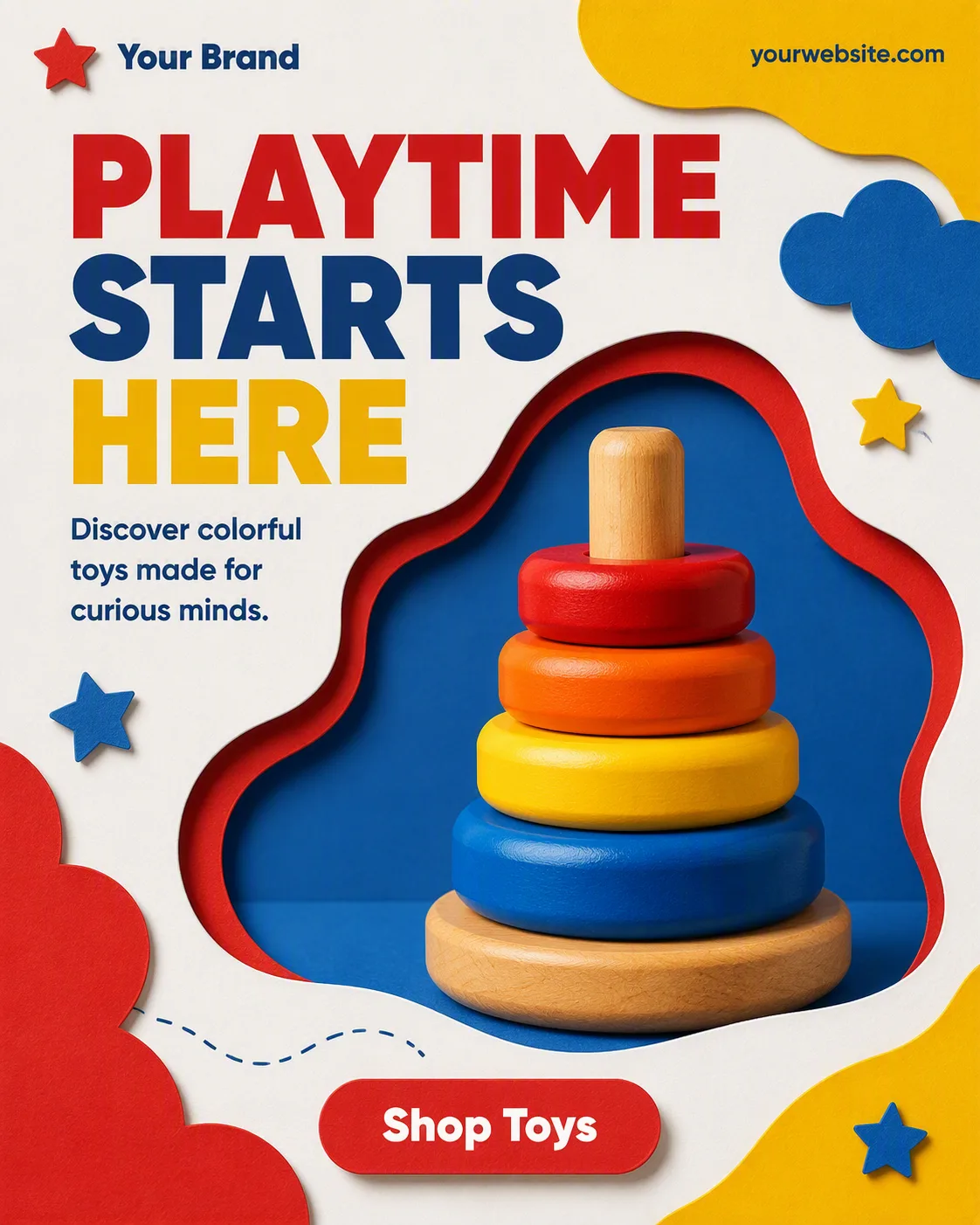
Build one single, full-frame social media post in the Format using the Visual Style. Arrange stacked paper layers into a clear central composition, with the Photo Inside The Frame placed in a defined rounded or organic cutout shape at the center. Use the Color Palette across the paper layers, background, accents and highlighted words, keeping two main colors dominant with white for breathing room and one accent color for emphasis.

Set the Headline as the largest element in a heavy geometric sans-serif, limited to two to four words. Place the Supporting Line in smaller, highly legible type near it. Include the Brand Name and Website Or Handle along the top or bottom edge in small type, with generous margins. Add only one pill-shaped CTA button containing the Call To Action Button Text. Use subtle paper edges, layered shadows and carefully aligned cutout contours to create tactile depth without clutter. Keep all text correctly spelled and readable at phone size, using no more than two typefaces. Show no device mockup, extra posts, real logos, watermarks or border.

Use these details:
Headline: "Playtime Starts Here"
Supporting Line: "Discover colorful toys made for curious minds."
Brand Name: "Your Brand"
Website Or Handle: "yourwebsite.com"
Call To Action Button Text: "Shop Toys"
Photo Inside The Frame: "a colorful wooden stacking toy"
Color Palette: "bright primary red, yellow, blue and white"
Visual Style: "layered paper cutout collage with stacked colored paper shapes"
Format: "4:5 portrait"
Using your own logo, product or face? Attach it in the chat and say which of the details it replaces.
Your result will come out close to the example rather than identical to it. Change the details to make it yours.