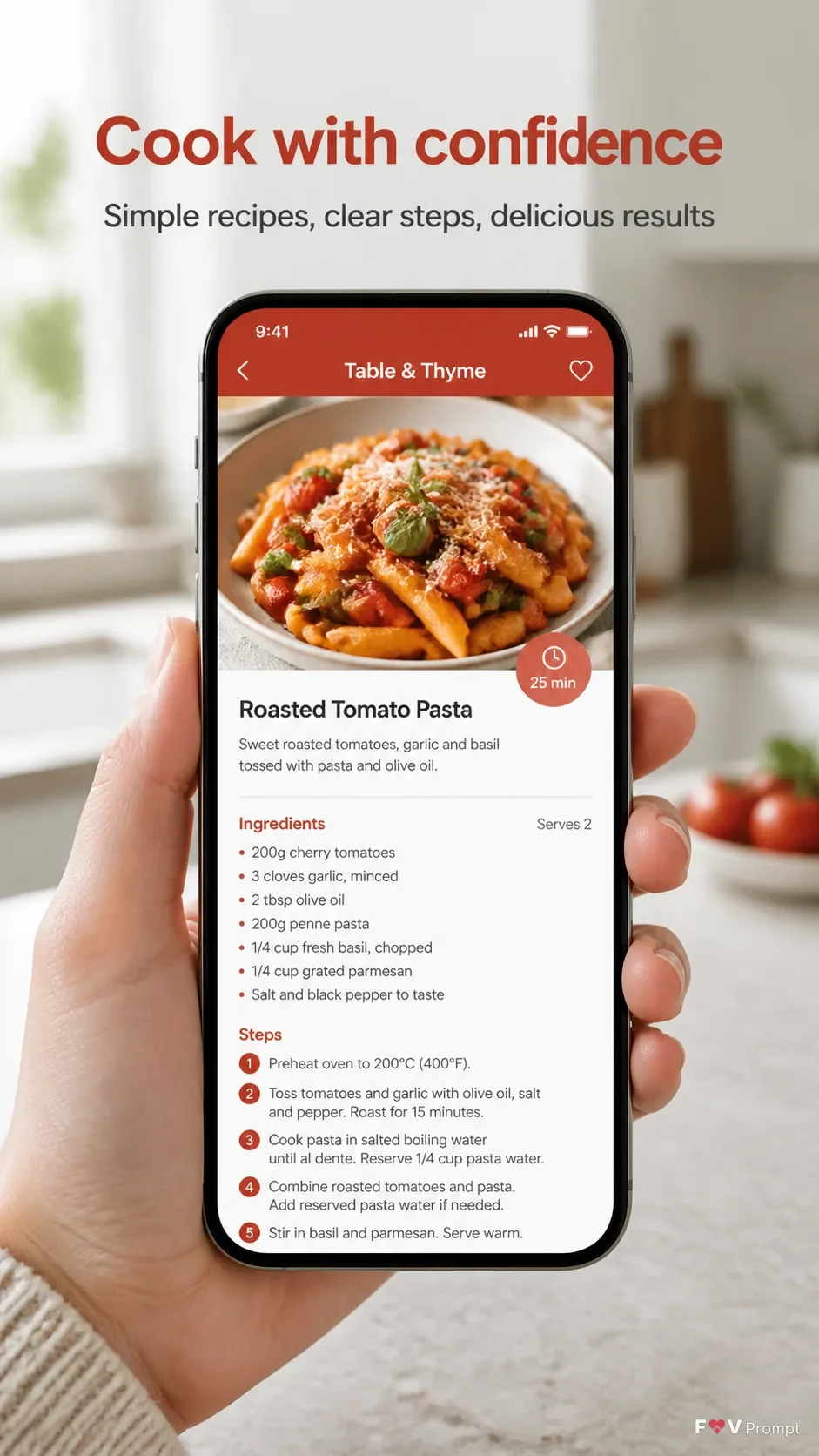
Build one professionally designed App Store or Google Play screenshot in the Format. Show a real hand holding a generic modern smartphone in the Background Setting, with thin bezels, no brand logo and a soft realistic shadow. Follow the Device Angle, keeping the phone and screen sharp and readable while the kitchen falls into a natural shallow depth of field. Place the Headline at the top in large, bold, clean sans serif type, on no more than two lines, rendered exactly as written. Add the Subline beneath it in smaller legible type. Make the phone the main element below the text, with comfortable margins around every edge. Inside the screen, create a believable modern recipe app interface using the Screen Content, sensible layout, generic names and correctly spelled text. Use the Brand Color consistently in the interface and supporting graphic elements. Include a 9:41 status bar. Use natural light, realistic skin and hand detail, crisp typography and a calm food-photography presentation. Avoid star ratings, reviews, store badges, watermarks, glow, sparkles, lens flares, glassmorphism and unnecessary decorative elements.

Use these details:
App Name: "Table & Thyme"
Headline: "Cook with confidence"
Subline: "Simple recipes, clear steps, delicious results"
Brand Color: "warm tomato red"
Screen Content: "A recipe detail screen for roasted tomato pasta, with a large food photo, 25-minute cooking time, ingredient list and numbered preparation steps"
Device Angle: "straight-on, held naturally in one hand"
Background Setting: "a bright home kitchen with a pale stone countertop, softly blurred cabinets and natural window light"
Format: "vertical 9:16"
Using your own logo, product or face? Attach it in the chat and say which of the details it replaces.
Your result will come out close to the example rather than identical to it. Change the details to make it yours.