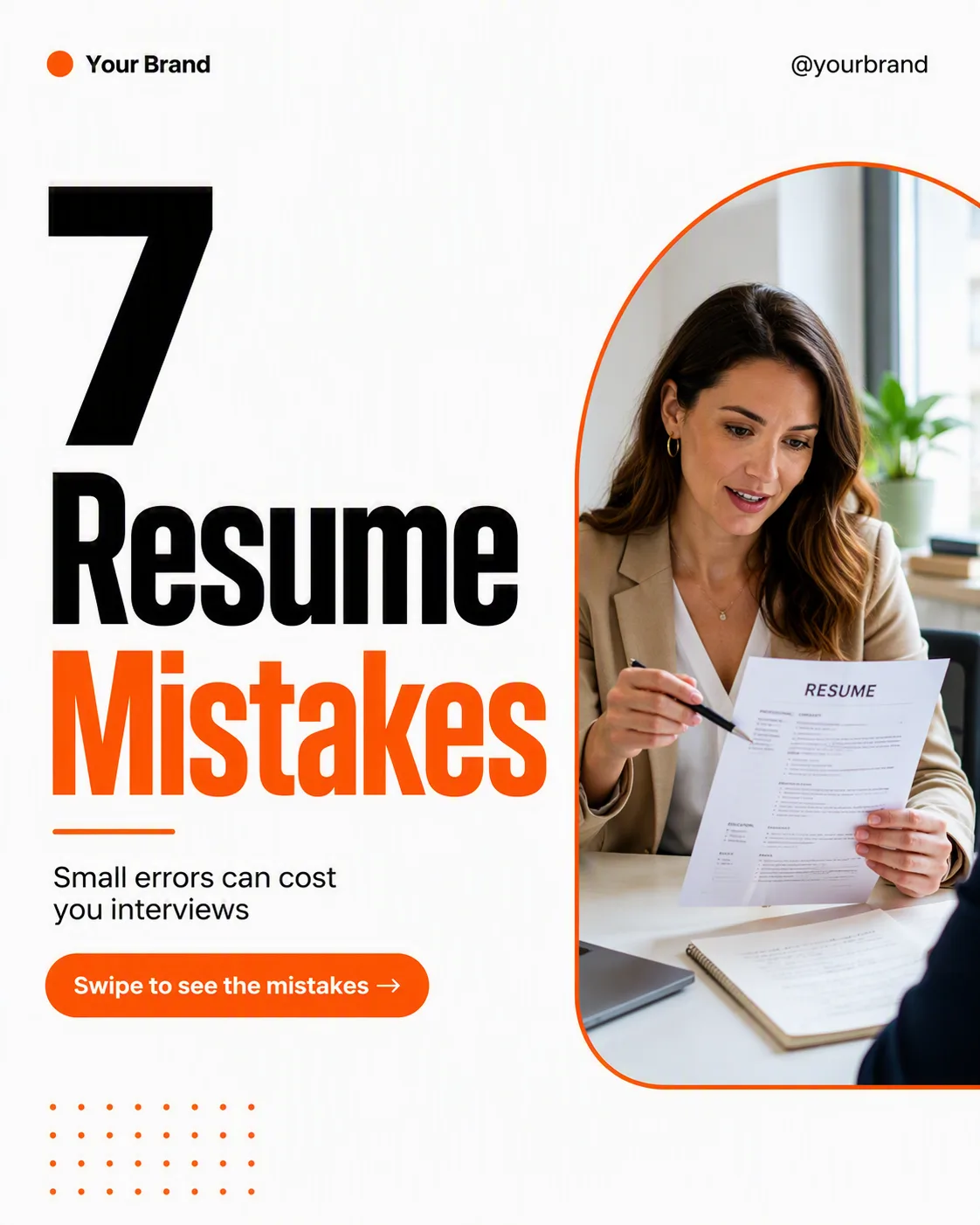
Build one single social media carousel cover post, shown flat and full-frame in the Format. Use the Color Palette with a clean, confident editorial layout and generous margins. Make the Headline the dominant element, rendered exactly as written in a heavy geometric sans-serif, with a short line break if needed. Place the Photo Inside the Frame in one defined rounded rectangle or organic arch, showing a naturally lit real person in a credible career setting. Keep the Short Supporting Line small and grouped near the headline. Place the Brand Name and Website Or Handle along the top or bottom edge in small type. Add only one CTA element: a compact pill or arrow cue containing the CTA Button Text. Use a clear grid, strong alignment and one accent treatment for highlighted headline text. Add minimal decorative lines or dots without crowding the copy. Use no more than two typefaces. Ensure every character is correctly spelled and legible at phone size. No mockup device, extra posts, watermarks, real logos or border.

Use these details:
Headline: "7 Resume Mistakes"
Short Supporting Line: "Small errors can cost you interviews"
Brand Name: "Your Brand"
Website Or Handle: "@yourbrand"
CTA Button Text: "Swipe to see the mistakes →"
Photo Inside the Frame: "career coach reviewing a resume at a bright desk"
Color Palette: "white, vivid orange and black"
Format: "4:5 portrait LinkedIn post"
Using your own logo, product or face? Attach it in the chat and say which of the details it replaces.
Your result will come out close to the example rather than identical to it. Change the details to make it yours.