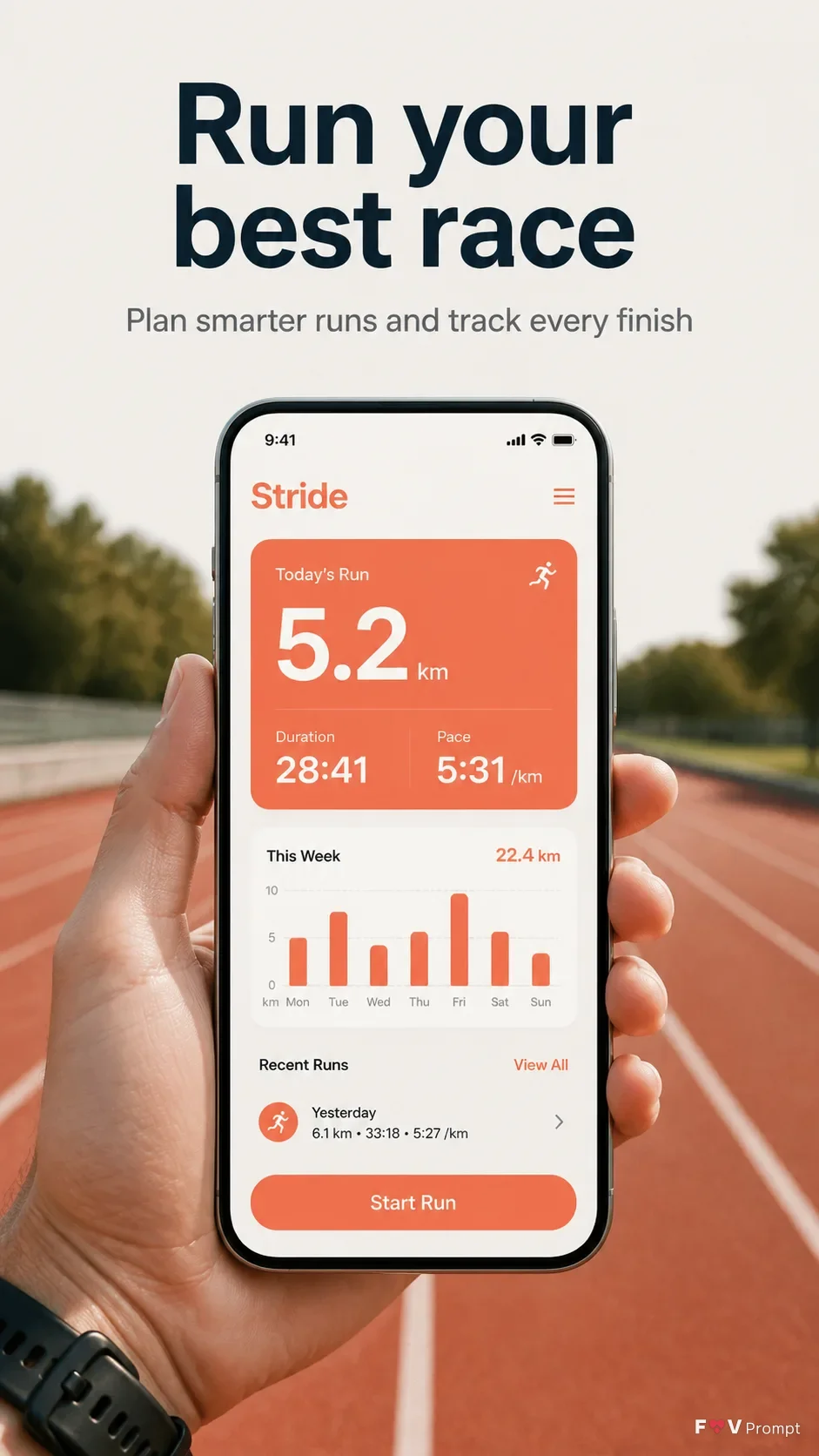
Create one professionally designed App Store screenshot in a vertical 9:16 format. Place the exact headline "Headline" at the top in large, bold, clean sans serif type, no more than two lines, with the optional subline "Subline" directly beneath it. Keep comfortable margins around every element. Below the text, show a generic modern smartphone with thin bezels, no brand logo, and a soft realistic shadow. Position it "Device Angle" in the real hand of a runner on an outdoor running track, captured as a natural-light lifestyle photograph. Keep the phone screen sharp and readable while the track and background fall into gentle natural depth of field. If "App Screenshots" or "App Icon" are provided, use them exactly inside the design. Otherwise, create a believable running app interface using "Screen Content", with a 9:41 status bar, sensible readable text, and clean components. Use "Brand Color" consistently in the app UI and background, with a restrained soft two-tone treatment. No glow, sparkles, lens flares, glassmorphism, gibberish, watermarks, ratings, reviews, store badges, or other brand logos.

Use these details:
App Name: "Stride"
Headline: "Run your best race"
Subline: "Plan smarter runs and track every finish"
Brand Color: "electric coral"
Screen Content: "Stride running dashboard showing a 5.2 km run, 28:41 duration, 5:31 per km pace, weekly distance chart, and a Start Run button"
Device Angle: "straight-on front-facing"
App Screenshots: "No screenshots provided"
App Icon: "No icon provided"
Using your own logo, product or face? Attach it in the chat and say which of the details it replaces.
Your result will come out close to the example rather than identical to it. Change the details to make it yours.