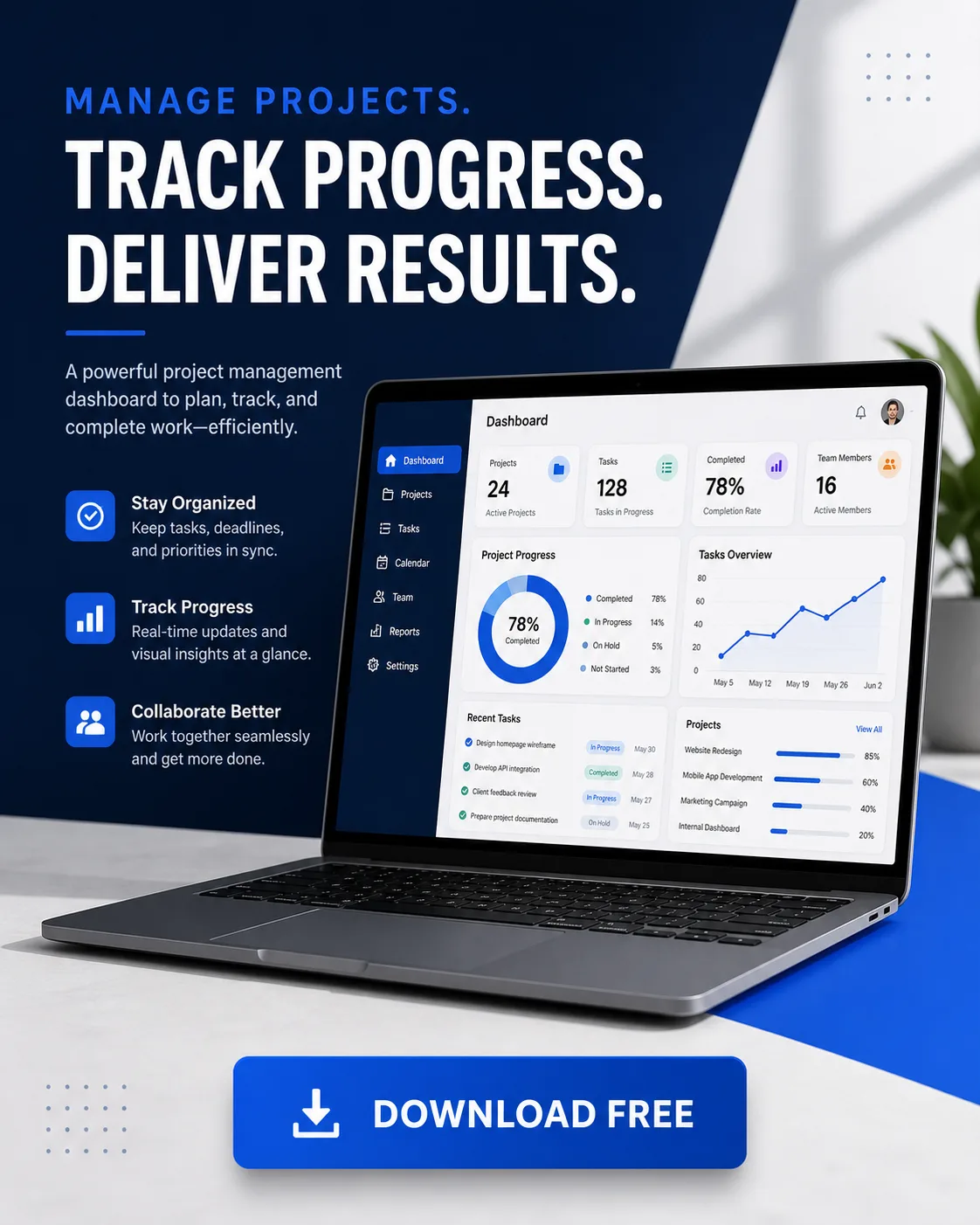
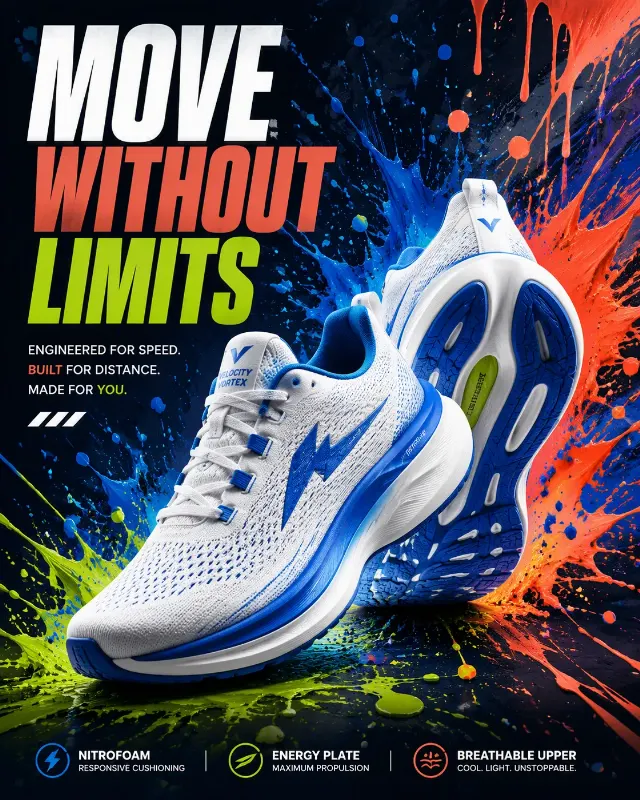
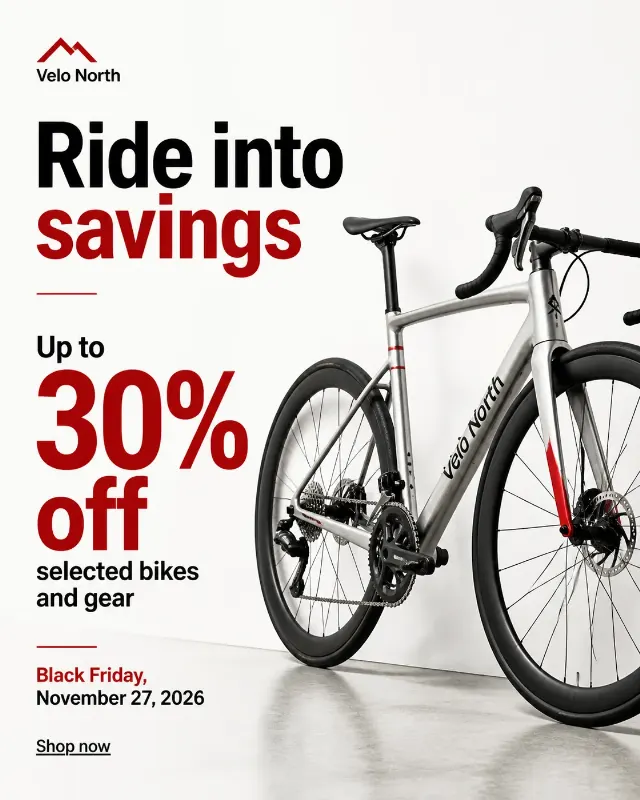
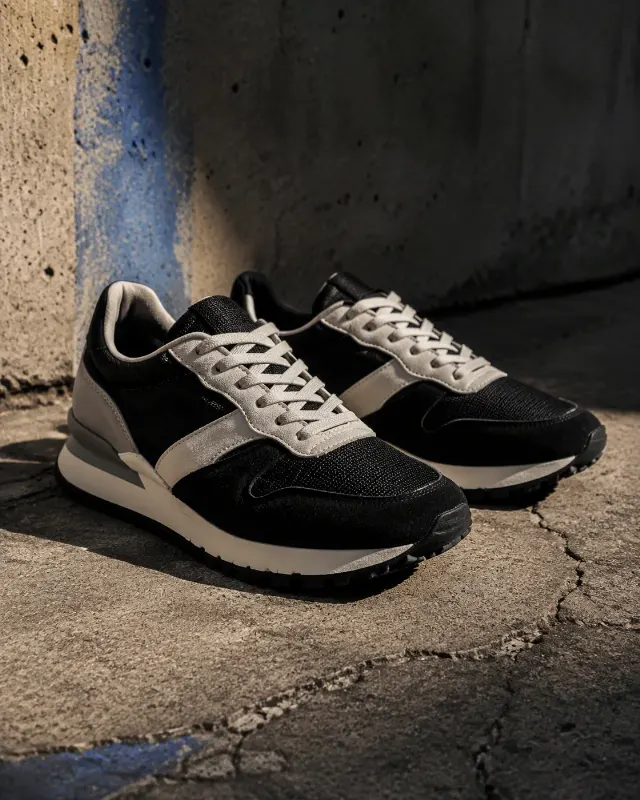
Stage an open laptop at a slight three-quarter angle on a clean studio surface, with the App Interface Mockup clearly visible on its screen. Build the composition as a SaaS advertising post with generous negative space, crisp geometric structure, and a subtle depth effect behind the laptop. Add the Button Text as a prominent, perfectly legible call-to-action button near the lower portion of the design. Use the Color Palette throughout the interface, background, accents, and typography. Keep the interface sharp and readable, with realistic screen reflections that do not obscure the content. Use soft directional studio lighting, controlled shadows, and restrained product photography styling. Render all lettering accurately, with no extra logos or invented text. Compose the design in the Format.

Use these details:
App Interface Mockup: "A project management dashboard with a left navigation bar, task cards, progress charts, and a clean analytics panel"
Button Text: "DOWNLOAD FREE"
Color Palette: "deep navy, cobalt blue, white, and soft gray"
Format: "4:5 vertical social media post"
Using your own logo, product or face? Attach it in the chat and say which of the details it replaces.
Your result will come out close to the example rather than identical to it. Change the details to make it yours.