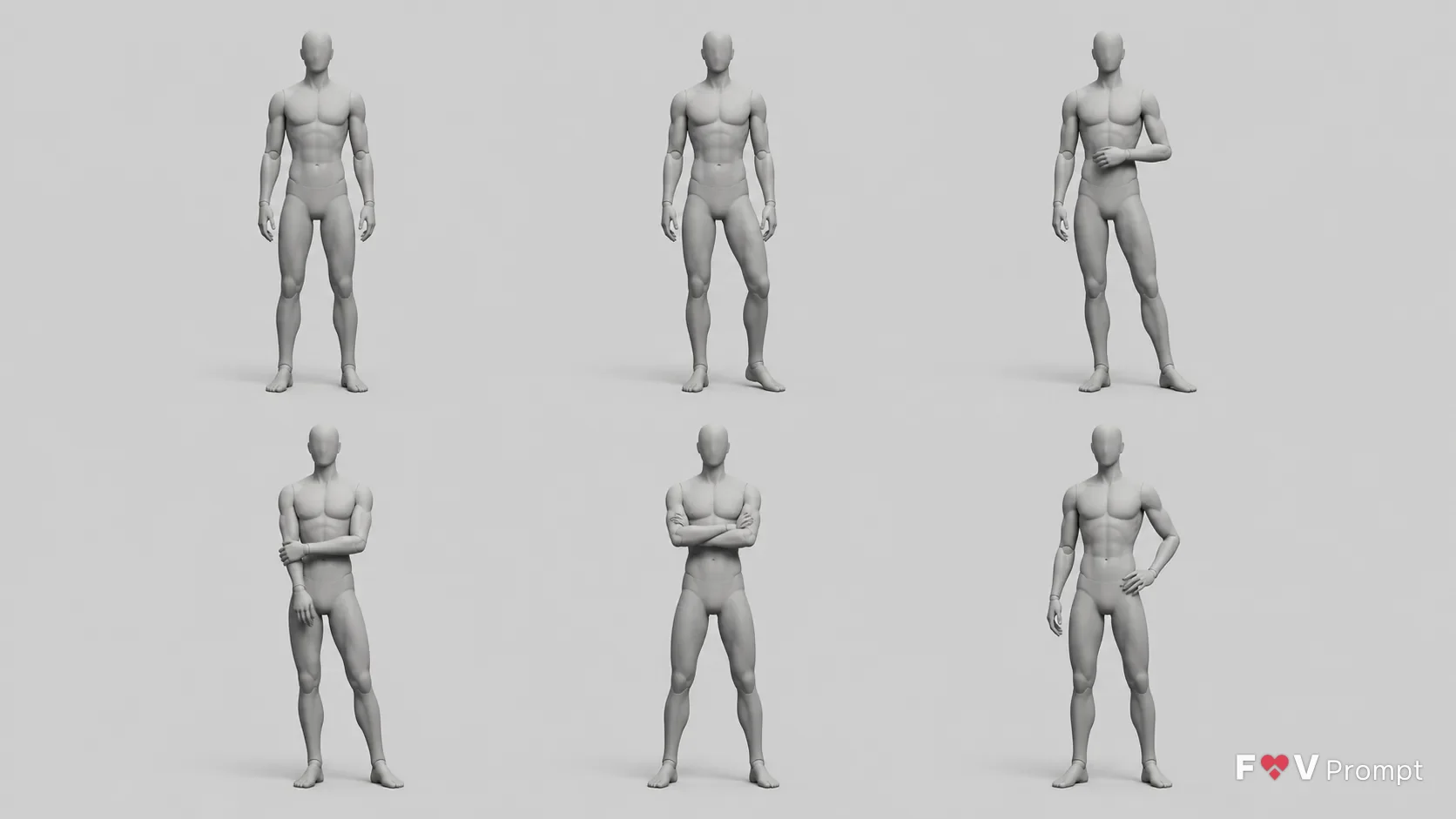
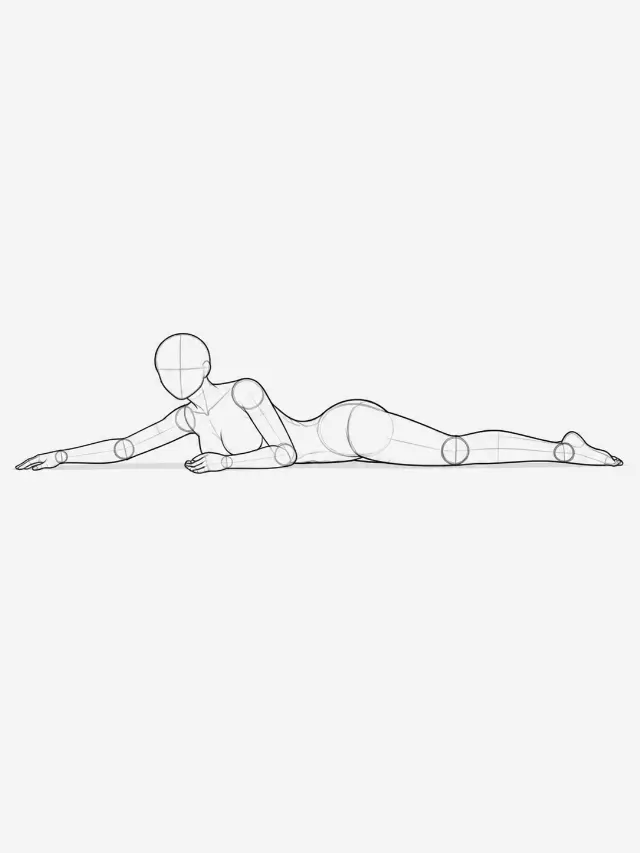
Arrange the Number Of Figures Figure Gender figure in a clean pose reference sheet showing the full Pose Set from the View Angle. Repeat the same figure at the same scale in two rows of three, with even spacing and comfortable margins so every pose is clearly separated. Use the Render Style: a featureless artist mannequin with no face, hair, clothing, nipples or genitals, simple segmented joints at the neck, shoulders, elbows, wrists, hips, knees and ankles, correct proportions, clearly formed hands with five fingers and feet with five toes. Use Props only if specified, rendered as simple shapes in a slightly darker gray. Keep the plain light gray seamless background, soft studio lighting from above and a gentle contact shadow beneath each figure. Show believable balance, natural joint angles and clear weight shifts. Render in the Format. Include no text, labels, numbers, arrows, watermarks or logos.

Use these details:
Pose Set: ["Standing upright with weight evenly distributed, arms relaxed at the sides", "Weight shifted onto the left leg, right knee slightly bent, arms relaxed", "Weight shifted onto the right leg, left foot turned slightly outward, one arm bent loosely", "One hand resting near the opposite forearm, with the torso relaxed and weight on one leg", "Both arms gently folded in front of the torso, feet apart with a relaxed stance", "One arm hanging naturally while the other hand rests near the hip, with a subtle hip shift"]
View Angle: "Front view"
Number Of Figures: "One"
Figure Gender: "Male"
Props: "None"
Render Style: "Smooth matte gray, untextured clay-render mannequin"
Format: "16:9 landscape"
Using your own logo, product or face? Attach it in the chat and say which of the details it replaces.
Your result will come out close to the example rather than identical to it. Change the details to make it yours.