Turn the hair styling tool in the attached photo into a refined beauty product advertisement. Keep the product exactly as it appears in the photo, including its shape, proportions, materials, colors, buttons, barrel, cord and every visible detail. If no photo is attached, use the Hair Styling Tool described below.

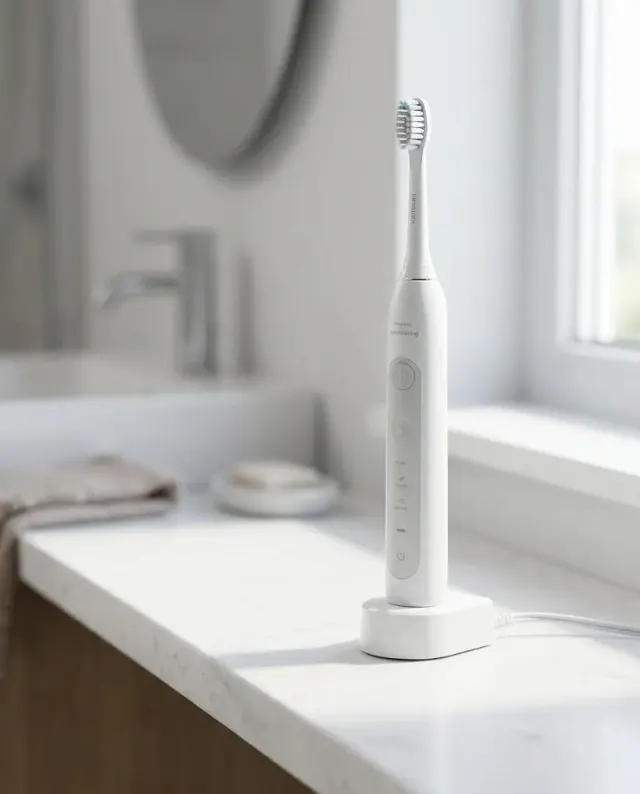
Place the product on the Vanity Setting with a carefully arranged composition and generous clean space around it. Use the Color Palette throughout the scene, with soft pink-tinted illumination, diffused highlights and gentle shadows that reveal the product's form without harsh reflections. Include subtle vanity details in the background while keeping the tool as the unmistakable focal point. Shoot from a slightly elevated three-quarter angle with a 70mm product-photography look, crisp focus on the tool and a softly blurred background. Keep the styling uncluttered, with realistic materials, controlled reflections and a beauty campaign finish. Do not add logos, labels or advertising text that are not visible in the reference photo. Compose the image in the Format.

Use these details:
Hair Styling Tool: "matte white ceramic curling wand with a rose gold barrel"
Vanity Setting: "white marble vanity with a round mirror, folded blush towel and a small glass tray"
Color Palette: "soft blush pink, warm white and subtle rose gold"
Format: "4:5 vertical product advertisement"
Using your own logo, product or face? Attach it in the chat and say which of the details it replaces.
Your result will come out close to the example rather than identical to it. Change the details to make it yours.