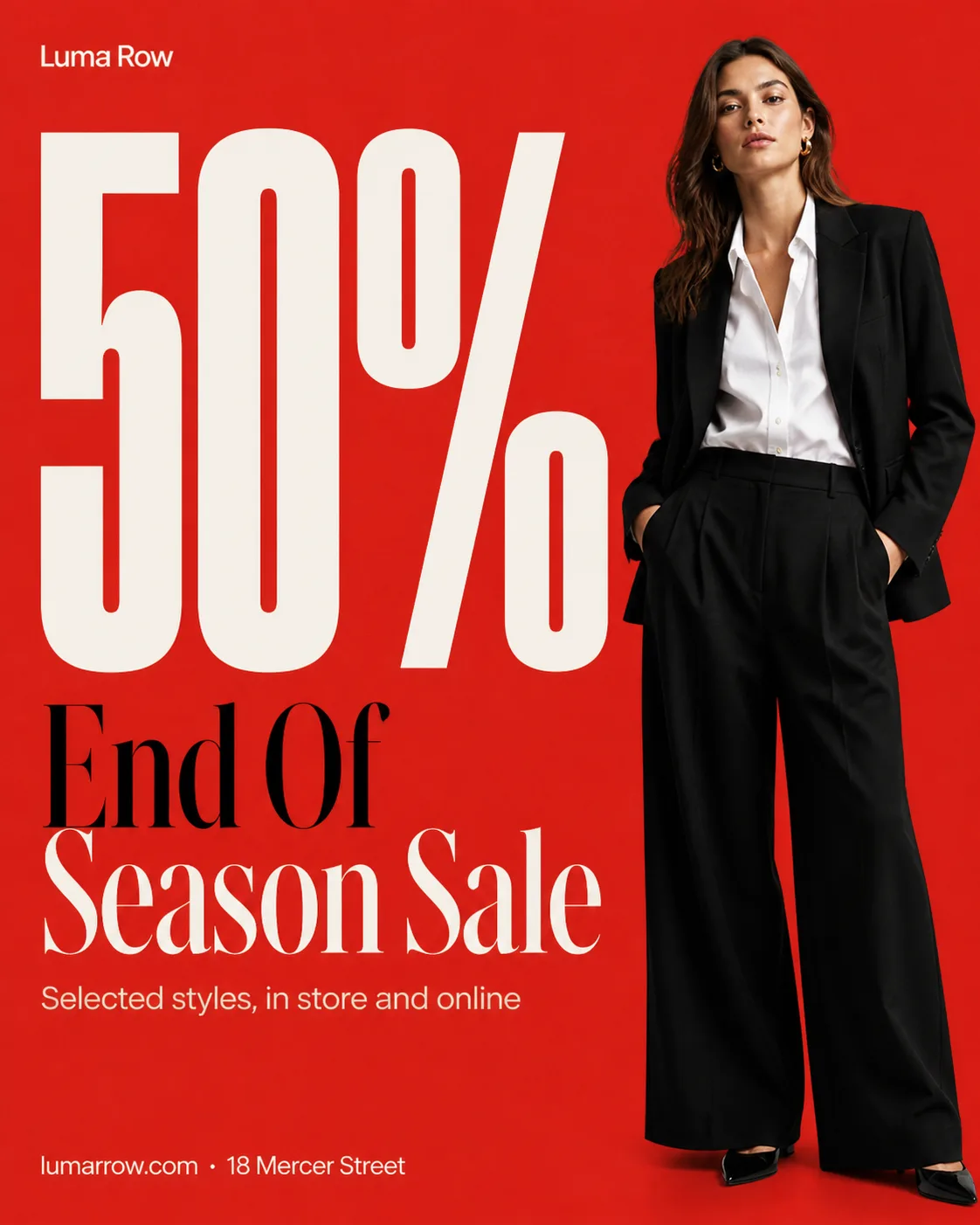
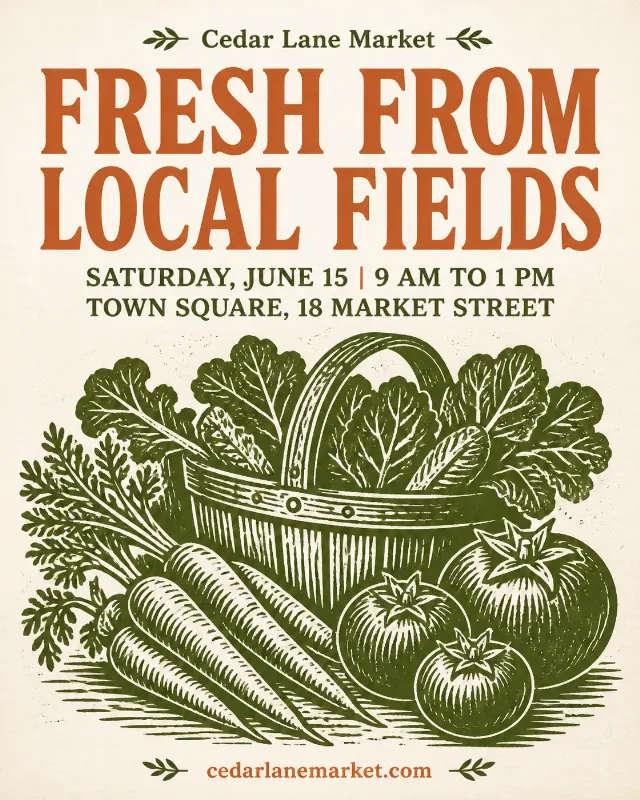
Build a fashion boutique sale Instagram post in the Format, using the Color Palette and Background. Feature the Photo Subject as a realistic editorial photograph cleanly cut out from its original setting, with natural fabric detail and a confident, relaxed pose. Make the Discount Numeral enormous and dominant, cropped slightly if needed while keeping every character fully legible. Place the Headline beneath or beside it in a strong contrasting typeface, with the Supporting Text as one short secondary line. Use a clear grid, generous white space, sharp alignment, and a restrained mix of bold sans serif type with one refined fashion display style. Add the Business Name small once, plus the Contact Details in a quiet footer. Render all text exactly as written, with correct spelling and safe margins. Use flat color and subtle print grain only, no decorative circles, badges, buttons, glow, gradients, fake logos, or watermarks.

Use these details:
Business Name: "Luma Row"
Headline: "End Of Season Sale"
Discount Numeral: "50%"
Supporting Text: "Selected styles, in store and online"
Photo Subject: "A fashion model wearing a tailored black blazer, white shirt, and wide-leg trousers"
Color Palette: "tomato red, black, white, and warm cream"
Background: "solid tomato red"
Contact Details: "lumarrow.com · 18 Mercer Street"
Format: "4:5 portrait Instagram post"
Using your own logo, product or face? Attach it in the chat and say which of the details it replaces.
Your result will come out close to the example rather than identical to it. Change the details to make it yours.