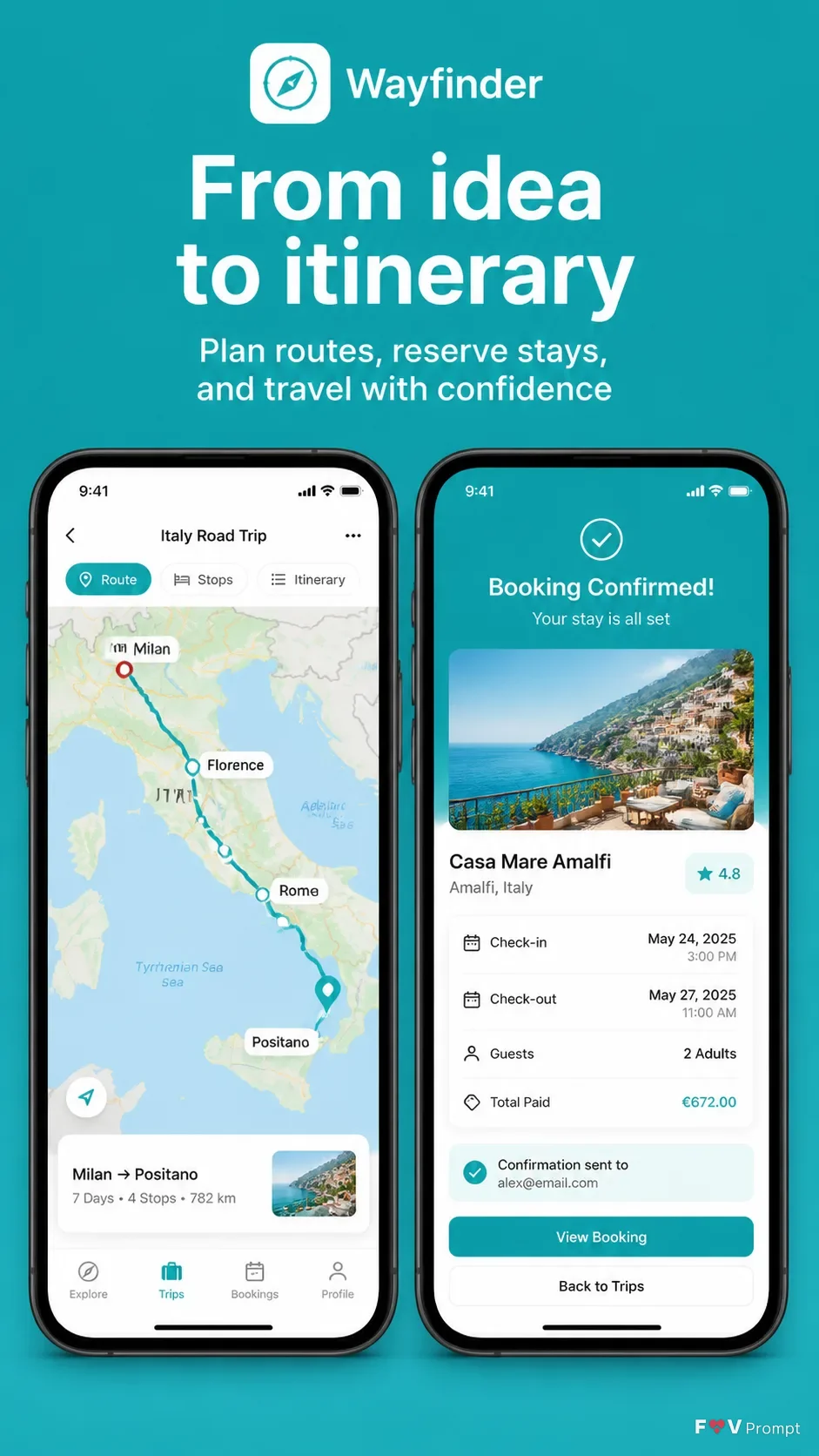
Design one professionally made App Store or Google Play screenshot in a vertical 9:16 format. Place the App Name subtly within the app presentation, with the Headline at the top in large, bold, clean sans serif type, rendered exactly as written and kept to one or two lines. Add the Subline beneath it in smaller, highly legible type. Below the text, show two generic modern smartphones with thin bezels, no logos, soft realistic shadows, and the Device Angle. One phone displays the Screen Content as a believable travel map with a highlighted route; the other shows a clear booking confirmation. Use the App Screenshots as the exact screen content when supplied, without redrawing them. Otherwise create realistic, legible interfaces with a 9:41 status bar, sensible travel details, and the App Icon used where appropriate. Use the Brand Color for the background and UI accents. Keep generous margins, sharp screens, balanced spacing, and no store badges, ratings, reviews, watermarks, glow, sparkles, or gibberish text.

Use these details:
App Name: "Wayfinder"
Headline: "From idea to itinerary"
Subline: "Plan routes, reserve stays, and travel with confidence"
Brand Color: "Turquoise"
Screen Content: "A travel map with a highlighted route and a hotel booking confirmation"
Device Angle: "Straight-on, side by side"
App Screenshots: ["Travel map screen and hotel booking screen"]
App Icon: "Turquoise compass icon"
Using your own logo, product or face? Attach it in the chat and say which of the details it replaces.
Your result will come out close to the example rather than identical to it. Change the details to make it yours.