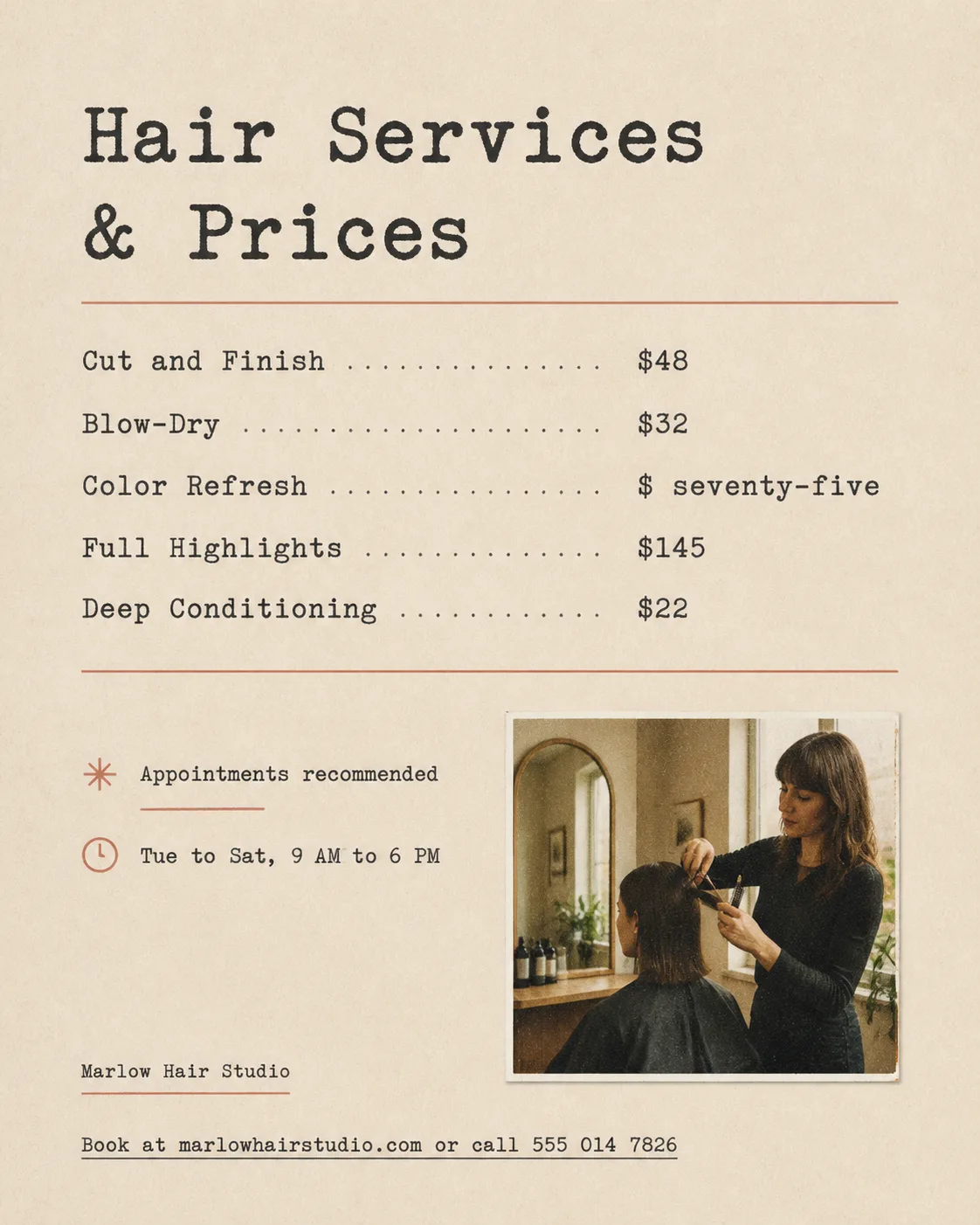
Lay out a hair salon price list in the Format on the Paper Background, with a quiet editorial feel inspired by a well-made printed menu. Use the Color Palette across the page with generous white space and a clear real grid. Set the Headline in a convincing typewriter-style serif, then arrange every item from the Service List in a neat typewriter-style list with aligned service names and prices. Render the Headline, Service List and Supporting Text exactly as written, with correct spelling and strong size hierarchy. Add a small rectangular film photograph of the Photo Subject, with natural salon light, visible grain and slightly imperfect printed edges. Place the Business Name small once near the footer. Set the Contact Details as plain underlined text at the bottom, not inside a button. Keep all text comfortably inside the edges. No decorative circles, badges, gradients, glow, fake logos or watermarks.

Use these details:
Business Name: "Marlow Hair Studio"
Headline: "Hair Services & Prices"
Service List: ["Cut and Finish $48", "Blow-Dry $32", "Color Refresh $ seventy-five", "Full Highlights $145", "Deep Conditioning $22"]
Supporting Text: ["Appointments recommended", "Tue to Sat, 9 AM to 6 PM"]
Photo Subject: "A stylist trimming a client's hair beside a salon mirror"
Color Palette: "warm beige, charcoal black and muted terracotta"
Contact Details: "Book at marlowhairstudio.com or call 555 014 7826"
Paper Background: "warm beige uncoated paper with subtle grain"
Format: "4:5 portrait Instagram post"
Using your own logo, product or face? Attach it in the chat and say which of the details it replaces.
Your result will come out close to the example rather than identical to it. Change the details to make it yours.