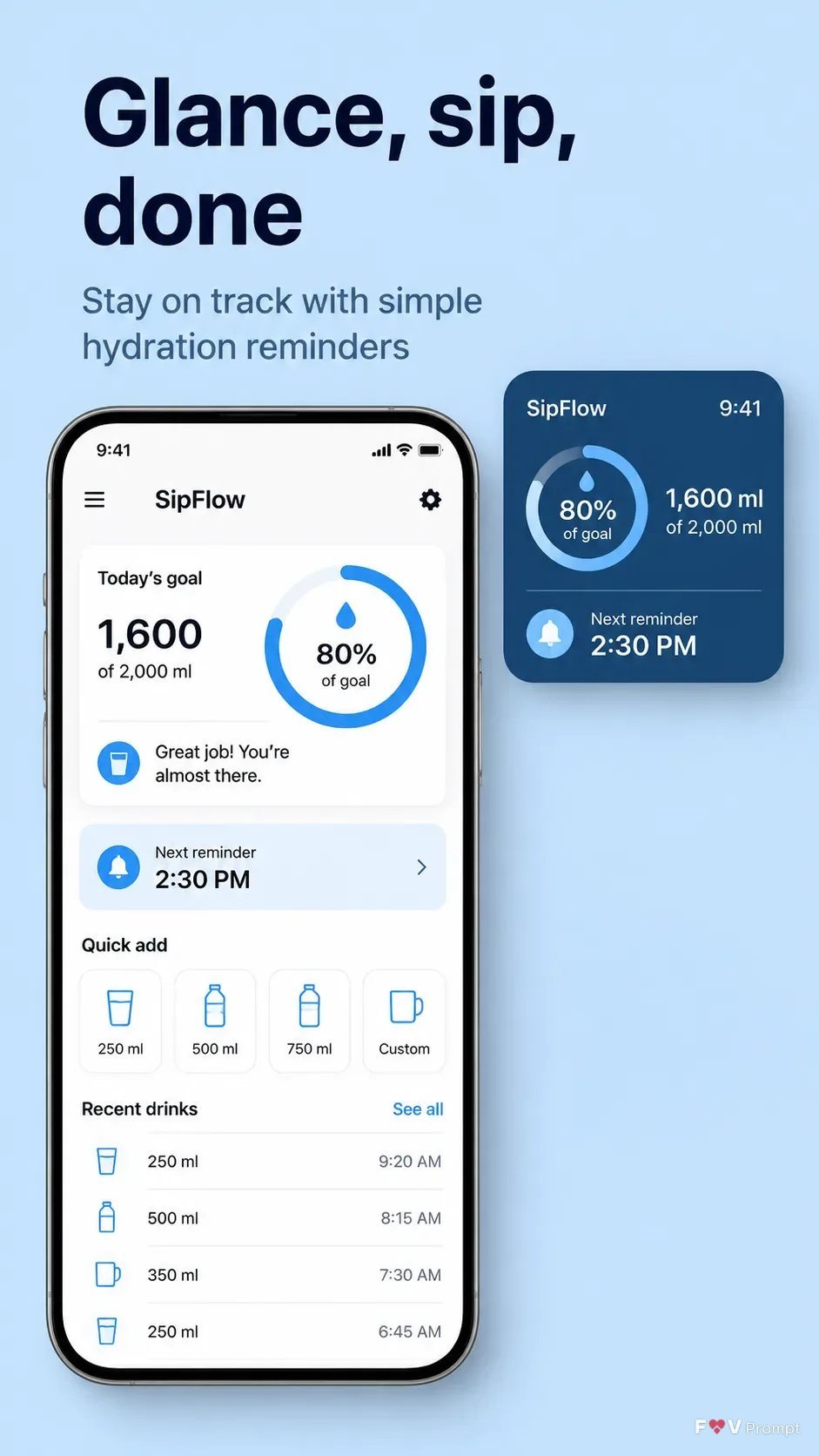
Design one professionally made App Store or Google Play screenshot in a vertical 9:16 format. Place the Headline at the top in large, bold, clean sans serif type, exactly as written, on no more than two lines. Add the Subline beneath it with smaller, highly legible type. Use the Brand Color as a solid light background, keeping the layout calm and spacious.

Below the text, place a generic modern smartphone with thin bezels, no brand logos, and a soft realistic shadow. Use the Device Angle for the phone orientation. Show the Screen Content inside the display as a believable water reminder app interface for the App Name, with clean components, sensible numbers, sharp readable text, and a 9:41 status bar. Include an enlarged lock screen widget beside or above the phone as a floating crop of the same UI, with a soft shadow and clear hydration progress details.

If User Attached Screenshots are provided, place them inside the phone screen exactly as supplied without redrawing them. If User Attached Icon is provided, use it exactly in the app interface. Otherwise create a coherent generic UI. Keep the phone and widget within comfortable margins. Use accurate spelling, no gibberish, no glow, no sparkles, no lens flares, no glassmorphism, no ratings, reviews, badges, download counts, watermarks, or platform logos.

Use these details:
App Name: "SipFlow"
Headline: "Glance, sip, done"
Subline: "Stay on track with simple hydration reminders"
Brand Color: "light blue"
Screen Content: "Water reminder dashboard with a daily hydration goal, progress ring, next reminder time, and recent drink entries"
Device Angle: "straight-on front view"
User Attached Screenshots: ["None provided"]
User Attached Icon: "None provided"
Using your own logo, product or face? Attach it in the chat and say which of the details it replaces.
Your result will come out close to the example rather than identical to it. Change the details to make it yours.