Turn the Face Source into a realistic Halloween costume photo, changing only the outfit, hair styling, makeup and setting. Dress the woman in the Costume and apply the Makeup while keeping her recognizable and fully covered. Use the Hair Styling, place her in the Setting, and light the scene according to the Lighting. Follow the Shot Type for a natural phone photograph taken by a friend at an actual Halloween event. Make the bandages look convincingly aged and layered, with realistic fabric texture and believable shadows. Keep the mood spooky but fun, with natural skin texture and authentic low-light imperfections. No gore, blood, nudity, transparent fabric, sexual posing, text, logos, watermarks or UI overlays.

Use these details:
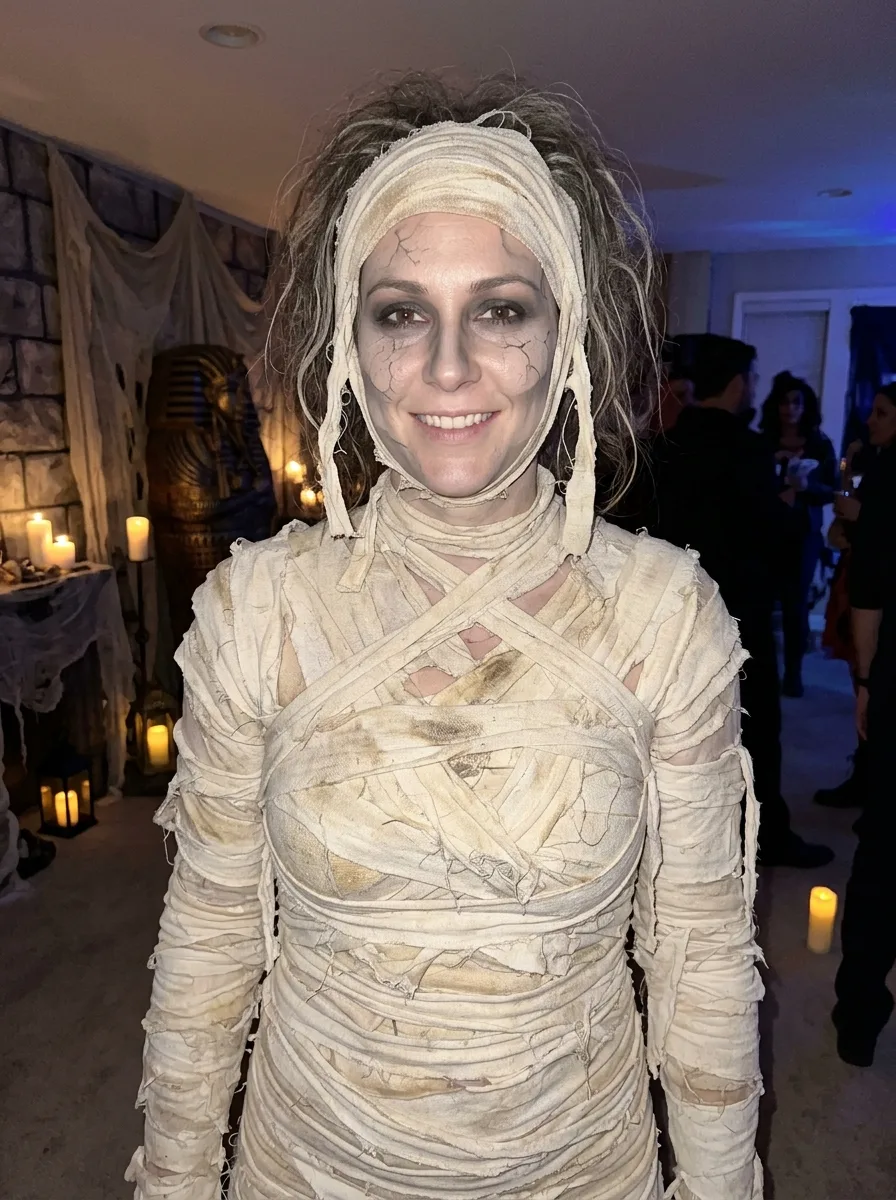
Costume: "A complete mummy costume made from layered, aged ivory bandages, with wrapped sleeves, covered torso and matching distressed boots"
Makeup: "Subtle cracked-stone face makeup, smoky eyes, muted gray contouring and a few carefully placed bandage marks, keeping the face recognizable"
Hair Styling: "Messy, loosely textured hair with a few strands escaping around the bandages"
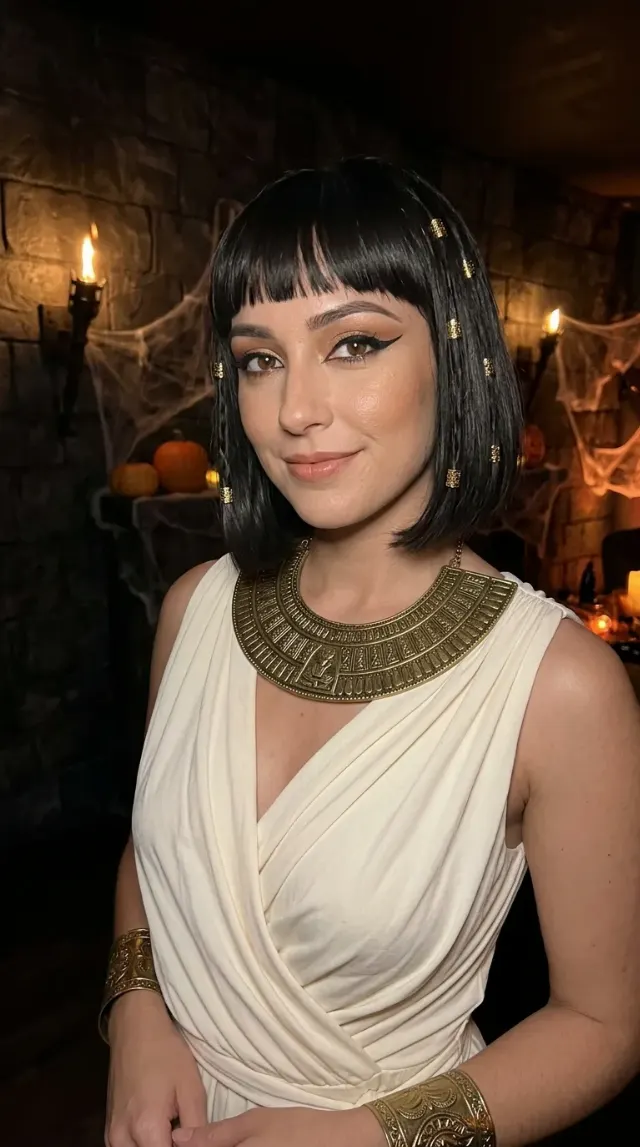
Setting: "A dim tomb-themed Halloween party room with faux stone walls, sarcophagi, dusty fabric, candles and scattered lanterns"
Lighting: "Warm flickering candlelight mixed with faint cool blue light from the room, with a gentle phone flash illuminating the face"
Shot Type: "Vertical waist-up posed photo taken by a friend"
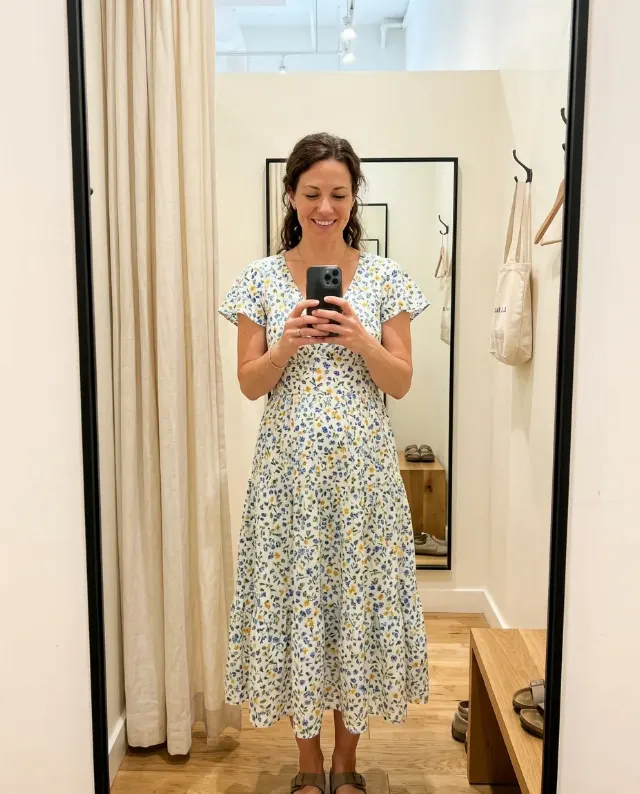
Face Source: "Use the user's attached photo for the face, preserving the exact identity, skin tone, body type and facial features; if no photo is provided, invent an adult woman with clearly adult features"
Using your own logo, product or face? Attach it in the chat and say which of the details it replaces.
Your result will come out close to the example rather than identical to it. Change the details to make it yours.