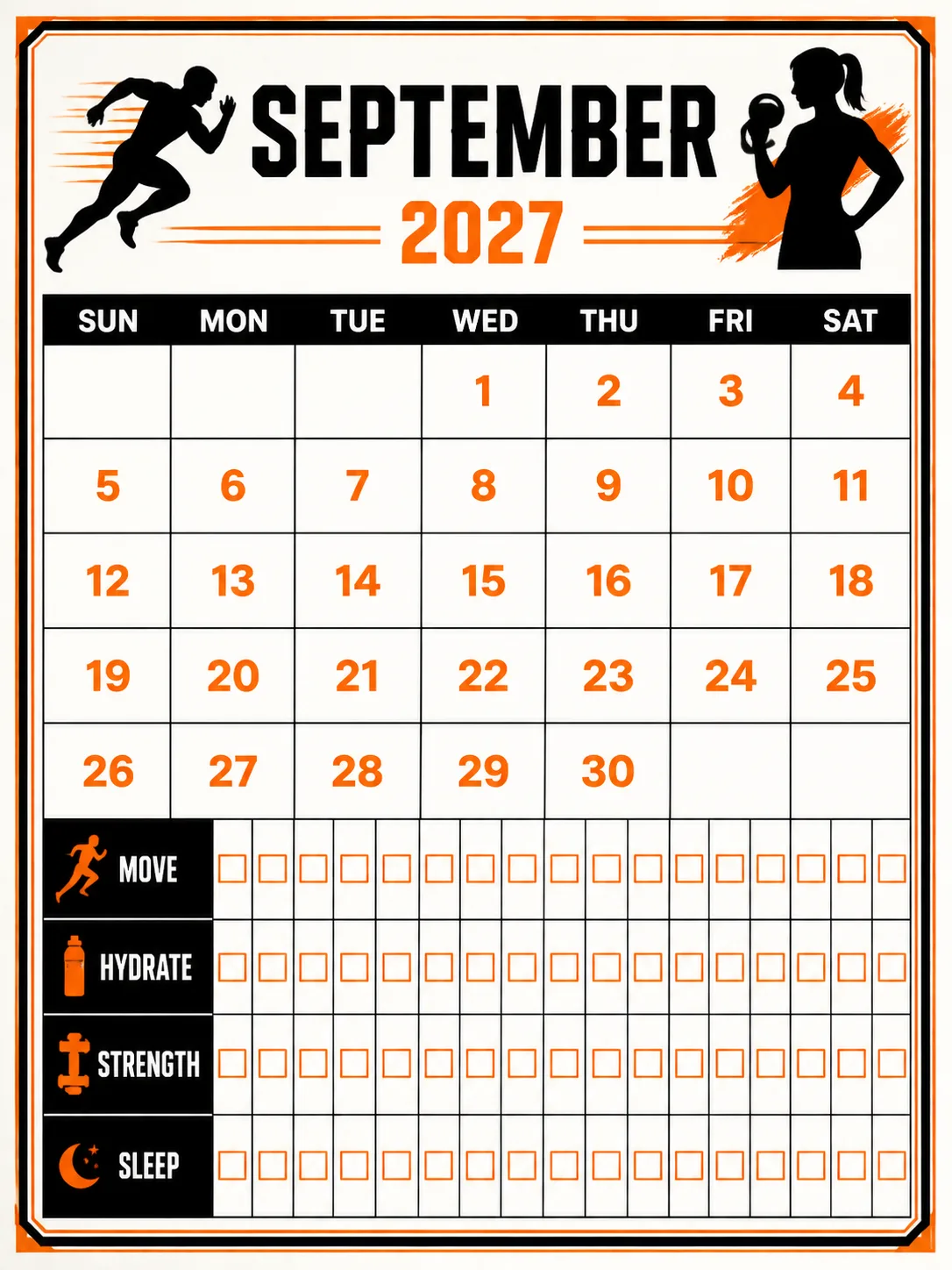
Set the Year and Month as a printable fitness habit tracker in the Format. Use the Art Theme and Color Palette to create a bold black and orange checkbox grid with a clean, front-facing flat layout. Place the month title and year at the top, followed by a clear monthly date grid and habit rows using the Custom Labels. Give the artwork and grid generous margins, crisp numerals, evenly spaced columns and fully legible text. Use only English and only the month name, year, weekday labels, date numbers and short Custom Labels. Start weeks on the Week Start Day.

Validate the dates exactly: 2027 is not a leap year. The first days of its months are January Friday, February Monday, March Monday, April Thursday, May Saturday, June Tuesday, July Thursday, August Sunday, September Wednesday, October Friday, November Monday and December Wednesday. The month lengths are 31, 28, 31, 30, 31, 30, 31, 31, 30, 31, 30 and 31. September has 30 days, with September 1 on Wednesday and September 30 on Thursday. Place every date in the correct weekday column, using Sun, Mon, Tue, Wed, Thu, Fri and Sat. Make each checkbox distinct and easy to mark. Render the design as printed on quality paper with subtle tactile ink or paper texture, without random sparkles, glowing orbs, lens flares, holidays, logos, watermarks or long text.

Use these details:
Year: "2027"
Month: "September"
Week Start Day: "Sunday"
Art Theme: "Bold fitness habit tracking with athletic checkbox motifs"
Color Palette: "Black, vivid orange and warm white"
Format: "3:4 portrait printable page"
Custom Labels: ["Move", "Hydrate", "Strength", "Sleep"]
Using your own logo, product or face? Attach it in the chat and say which of the details it replaces.
Your result will come out close to the example rather than identical to it. Change the details to make it yours.