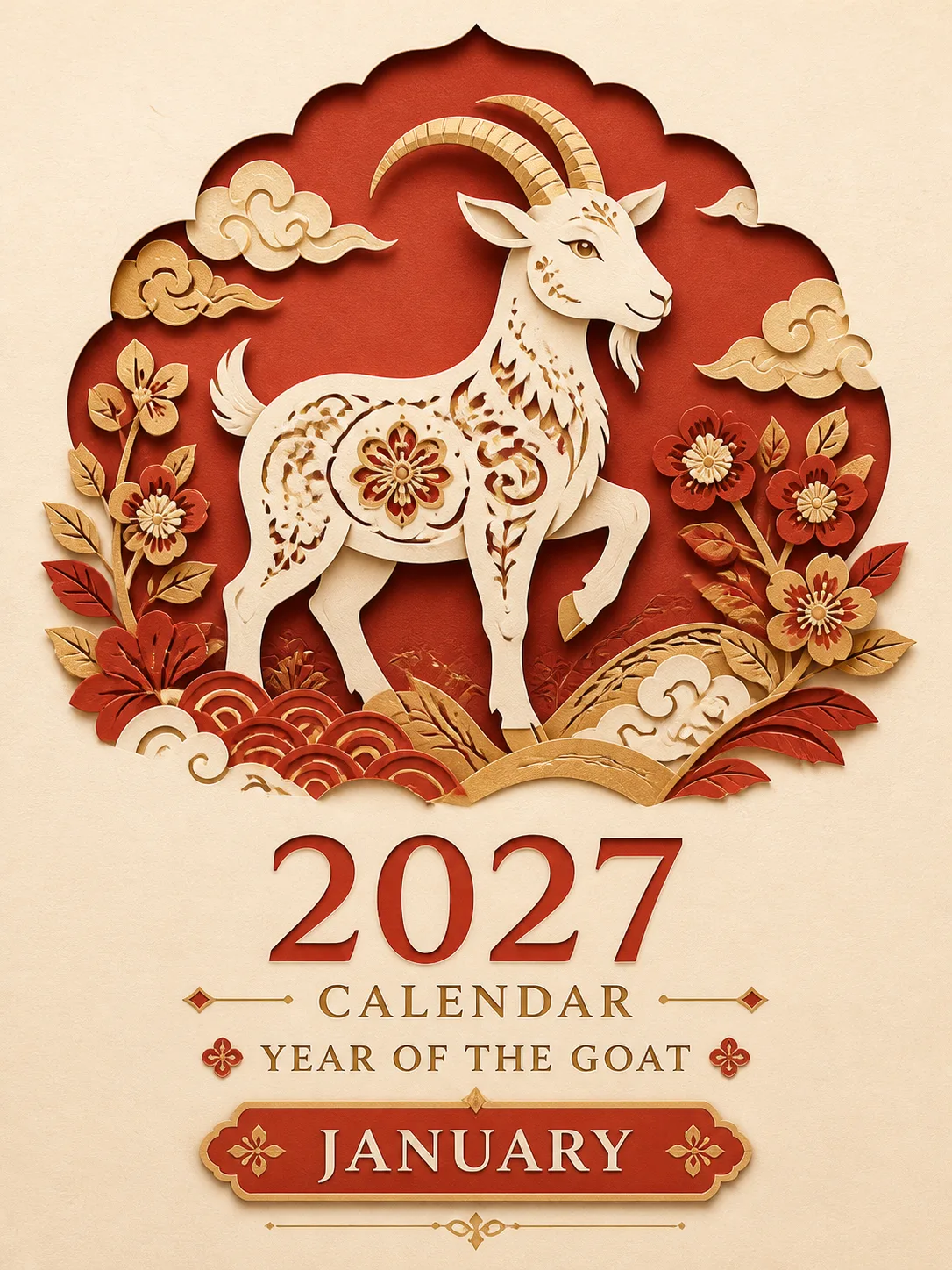
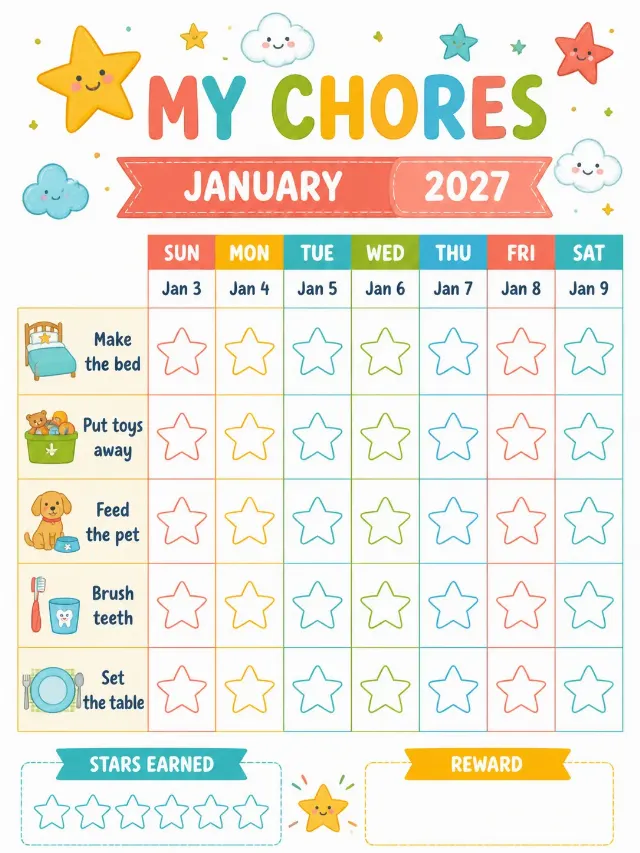
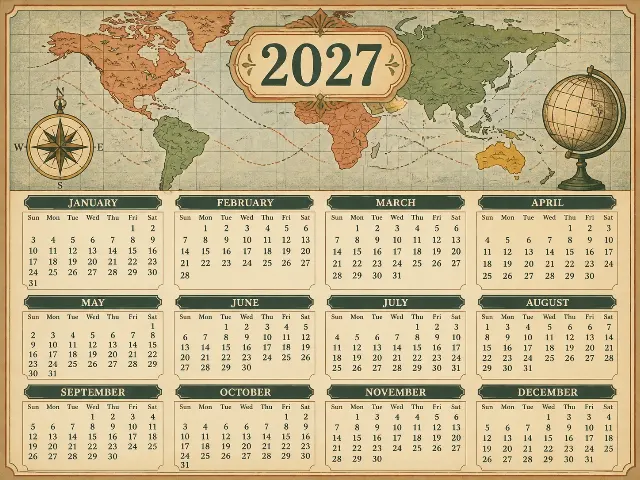
Design a flat, front-facing calendar cover for the Year and Month, using the Art Theme and Color Palette. Set the canvas to the Format. Place the Custom Labels prominently in an elegant, centered typographic arrangement, with the year larger than the supporting label. Build the artwork as layered papercut relief: a graceful goat formed from clean ornamental silhouettes, curling foliage, scalloped paper edges and restrained geometric cutouts. Use subtle paper fibers, believable layered shadows and crisp die-cut contours so it feels printed and assembled from quality colored paper. Keep generous margins and a clean hero composition with no elements touching the edges. Use English only and spell every word correctly. Show only the Custom Labels and the Month as text; include no long text, holiday names, logos, watermarks or brand names. This is a cover, not a calendar grid, so do not show date numbers or weekday labels. The calendar system uses the Week Start Day. For date accuracy if a grid is ever introduced: 2027 is not a leap year; January starts Friday, February Monday, March Monday, April Thursday, May Saturday, June Tuesday, July Thursday, August Sunday, September Wednesday, October Friday, November Monday and December Wednesday; month lengths are 31, 28, 31, 30, 31, 30, 31, 31, 30, 31, 30 and 31 days, with every date placed in its correct weekday column. Avoid random sparkles, glowing orbs, lens flares and generic AI effects.

Use these details:
Year: "2027"
Month: "January"
Week Start Day: "Sunday"
Art Theme: "Year of the Goat"
Color Palette: "vermilion red, muted crimson, antique gold and warm ivory"
Format: "3:4 portrait"
Custom Labels: ["2027 Calendar", "Year of the Goat"]
Using your own logo, product or face? Attach it in the chat and say which of the details it replaces.
Your result will come out close to the example rather than identical to it. Change the details to make it yours.