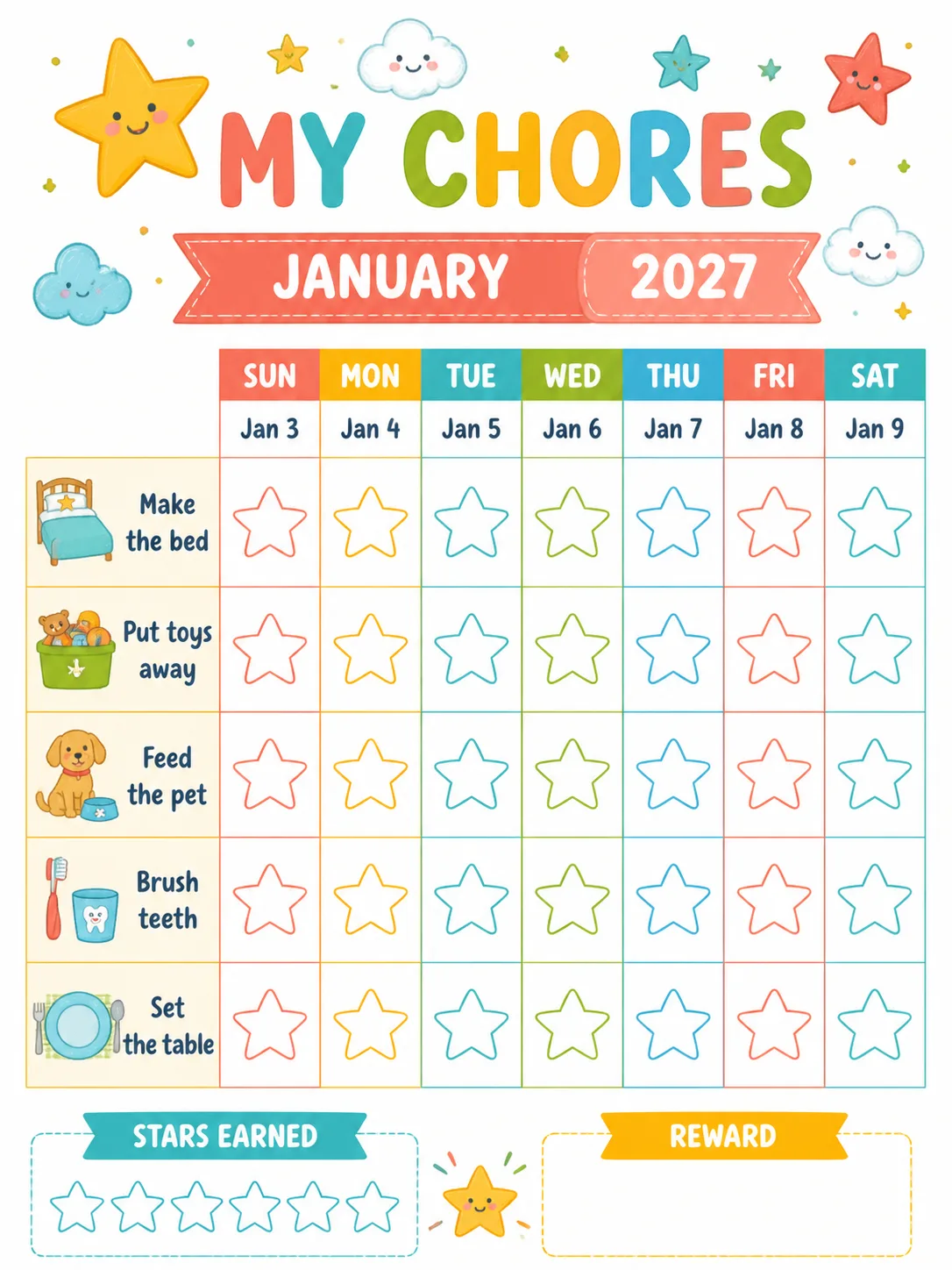
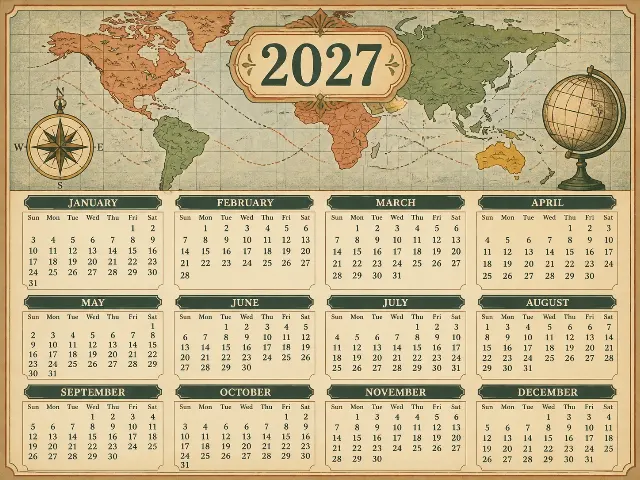
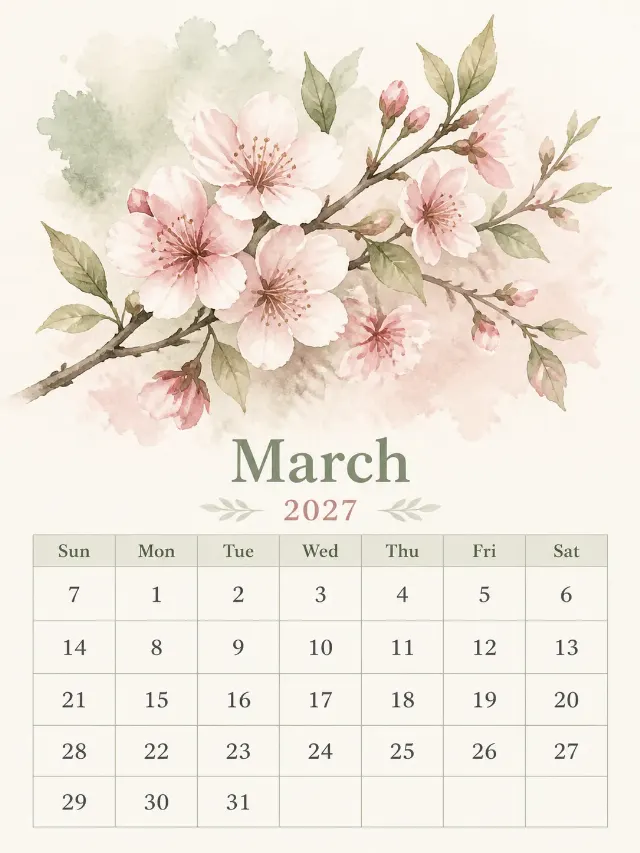
A cheerful printable weekly chore chart for children, shown flat and front-facing as a single portrait page in the Format. Use the Art Theme as the friendly hero artwork across the top, with simple, instantly recognizable chore icons beside each Chore Labels entry. Build a clean seven-column chart starting on the Week Start Day, with the weekday labels Sun, Mon, Tue, Wed, Thu, Fri, Sat and the Week Dates placed in the correct weekday columns. Give every chore and day intersection a large empty star box for marking progress. Use the Color Palette with bright, balanced blocks and generous white space so the grid remains easy to read. Include the Custom Labels in clear, rounded display lettering, including a small reward area at the bottom. Use the Month and Year in the header. Keep every numeral crisp, evenly spaced and fully legible, with English-only text, correct spelling, no filled holidays and no long sentences. For date accuracy, 2027 is not a leap year: January begins Friday, February Monday, March Monday, April Thursday, May Saturday, June Tuesday, July Thursday, August Sunday, September Wednesday, October Friday, November Monday and December Wednesday. The months contain 31, 28, 31, 30, 31, 30, 31, 31, 30, 31, 30 and 31 days respectively. Place every date in its correct weekday column. Render the artwork with real printed-paper texture, clean margins and no elements touching the edges. Avoid random sparkles, glowing orbs, lens flares, logos, watermarks, copyrighted characters and brand names.

Use these details:
Year: "2027"
Month: "January"
Week Start Day: "Sunday"
Week Dates: ["Jan 3, Jan 4, Jan 5, Jan 6, Jan 7, Jan 8, Jan 9"]
Art Theme: "Friendly hand-drawn stars, smiling clouds and simple chore icons"
Color Palette: "sunny yellow, coral, turquoise, grass green, sky blue and white"
Chore Labels: ["Make the bed", "Put toys away", "Feed the pet", "Brush teeth", "Set the table"]
Custom Labels: ["My Chores", "Stars Earned", "Reward"]
Format: "Portrait 3:4 printable page"
Using your own logo, product or face? Attach it in the chat and say which of the details it replaces.
Your result will come out close to the example rather than identical to it. Change the details to make it yours.