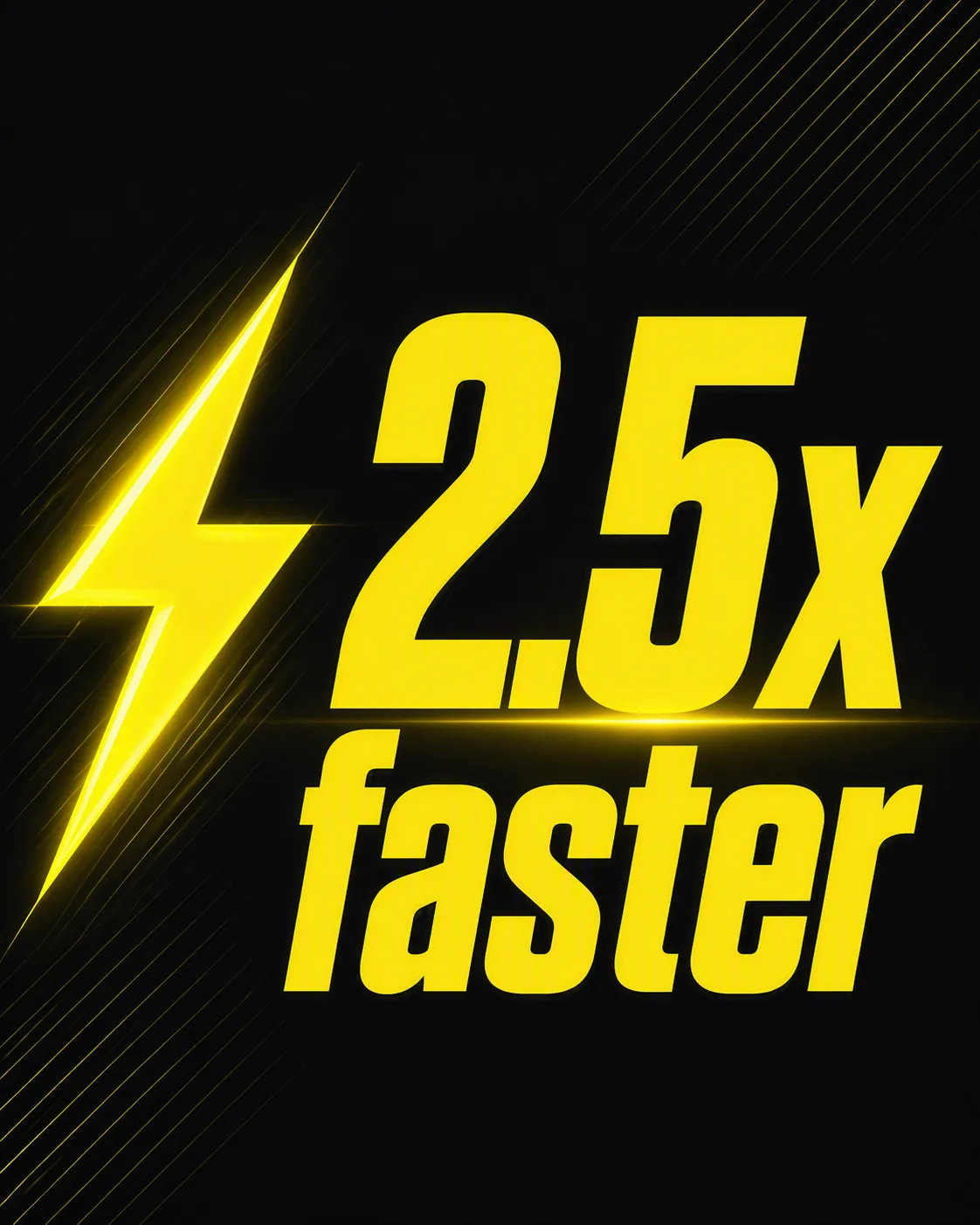
Build a bold performance statistic graphic around the Statistic Text, positioned beside the Icon. Use the Background Color across the full canvas and apply the Accent Color to the icon, key emphasis, and a restrained highlight behind the statistic. Set the statistic in oversized, heavy sans-serif typography with tight spacing and strong contrast. Keep the layout minimal and instantly readable, using generous negative space and a subtle directional glow or fine geometric lines to suggest speed. Align the main elements with a confident editorial grid, keeping the Icon visually balanced with the type. Render the Statistic Text exactly as written, with no additional words, numbers, or decorative lettering. Use the Format and export-ready social media composition.

Use these details:

Statistic Text: "2.5x faster"
Icon: "lightning bolt"
Background Color: "dark charcoal"
Accent Color: "electric yellow"
Format: "4:5 Instagram post"
Using your own logo, product or face? Attach it in the chat and say which of the details it replaces.
Your result will come out close to the example rather than identical to it. Change the details to make it yours.