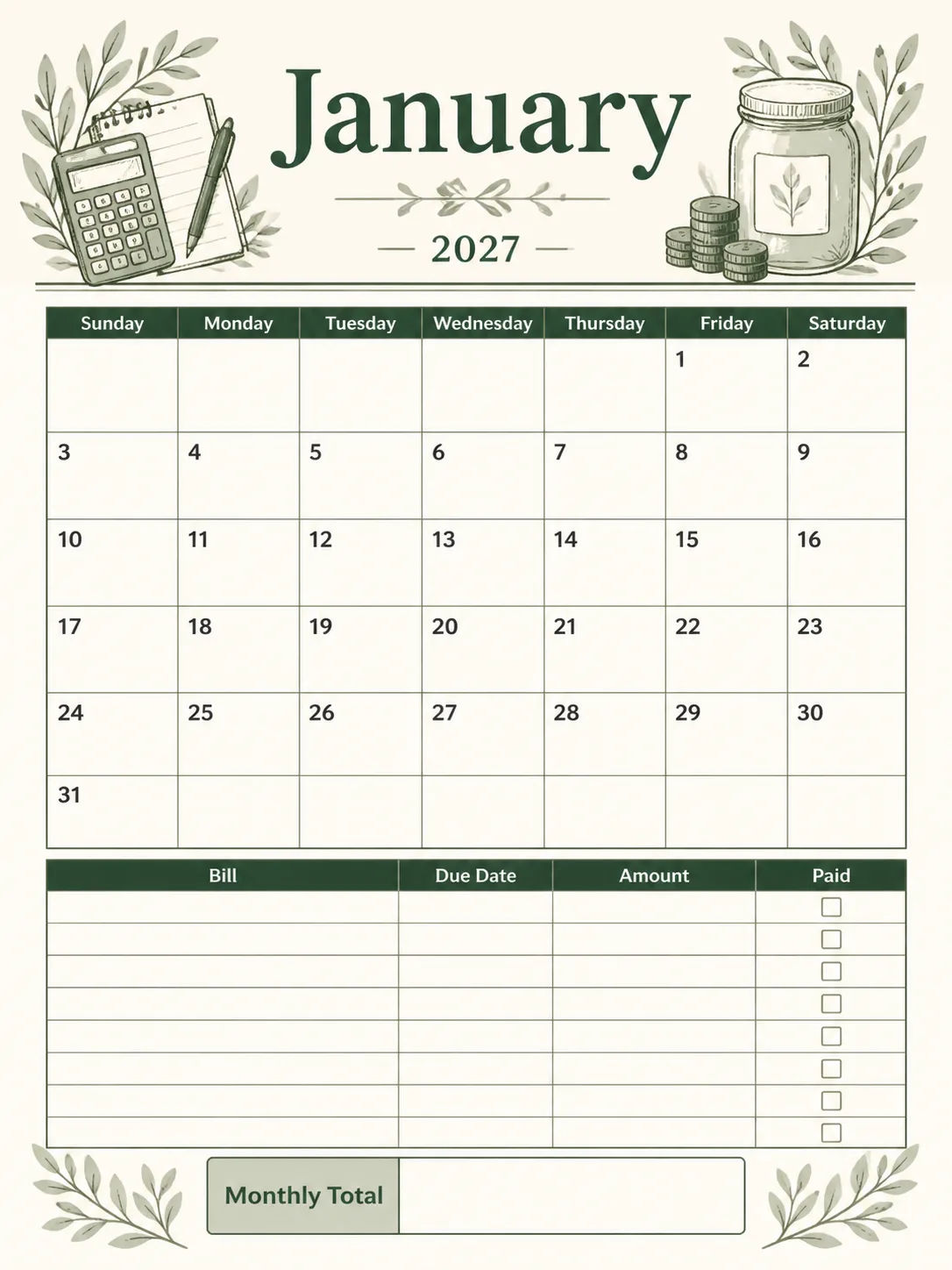
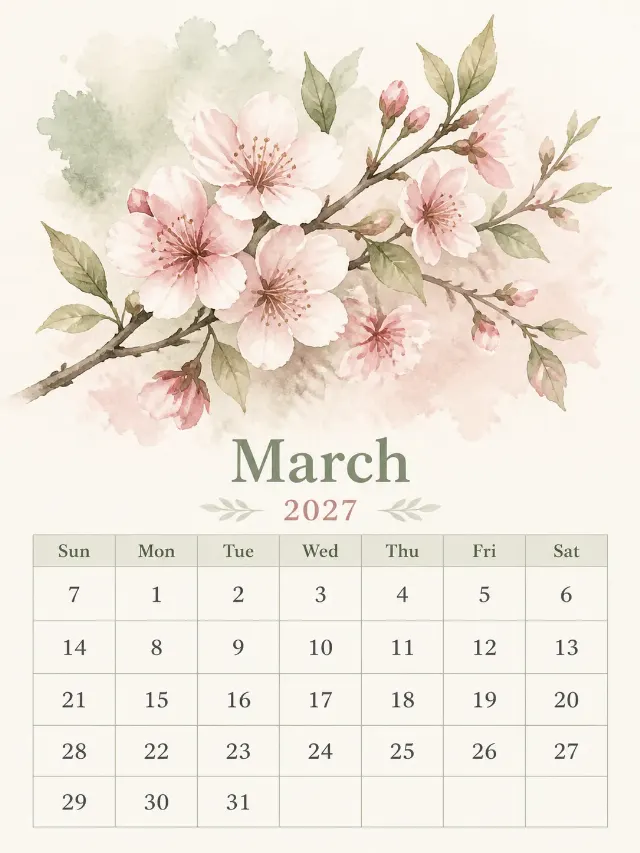
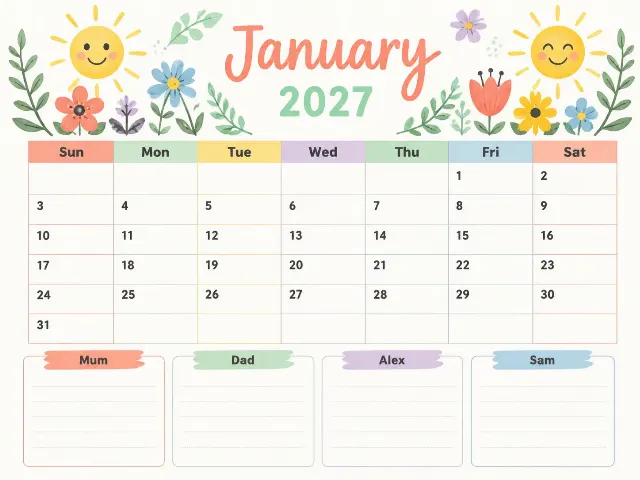
Lay out a printable, front-facing budget calendar page for the Month in the Year, using the Format. Give the page a clean finance layout with the Art Theme as a restrained hero header area, then place a clearly labeled monthly calendar grid above organized bill due date rows and a prominent monthly total box. Use the Custom Labels exactly as written for the bill table and total box. Apply the Color Palette with strong contrast, generous margins, precise alignment and ample writing space. The calendar weeks start on the Week Start Day. For 2027, January begins on Friday, February on Monday, March on Monday, April on Thursday, May on Saturday, June on Tuesday, July on Thursday, August on Sunday, September on Wednesday, October on Friday, November on Monday and December on Wednesday. The months have 31, 28, 31, 30, 31, 30, 31, 31, 30, 31, 30 and 31 days respectively. Place every date in the correct weekday column, with no holidays filled in. Use English only, with crisp, evenly spaced, fully legible numerals and labels. Render the chosen medium with authentic printed texture on quality paper. Keep the grid clean and readable, with nothing touching the edges. No random sparkles, glowing orbs, lens flares, logos, watermarks, copyrighted characters or real brand names.

Use these details:
Year: "2027"
Month: "January"
Week Start Day: "Sunday"
Art Theme: "subtle hand-drawn botanical finance motifs in the header"
Color Palette: "deep forest green, warm cream, muted sage and charcoal"
Format: "portrait 3:4"
Custom Labels: ["Bill", "Due Date", "Amount", "Paid", "Monthly Total"]
Using your own logo, product or face? Attach it in the chat and say which of the details it replaces.
Your result will come out close to the example rather than identical to it. Change the details to make it yours.