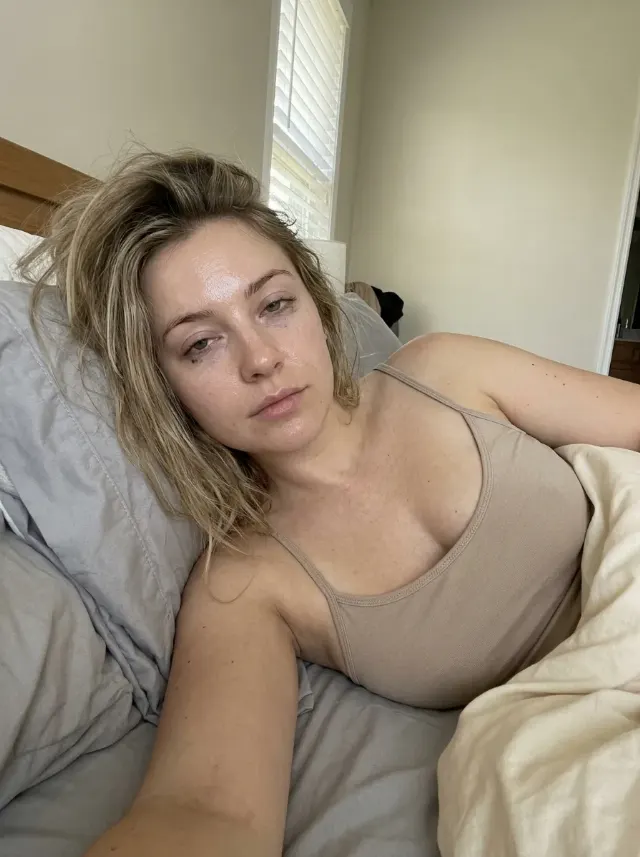
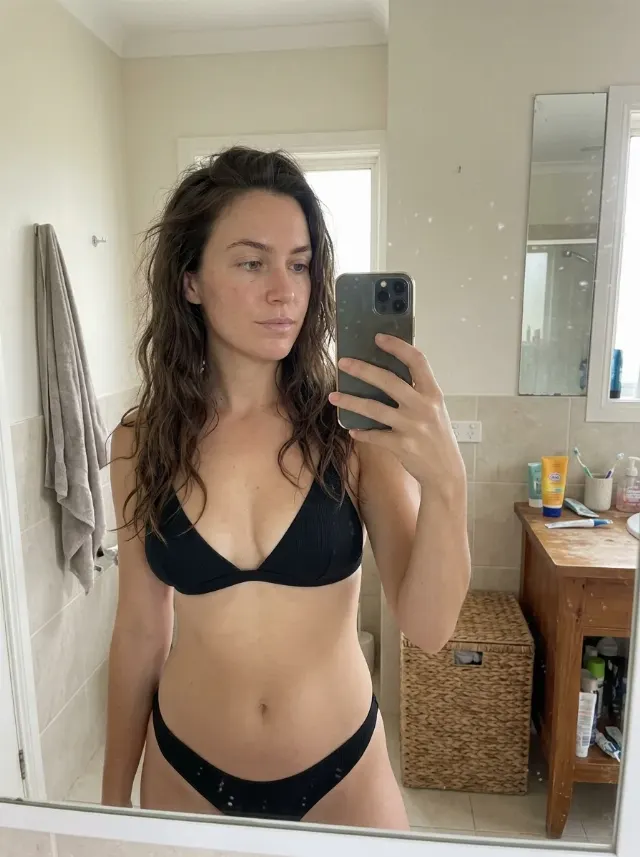
Turn the person into a cheerful, generic bumblebee costume look for a daytime Halloween party. When the Face Reference is available, preserve that person's exact face, identity, skin tone, body type and facial features. If it is not available, invent a clearly adult woman in her mid-20s to early 30s. Change only the outfit, hair styling, makeup and setting according to the provided details.

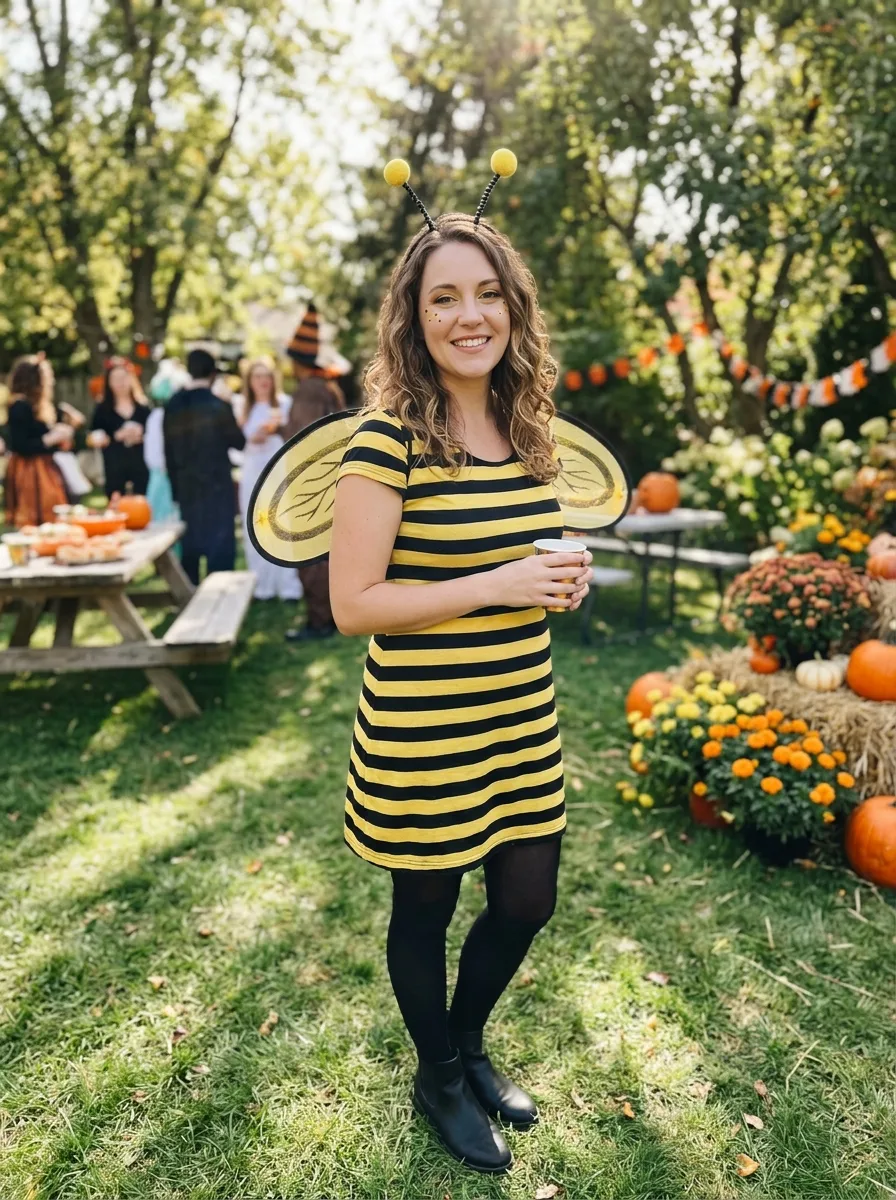
Use the Costume with convincing fabric construction, neat black and yellow stripes, small wings and coordinated accessories. Apply the Makeup while keeping the person fully recognizable, and style the hair according to the Hair Styling. Place her in the Setting and use the Lighting to create believable illumination from the real environment. Follow the Shot Type with a relaxed, friendly pose and a natural phone-camera perspective, as if photographed by a friend at an actual costume party. Show realistic skin texture, fabric detail and subtle phone-camera imperfections. Make it a real photograph, not a studio render or illustration. Keep the costume fully covering, fun rather than frightening, and free of blood, gore, logos, text, captions, watermarks and UI overlays.

Use these details:
Face Reference: "User's attached photo, when available"
Costume: "Black and yellow striped dress with small translucent wings, matching antenna headband, black tights and ankle boots"
Makeup: "Soft golden eyeshadow, defined black eyeliner, subtle yellow accents on the cheeks and a natural rosy lip"
Hair Styling: "Loose wavy hair with two small bee antennae secured on top"
Setting: "A sunny daytime Halloween costume party in a decorated garden with autumn flowers and playful party details"
Lighting: "Bright natural daylight with soft open shade and gentle highlights"
Shot Type: "Full-body posed photo taken by a friend, vertical 9:16"
Using your own logo, product or face? Attach it in the chat and say which of the details it replaces.
Your result will come out close to the example rather than identical to it. Change the details to make it yours.