Turn the Face Reference into a complete, believable Halloween costume photo of a woman performing as a burlesque magician. Dress her in the Costume, style her hair as the Hair Styling, and apply the Makeup while preserving her recognizable face and natural skin texture. Place her in the Setting and use the Color Palette throughout the costume and scene. Light the image according to the Lighting, with realistic falloff, fabric texture and reflections. Frame it as the Shot Type, with a confident theatrical pose, one hand holding the wand and the other resting near the top hat. Make it look like a real phone photograph taken at an actual Halloween event, not a studio render or illustration. Keep the costume fully covering, tasteful and well made, with spooky-but-fun energy. No blood, gore, text, captions, logos, watermarks or UI overlays.

Use these details:
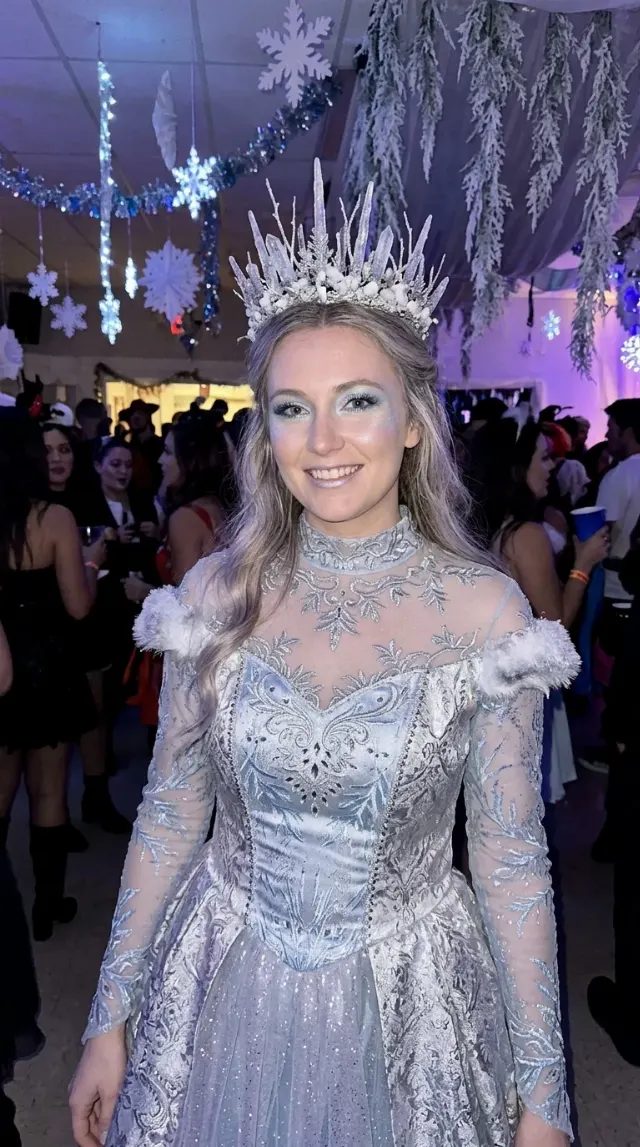
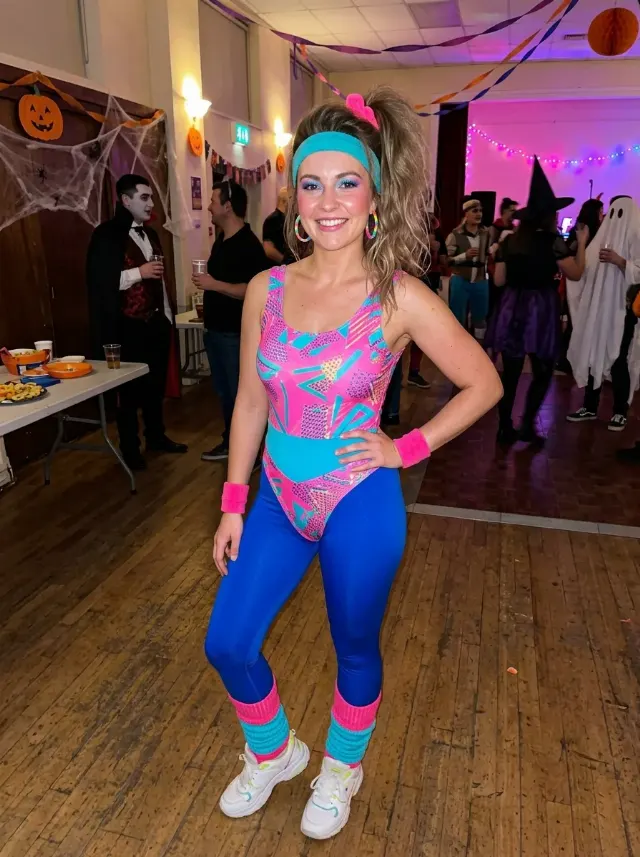
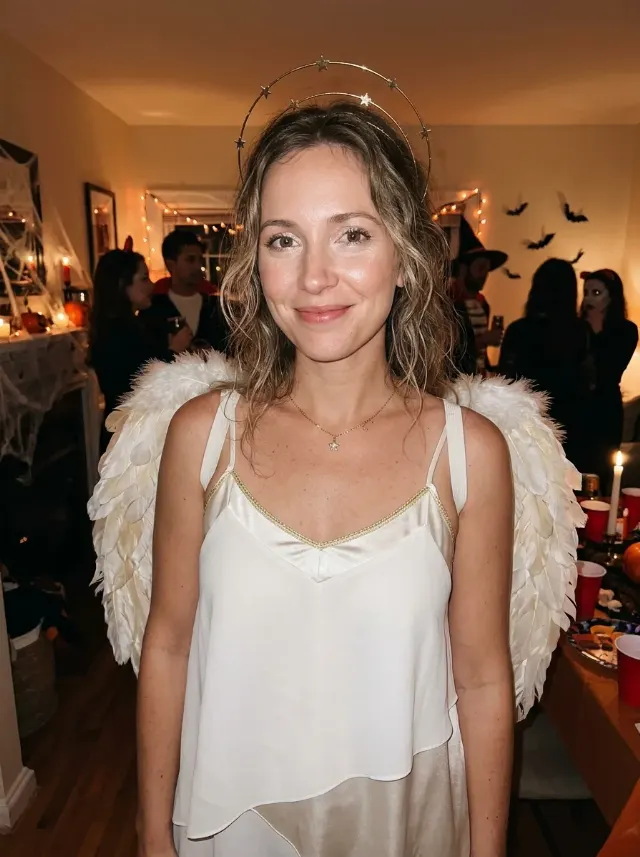
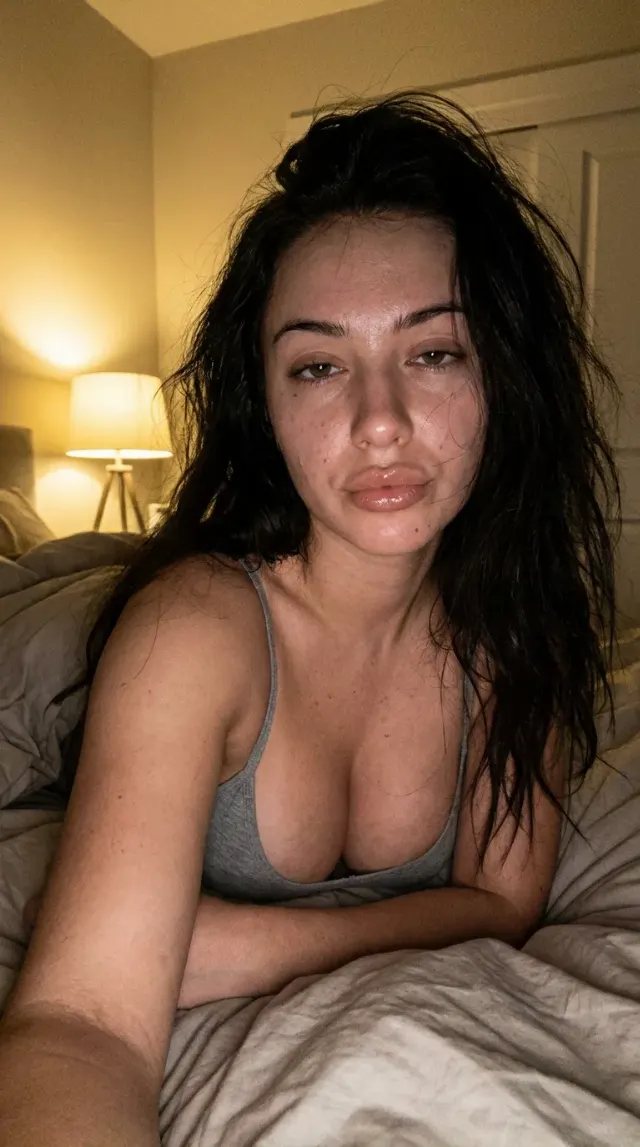
Face Reference: "The person's own face and identity, kept recognizable and unchanged"
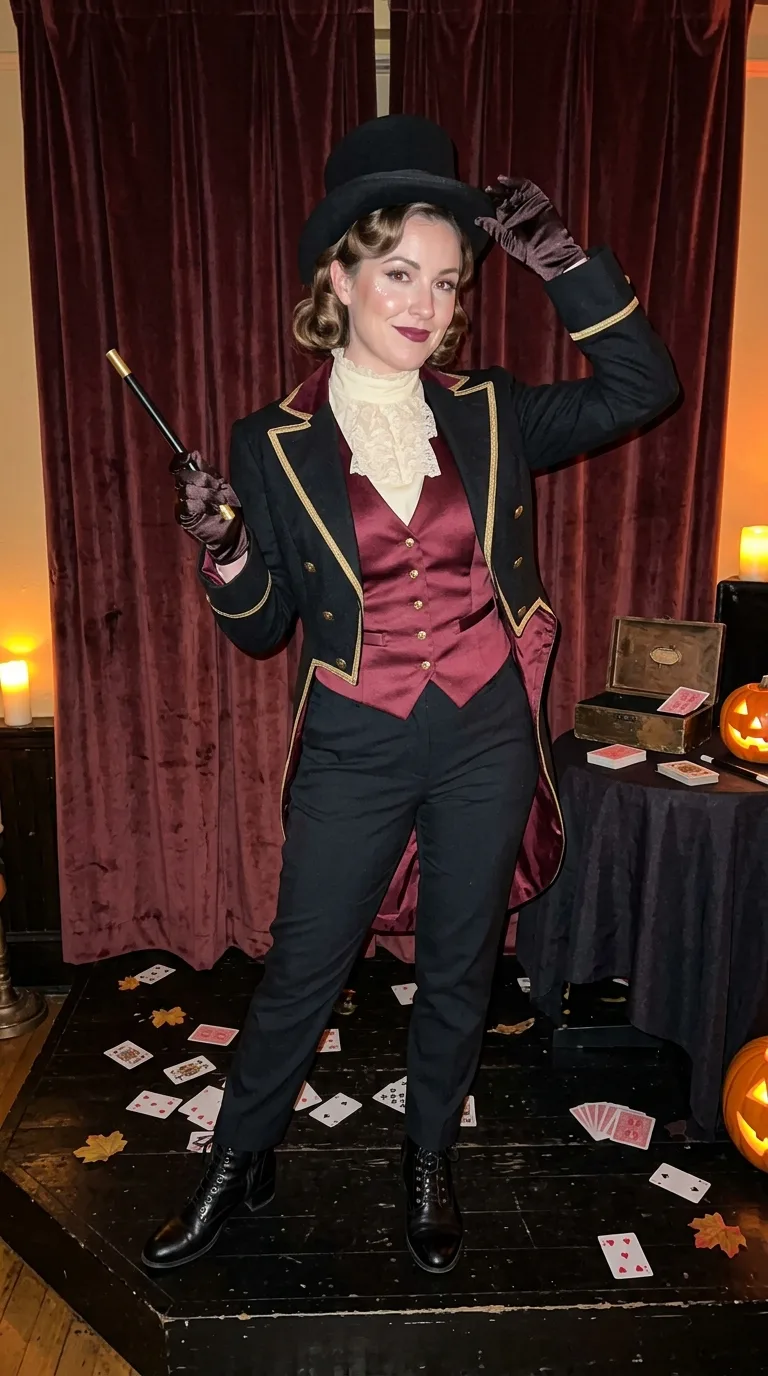
Costume: "A fully covering burlesque magician costume with a fitted black tailcoat, satin waistcoat, high-neck shirt, tailored trousers, polished boots, top hat, gloves and a small magic wand"
Makeup: "Classic theatrical makeup with defined eyeliner, softly sculpted cheeks, deep berry lipstick and subtle stage shimmer, keeping the face recognizable"
Hair Styling: "Neatly styled vintage waves tucked beneath the top hat"
Setting: "A small Halloween stage with rich velvet curtains, a dark wooden floor, scattered playing cards and a few tasteful magical props"
Lighting: "Warm amber stage light mixed with a gentle direct phone flash and soft candlelight from the wings"
Color Palette: "Black, burgundy, antique gold and warm ivory"
Shot Type: "Full-body posed portrait taken vertically by a friend at the event, 9:16"
Using your own logo, product or face? Attach it in the chat and say which of the details it replaces.
Your result will come out close to the example rather than identical to it. Change the details to make it yours.