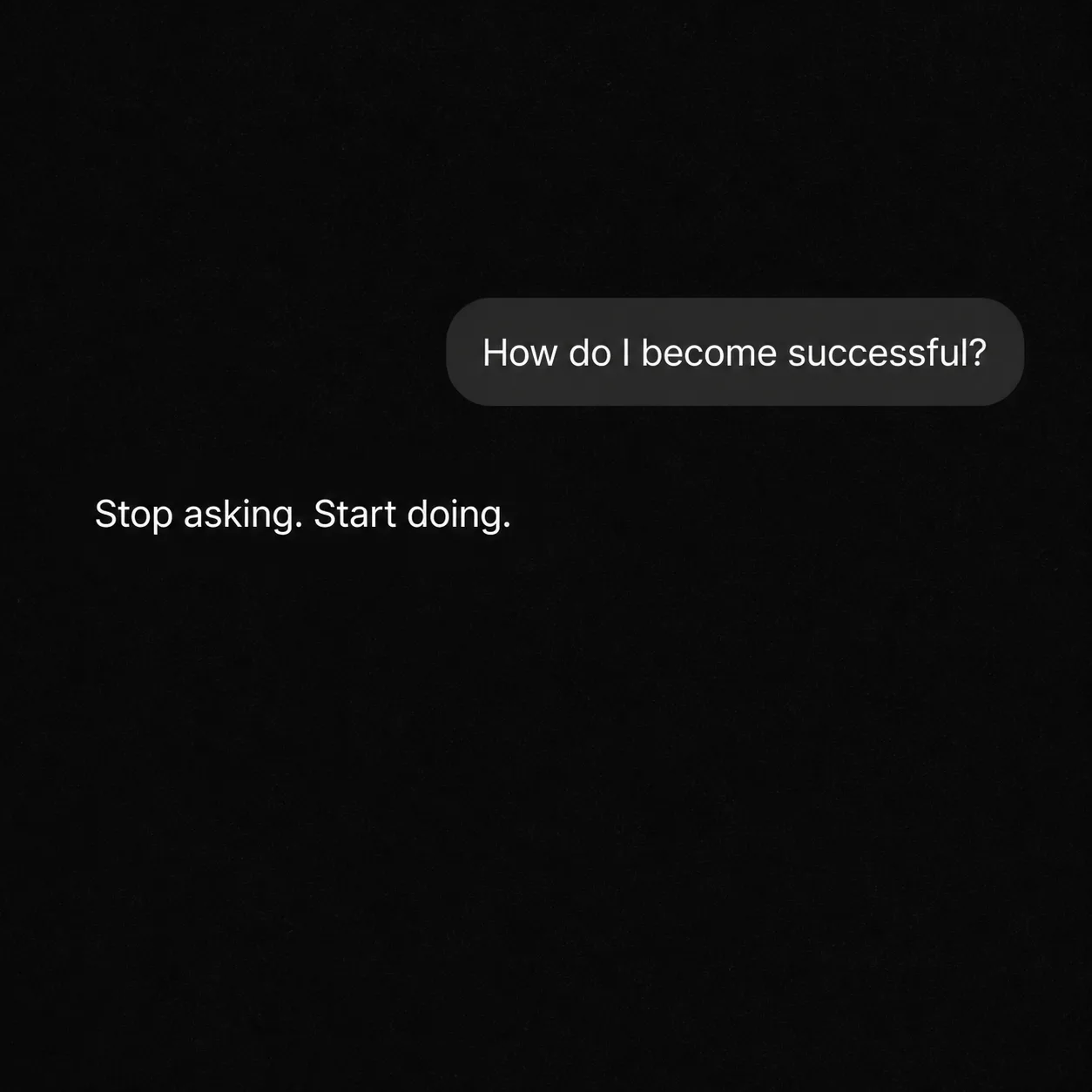
Build a square or 4:5 AI chat screen in dark mode using the Background Color and Texture. Show the User Message in a realistic rounded message bubble, followed by the Assistant Reply as a plain response below it. Keep the interface minimal, with subtle screen texture and only restrained interface details. Render both messages exactly as written, including punctuation, with no rewriting, extra captions or explanatory text. Use a clean sans-serif typeface in white or light grey, sized for clear reading at phone size without filling the frame. Keep generous empty space around the exchange and maintain a believable phone-screen appearance. Do not add usernames, profile pictures, timestamps, logos, watermarks, borders or decorative icons beyond minimal interface cues.

Use these details:
User Message: "How do I become successful?"
Assistant Reply: "Stop asking. Start doing."
Background Color: "black"
Texture: "soft grain"
Using your own logo, product or face? Attach it in the chat and say which of the details it replaces.
Your result will come out close to the example rather than identical to it. Change the details to make it yours.