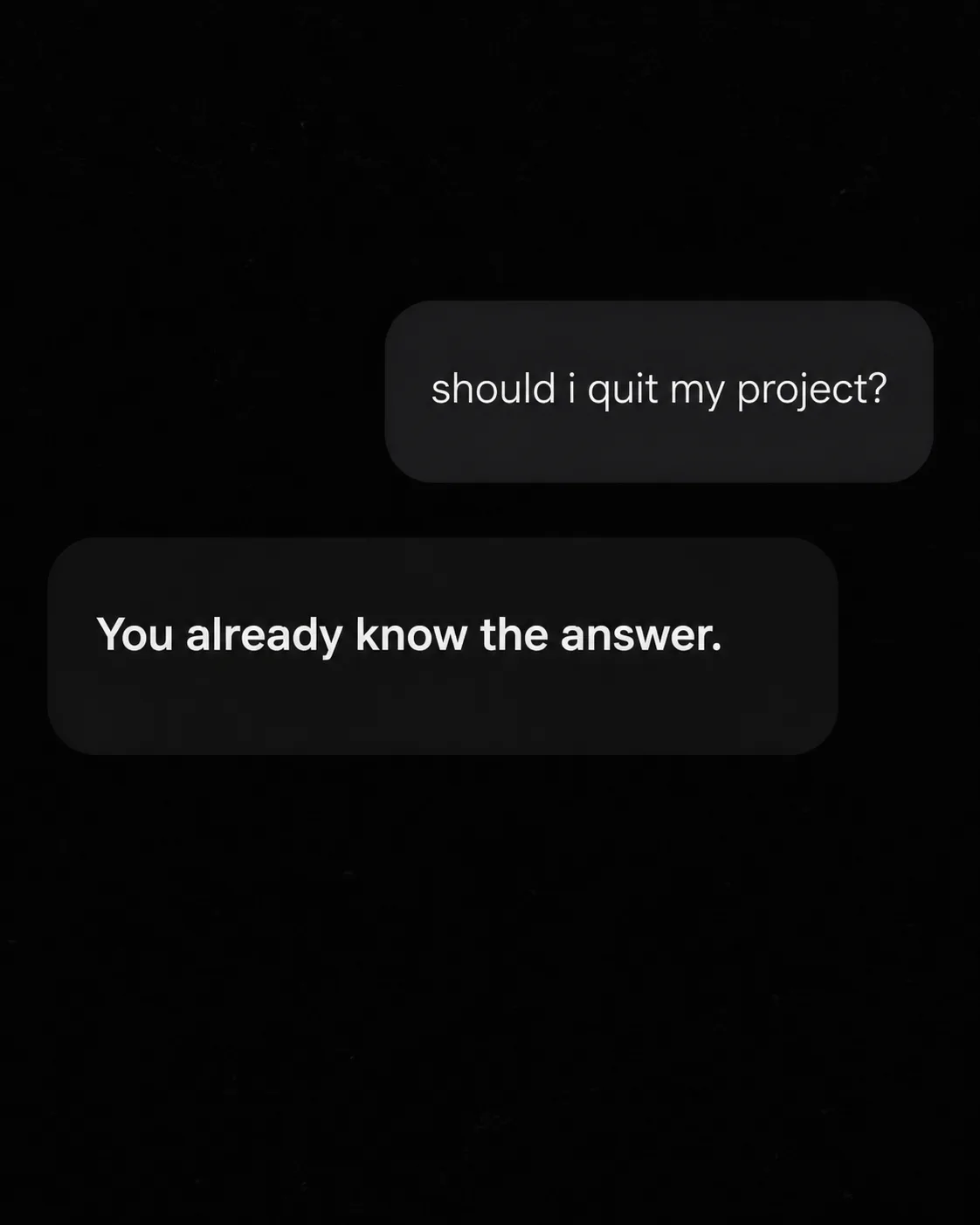
A dark-mode AI chat screen arranged as a quiet, minimal social image in the Format. Use the Color Palette across the interface, with a nearly black background, subtle charcoal chat bubbles and soft white text. Show one user bubble containing the User Message, followed by a plain assistant reply containing the Assistant Reply. Render both messages exactly as written, including lowercase letters, punctuation and the question mark. Use one clean sans serif typeface, with the assistant reply slightly more prominent through weight rather than size. Keep the chat bubbles simple and spacious, with no avatar, username, logo, timestamp, watermark, border or extra caption. Make the text comfortably readable as a small phone thumbnail: capital letters should be about 4 to 6 percent of the image height, and never smaller than 3.5 percent. Add subtle organic film grain and a restrained phone-camera feel without distracting from the exchange.

Use these details:
User Message: "should i quit my project?"
Assistant Reply: "You already know the answer."
Color Palette: "black, charcoal and soft white"
Format: "4:5 Instagram post"
Using your own logo, product or face? Attach it in the chat and say which of the details it replaces.
Your result will come out close to the example rather than identical to it. Change the details to make it yours.