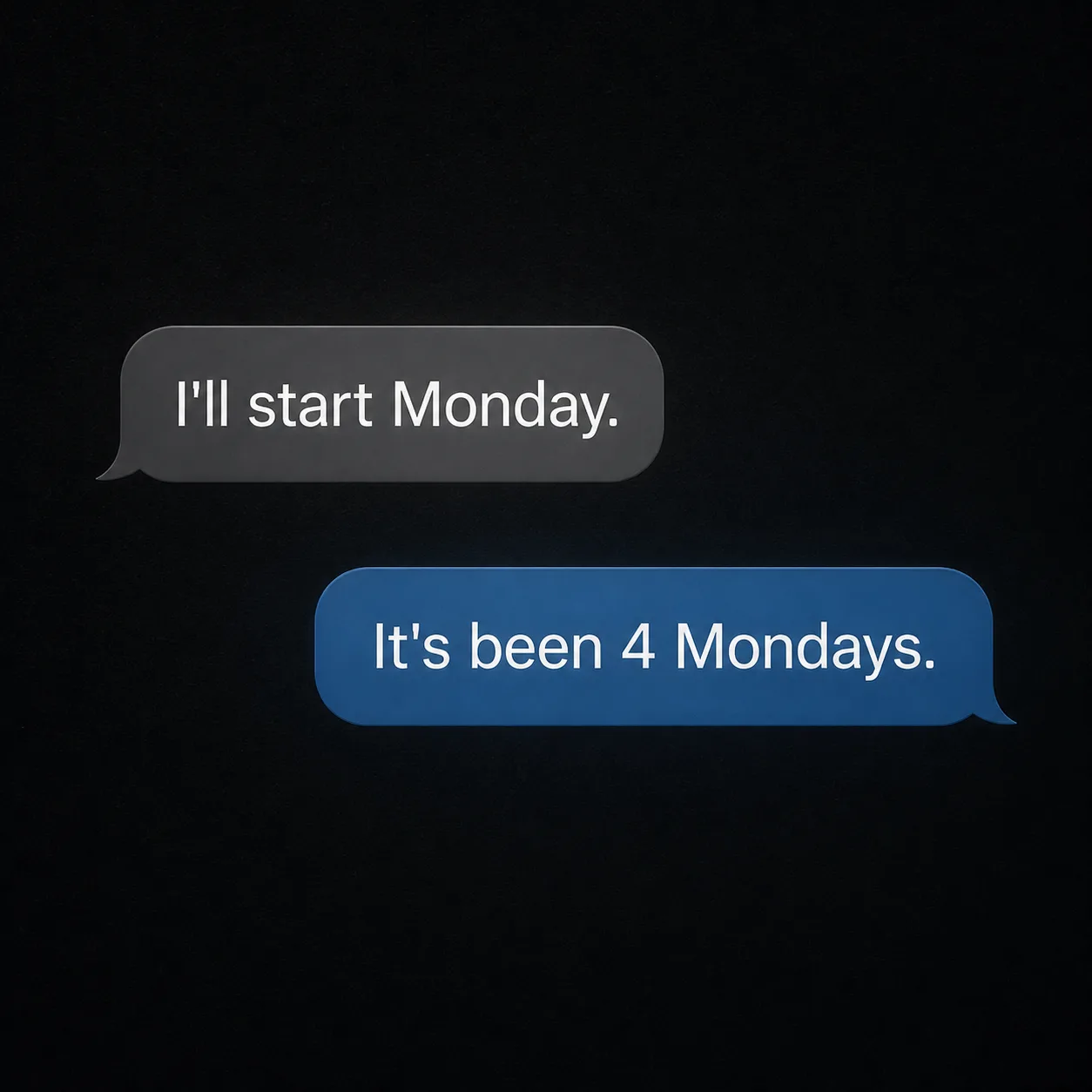
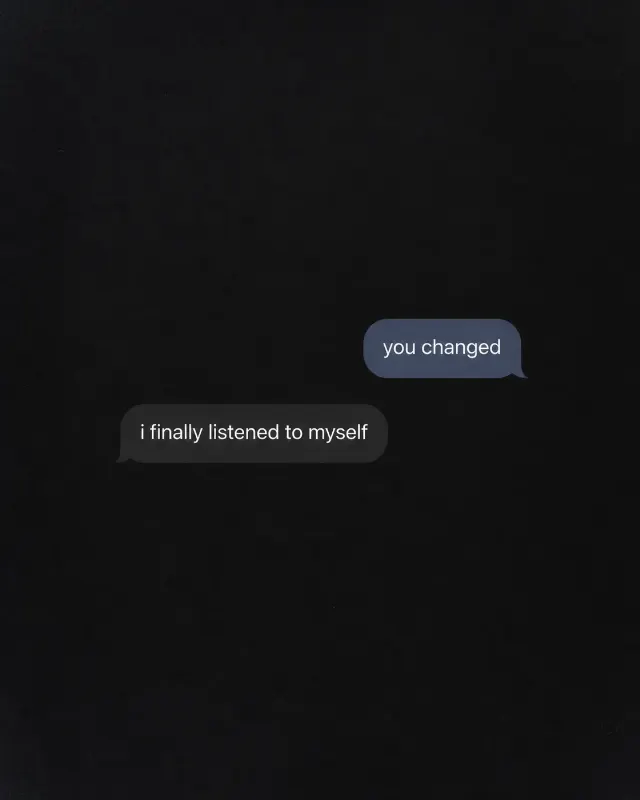
Build a dark phone-screen style quote graphic in the Format. Show two realistic chat bubbles stacked vertically: place Message One in the upper bubble and Message Two in the reply bubble beneath it. Use the Color Palette for the screen, bubbles and text, with clean readable typography sized for phone viewing. Render both messages exactly as written, preserving capitalization, punctuation, apostrophes and spacing. Apply the Screen Texture subtly across the display. Keep the composition spare, with believable bubble shapes, gentle screen glow and no extra interface elements. Do not add usernames, timestamps, profile pictures, logos, borders or captions.

Use these details:
Message One: "I'll start Monday."
Message Two: "It's been 4 Mondays."
Color Palette: "charcoal black background, medium grey first bubble, muted blue reply bubble, white text"
Screen Texture: "subtle screen grain"
Format: "1:1 square"
Using your own logo, product or face? Attach it in the chat and say which of the details it replaces.
Your result will come out close to the example rather than identical to it. Change the details to make it yours.