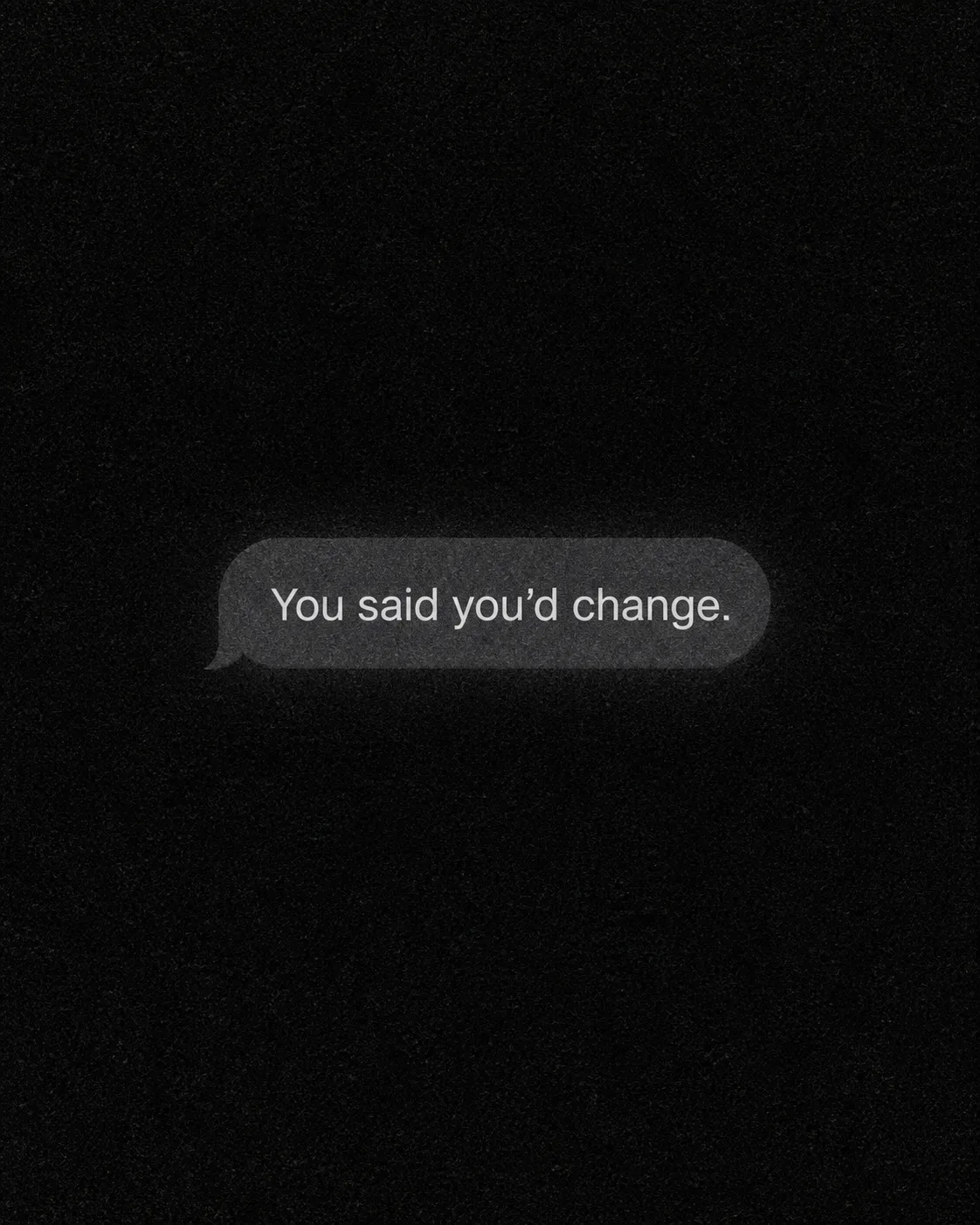
Fill the frame with a realistic close view of a Notification Text appearing as one solitary unread notification bubble on a Screen Style. Use the Color Palette and apply Texture across the entire image for a heavy, tactile phone-camera or analog screen feel. Keep the composition stark and nearly empty, with no visible phone edges, wallpaper, icons, status bar, timestamps, usernames, profile pictures, logos, borders or additional messages. Render the Notification Text exactly as written, including its apostrophe and final period. Set the words in a clean, highly legible sans-serif typeface, with restrained scale and generous space around the bubble. The bubble should feel subtly illuminated against the dark display without becoming a separate graphic panel. No other objects or text appear anywhere in the frame. Format the image as the Format.

Use these details:
Notification Text: "You said you'd change."
Screen Style: "dark phone screen"
Texture: "heavy film grain"
Color Palette: "near-black, charcoal grey and soft white"
Format: "4:5 vertical social image"
Using your own logo, product or face? Attach it in the chat and say which of the details it replaces.
Your result will come out close to the example rather than identical to it. Change the details to make it yours.