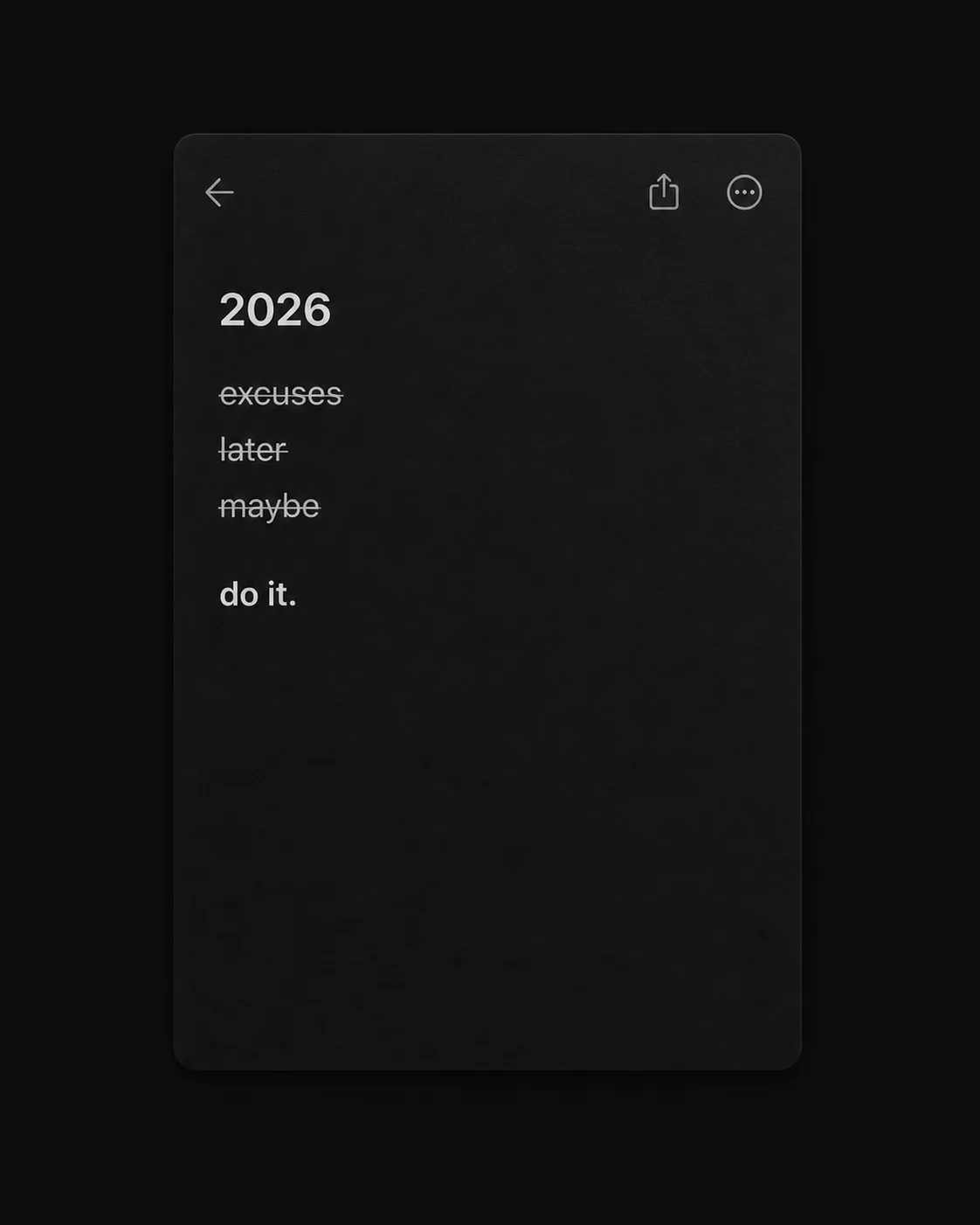
Show a realistic dark-mode notes app screen on the Color Palette background, composed in the Format with generous black space around the interface. Place the Note Title at the top of the note in a restrained, clean sans-serif typeface. List the Struck Through Items underneath, each on its own line with a thin, natural-looking strike-through. Place the Final Item as the last line, without a strike-through, using slightly heavier type for quiet emphasis. Render every field exactly as written, including lowercase letters, punctuation and spacing. Keep the text clearly readable at phone size without making it oversized. Add subtle screen texture and restrained interface details, but no logos, usernames, profile pictures, timestamps, borders or extra captions. The mood should feel private, understated and determined, with the note itself as the only focal point.

Use these details:
Note Title: "2026"
Struck Through Items: ["excuses", "later", "maybe"]
Final Item: "do it."
Format: "4:5 portrait"
Color Palette: "black, charcoal and soft white"
Using your own logo, product or face? Attach it in the chat and say which of the details it replaces.
Your result will come out close to the example rather than identical to it. Change the details to make it yours.