Turn the person into a complete, generic werewolf Halloween costume look using the Costume, Makeup and Hair Styling. Use the user's attached photo for the face when one is provided, keeping the exact identity, facial features, skin tone and body type unchanged. If no photo is provided, depict a clearly adult woman in her mid-20s to early 30s. Place her in the Setting with the Lighting, captured as the Shot Type. Make the costume look well made and fully covering, with realistic fur, fabric, accessories and practical styling. Keep the fangs and wolf-inspired makeup spooky but playful, with the face clearly recognizable and no gore. Use believable phone-camera perspective, natural skin texture, realistic shadows and slight low-light grain. The result must look like a real photo taken at an actual Halloween event or costume shoot, not a studio render or illustration. Do not include text, captions, logos, watermarks or UI overlays.

Use these details:
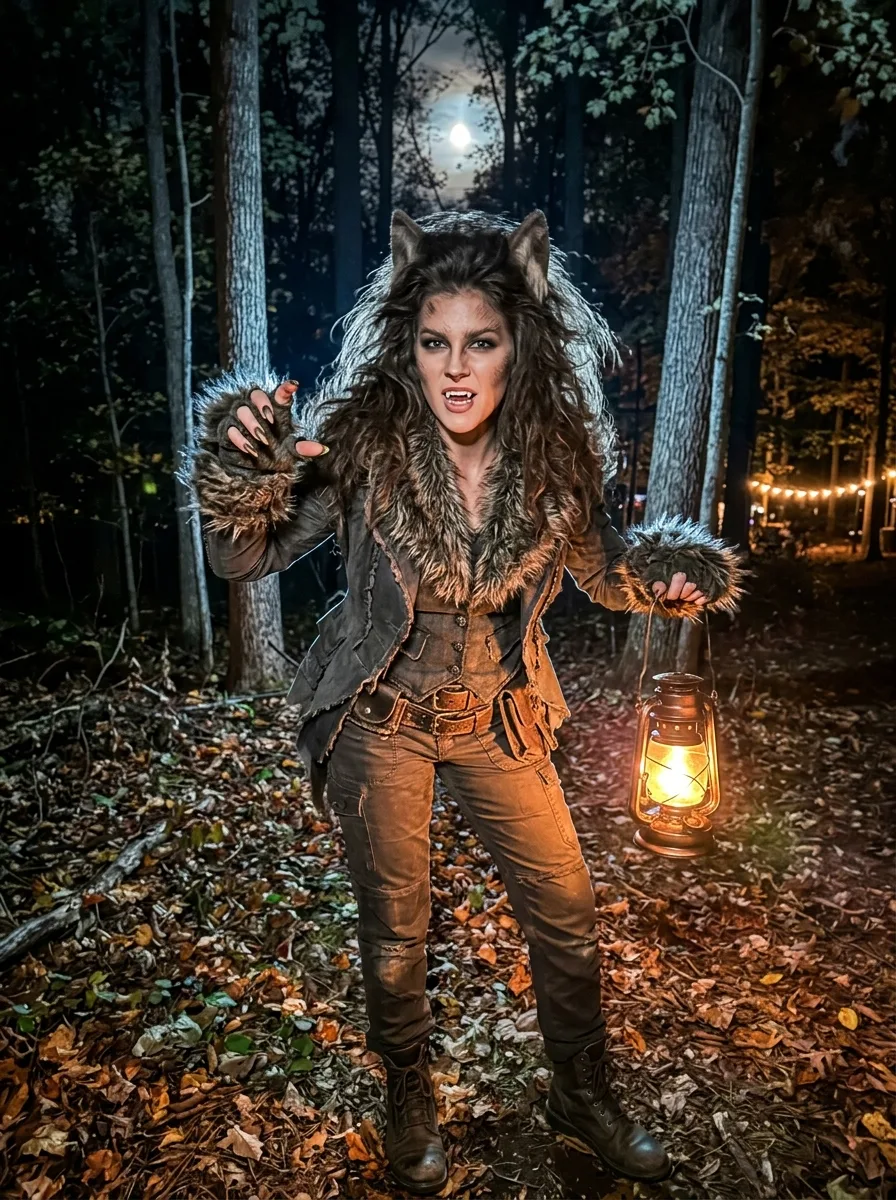
Costume: "Generic werewolf costume with a fur-trimmed charcoal outfit, rugged boots, claw-like gloves and rustic belt accessories"
Makeup: "Subtle fang makeup, smoky eyes, softly textured wolf-inspired shading around the cheekbones and forehead"
Hair Styling: "Voluminous tousled hair with loose waves and a slightly wild, windswept finish"
Setting: "A moonlit forest Halloween costume shoot with tall trees, fallen leaves and a visible full moon between the branches"
Lighting: "Cool full-moon backlight mixed with warm handheld lantern glow and faint distant string lights"
Shot Type: "Full-body posed photo taken by a friend in vertical 9:16 framing"
Face Reference: "Use the user's attached photo for the face when one is provided; otherwise invent a clearly adult woman in her mid-20s to early 30s"
Using your own logo, product or face? Attach it in the chat and say which of the details it replaces.
Your result will come out close to the example rather than identical to it. Change the details to make it yours.