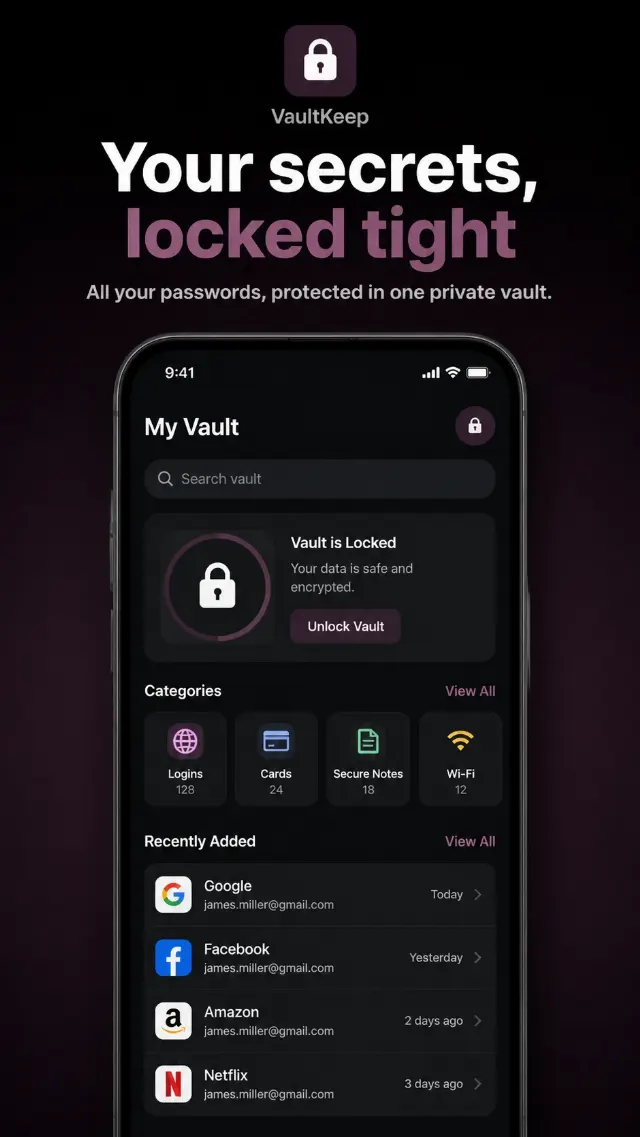
Arrange the Rating Display as the focal point of a social proof app screenshot, with luminous five-point stars and crisp, readable rating text. Place the Badge Text in a compact award-style badge near the rating, using a refined shape and clear hierarchy. Use the Background Setting and Color Palette to create a dark, atmospheric interface with a soft halo behind the rating and restrained glow around the stars. Keep the composition centered with generous negative space, subtle depth, smooth gradients and a clean mobile marketing aesthetic. Use precise typography, balanced spacing and sharp edges so every character is legible at phone size. Render the Badge Text exactly as written. Avoid clutter, unnecessary interface controls, distorted lettering and uneven star shapes. Build the design in the Format.

Use these details:
Rating Display: "★★★★★ 5.0/5"
Badge Text: "Editor's Choice"
Background Setting: "deep charcoal background with a subtle central glow"
Color Palette: "electric violet, soft gold, white and charcoal"
Format: "9:16 vertical"
Using your own logo, product or face? Attach it in the chat and say which of the details it replaces.
Your result will come out close to the example rather than identical to it. Change the details to make it yours.