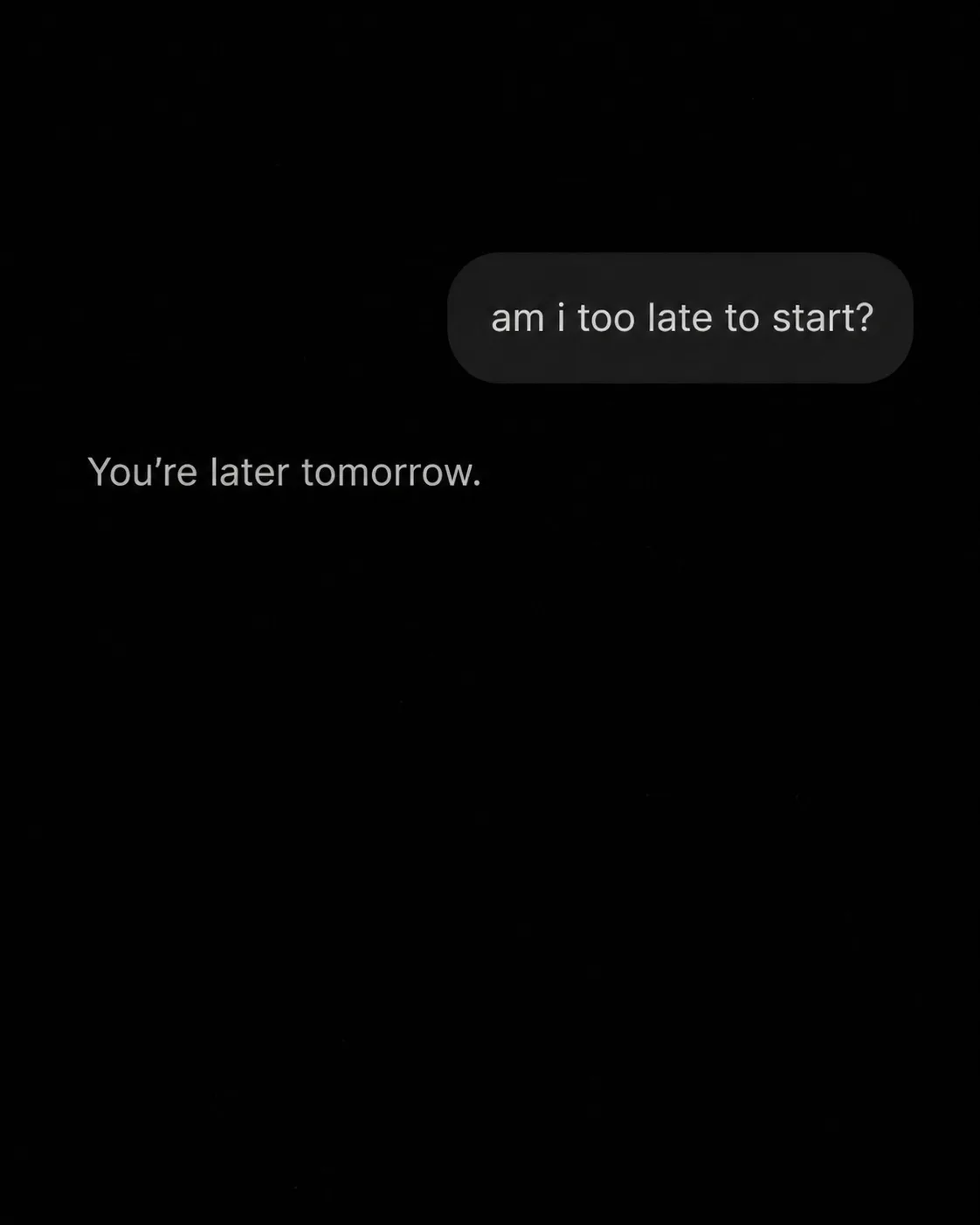
Build a realistic AI chat screen in dark mode using the Background Color and Format. Show the User Message in a distinct user message bubble, followed by the Assistant Reply in a plain assistant reply below. Render both messages exactly as written, preserving lowercase, punctuation and the apostrophe. Use realistic rounded bubble shapes, restrained spacing, subtle screen texture from the Texture, and minimal interface icons. Keep the interface sparse, with no username, profile picture, timestamp, logo, watermark, border or extra captions. Use one clean sans-serif typeface, with light grey text that remains clearly readable at phone size without dominating the frame. The result should feel like a candid late-night phone screenshot with quiet emotional weight, not a promotional graphic.

Use these details:
User Message: "am i too late to start?"
Assistant Reply: "You're later tomorrow."
Background Color: "black"
Texture: "subtle monochrome film grain"
Format: "4:5 portrait"
Using your own logo, product or face? Attach it in the chat and say which of the details it replaces.
Your result will come out close to the example rather than identical to it. Change the details to make it yours.