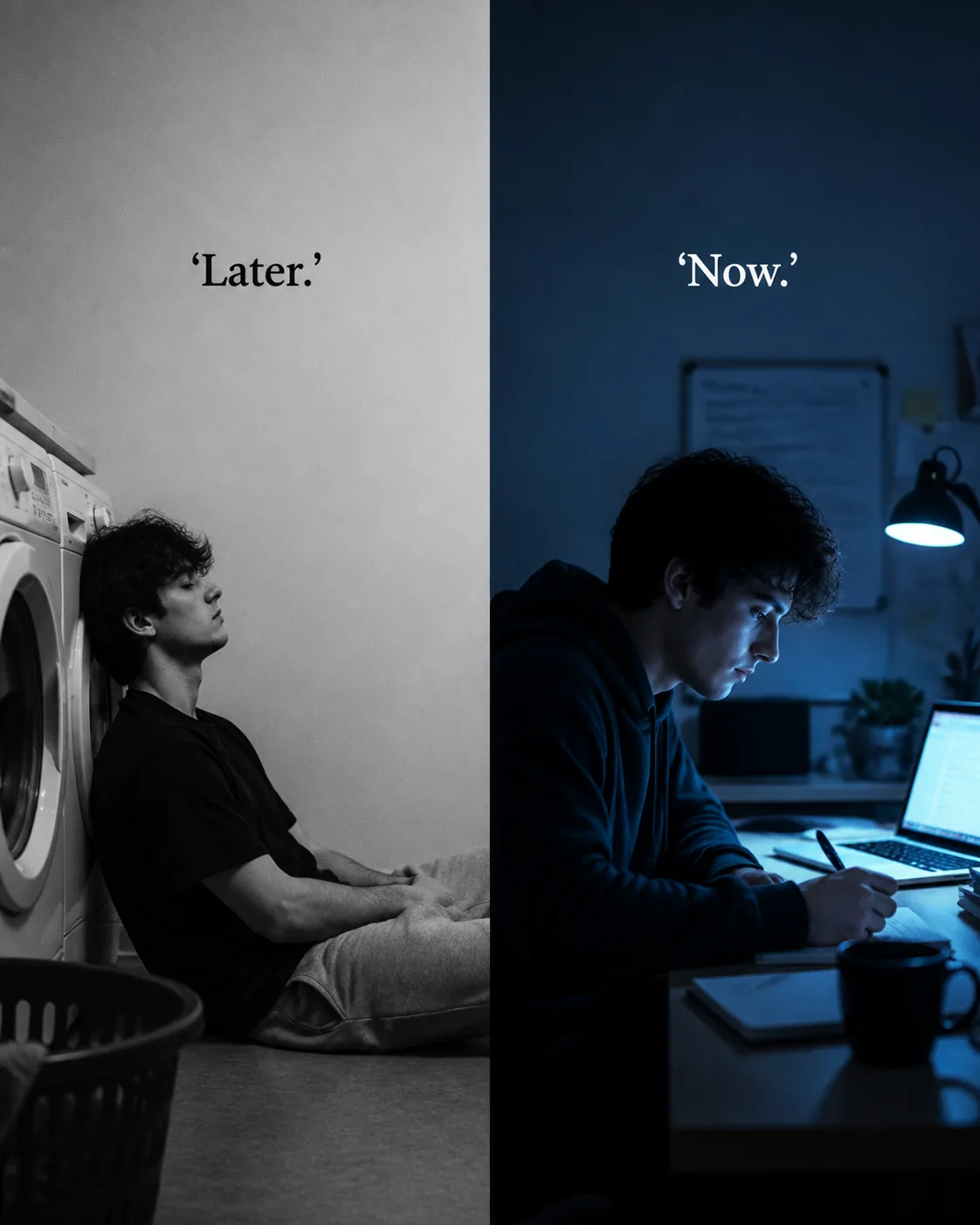
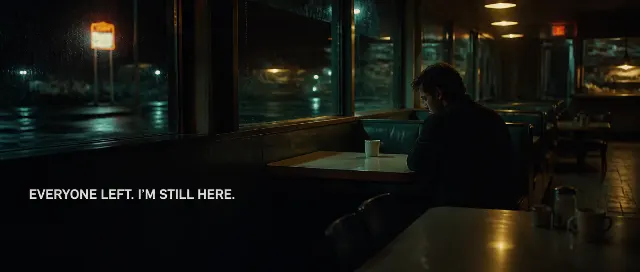
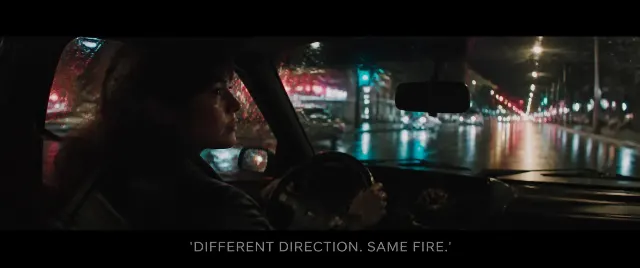
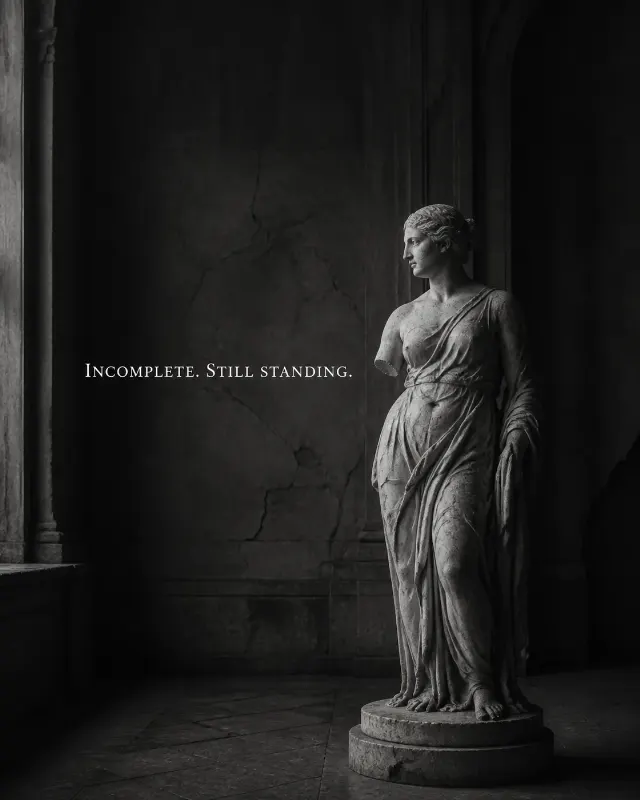
Build a two-panel split image in the Format, with a clear vertical divide and matching visual continuity between both halves. Show the Subject on the left in the Left Scene, rendered as a candid black-and-white phone-camera photograph with generous negative space and subdued contrast. Place the Left Quote directly in that empty space in a restrained classic serif typeface, keeping it readable at phone size without covering the person or focal point.

Show the same Subject on the right in the Right Scene, with a focused posture and a realistic candid atmosphere. Use the Color Palette to create a cool, subdued light treatment that contrasts with the left half. Place the Right Quote directly over an uncluttered area in bold typography, still keeping the text modest in size and clearly legible. Render both quotes exactly as written, including quotation marks and punctuation. Use one typeface family across the image, no solid text bar, no extra captions, logos, watermarks, usernames, timestamps or borders.

Use these details:
Subject: "young man"
Left Scene: "slumped against a washing machine"
Right Scene: "focused on work at a desk"
Left Quote: "'Later.'"
Right Quote: "'Now.'"
Color Palette: "black and white on the left, cool blue light on the right"
Format: "4:5 portrait social image"
Using your own logo, product or face? Attach it in the chat and say which of the details it replaces.
Your result will come out close to the example rather than identical to it. Change the details to make it yours.