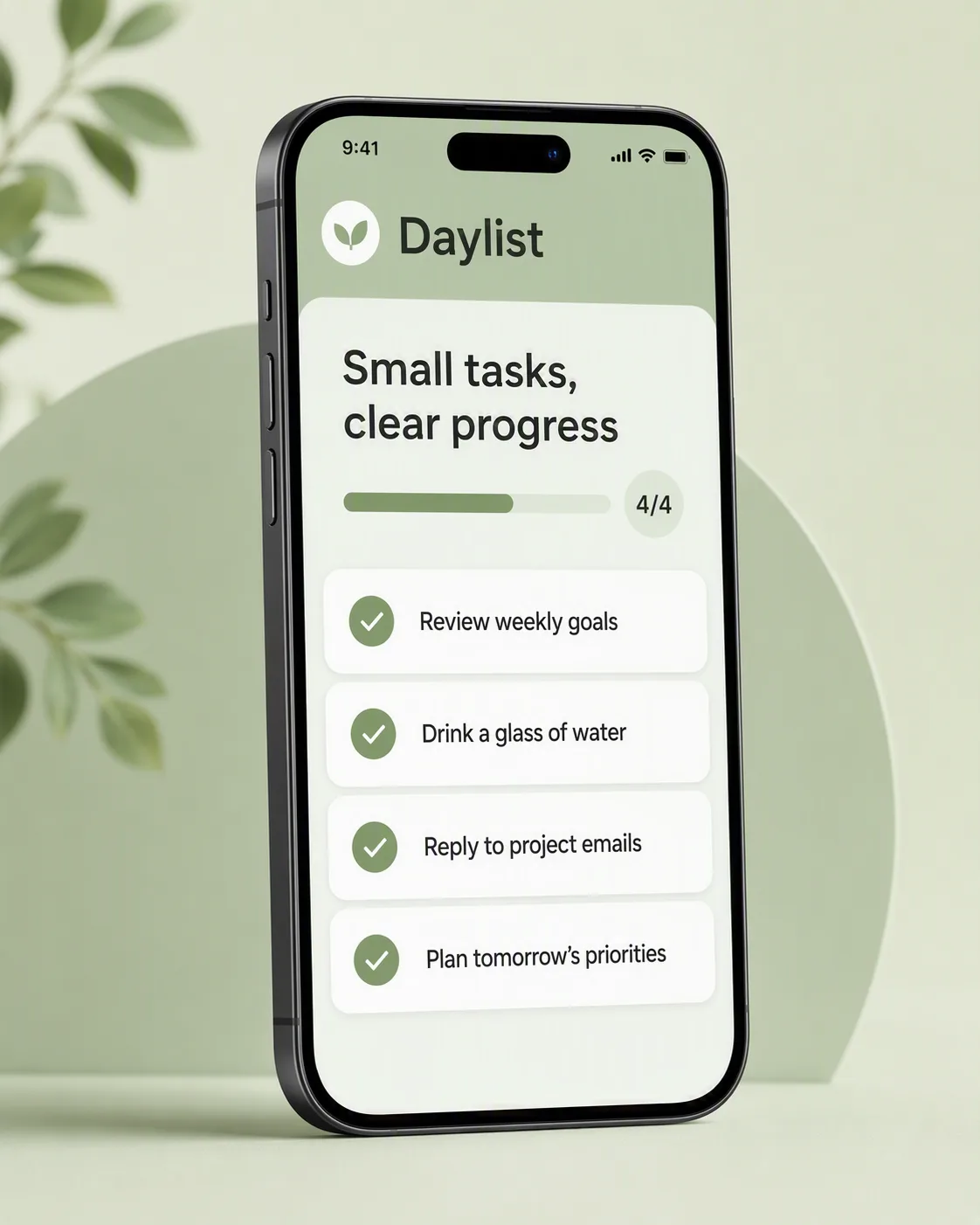
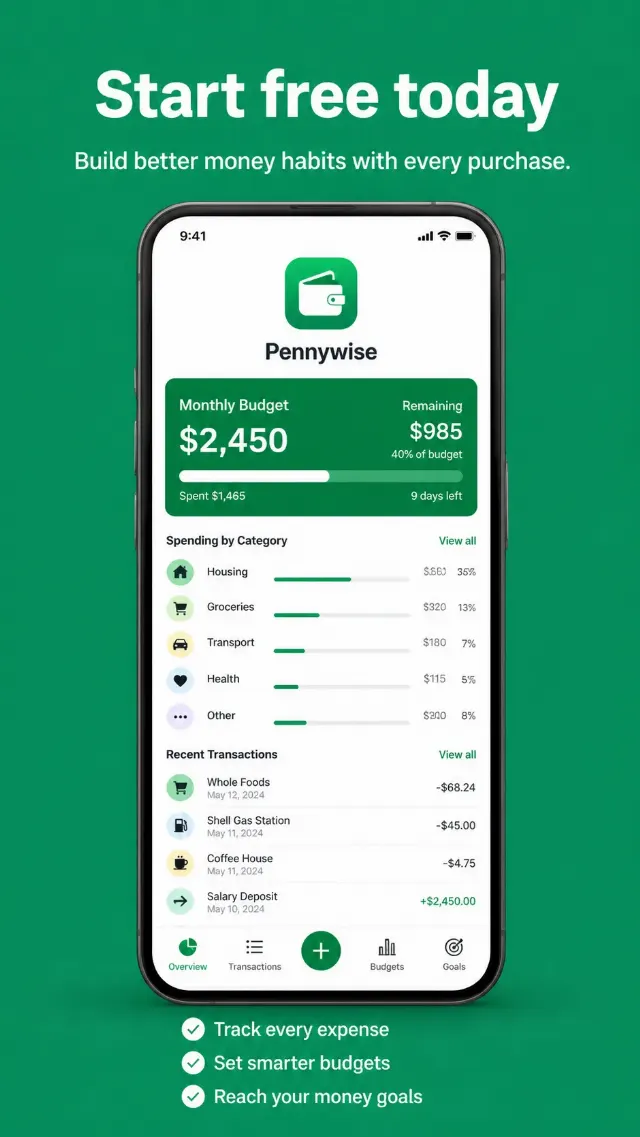
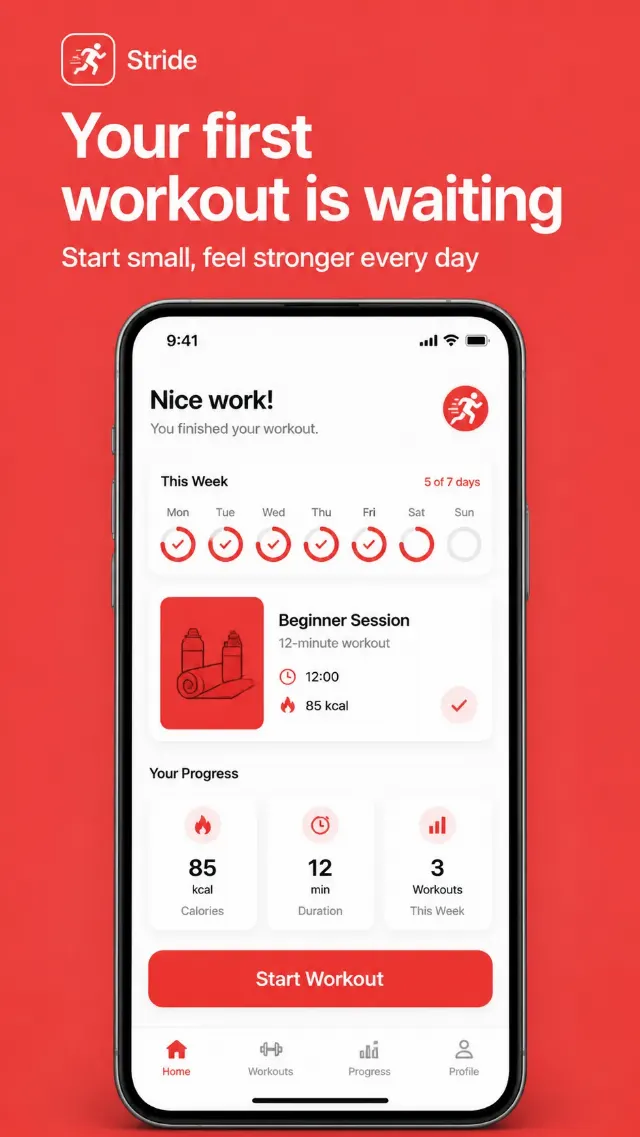
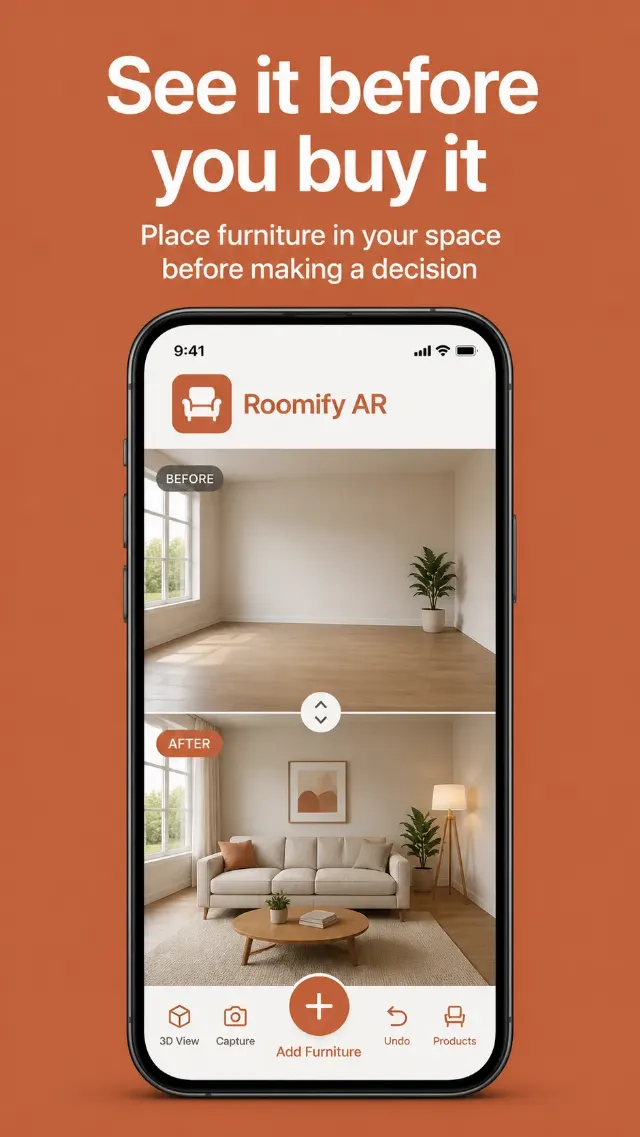
Show a clean todo list app interface inside a contemporary smartphone mockup, centered against a spacious background in the Color Palette. Display the App Name in the app header and place the Feature Headline above the task list as a concise feature callout. Render each item from Checked Tasks as a completed task with a clear checkmark, readable text and consistent spacing. Use a simple rounded interface with subtle cards, restrained shadows and crisp sans-serif Typography. Add a small progress indicator or completion detail without introducing extra readable copy. Use soft, even studio lighting and a slightly angled three-quarter phone view so the screen remains fully legible. Keep the composition uncluttered and suitable for an app marketing feature screenshot. Render all supplied text exactly as written, with no misspellings, distorted letters or unrelated interface elements. Compose the final image in the Format.

Use these details:
App Name: "Daylist"
Checked Tasks: ["Review weekly goals", "Drink a glass of water", "Reply to project emails", "Plan tomorrow's priorities"]
Feature Headline: "Small tasks, clear progress"
Color Palette: "soft sage green, pale mint, white and charcoal"
Format: "4:5 portrait"
Using your own logo, product or face? Attach it in the chat and say which of the details it replaces.
Your result will come out close to the example rather than identical to it. Change the details to make it yours.