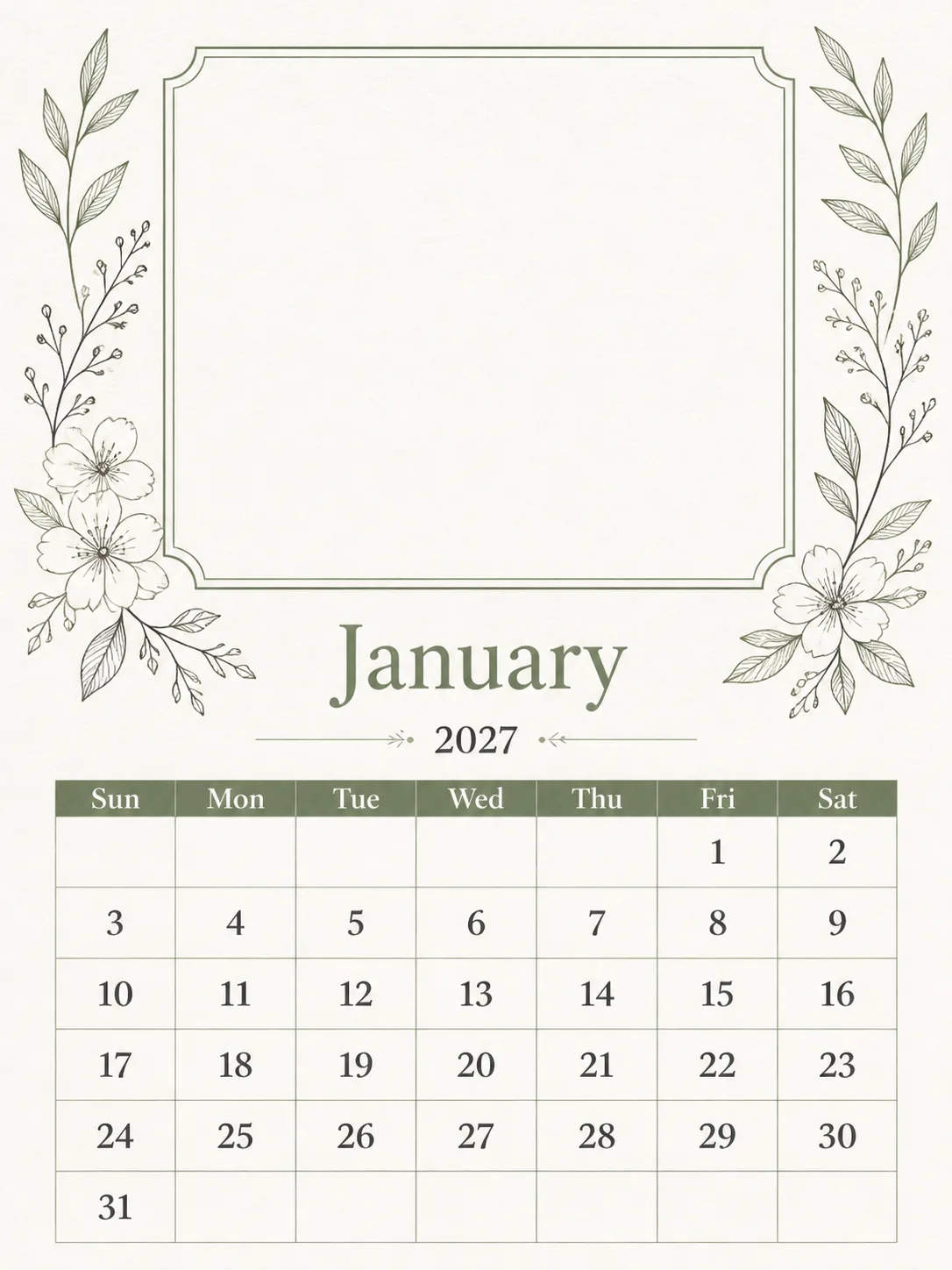
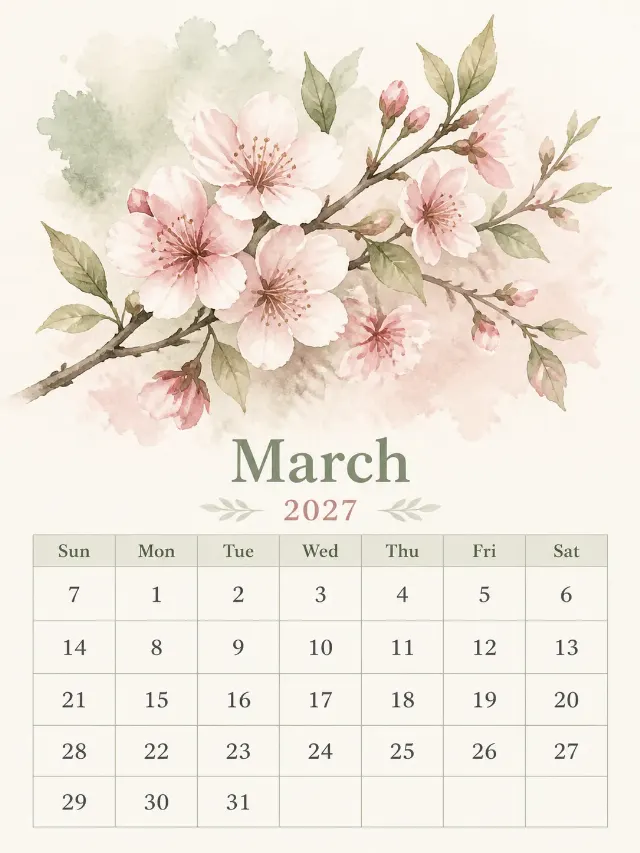
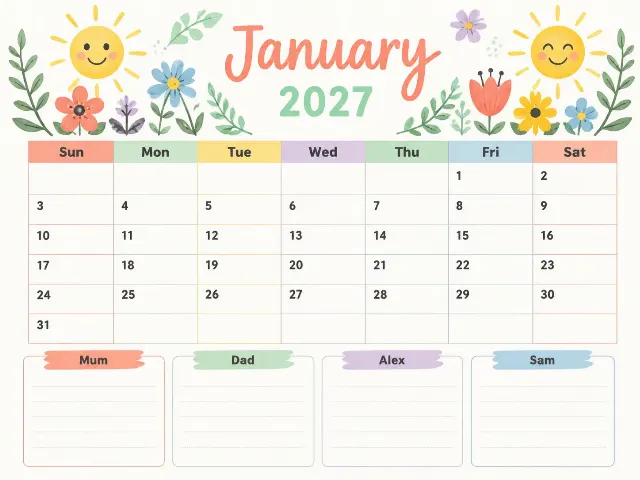
Lay out a flat, front-facing printable photo calendar page in the Format. Place a large, clean empty photo frame across the upper half, with subtle decorative details inspired by the Art Theme around it, leaving the frame completely blank for a user's photo. Put a spacious monthly calendar grid below it with generous margins and crisp, evenly spaced numerals. Use the Color Palette and render the design as if printed on quality paper with authentic, tactile texture rather than a generic digital finish.

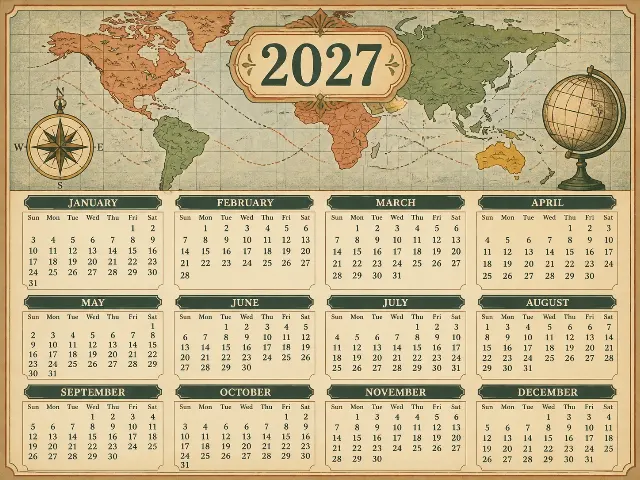
Create the calendar for the Month in the Year. Use the Week Start Day as the first column and place every date in the correct weekday column. For 2027, January begins on Friday, February on Monday, March on Monday, April on Thursday, May on Saturday, June on Tuesday, July on Thursday, August on Sunday, September on Wednesday, October on Friday, November on Monday and December on Wednesday. The months contain 31, 28, 31, 30, 31, 30, 31, 31, 30, 31, 30 and 31 days respectively; 2027 is not a leap year. Show only the month name, year, weekday labels Sun, Mon, Tue, Wed, Thu, Fri, Sat, and date numbers. Keep every word correctly spelled and fully legible. No holidays, long text, random sparkles, glowing orbs, lens flares, logos, watermarks or edge-to-edge elements.

Use these details:
Year: "2027"
Month: "January"
Week Start Day: "Sunday"
Art Theme: "Delicate botanical line art"
Color Palette: "Warm white, sage green and charcoal"
Format: "Portrait 3:4"
Using your own logo, product or face? Attach it in the chat and say which of the details it replaces.
Your result will come out close to the example rather than identical to it. Change the details to make it yours.