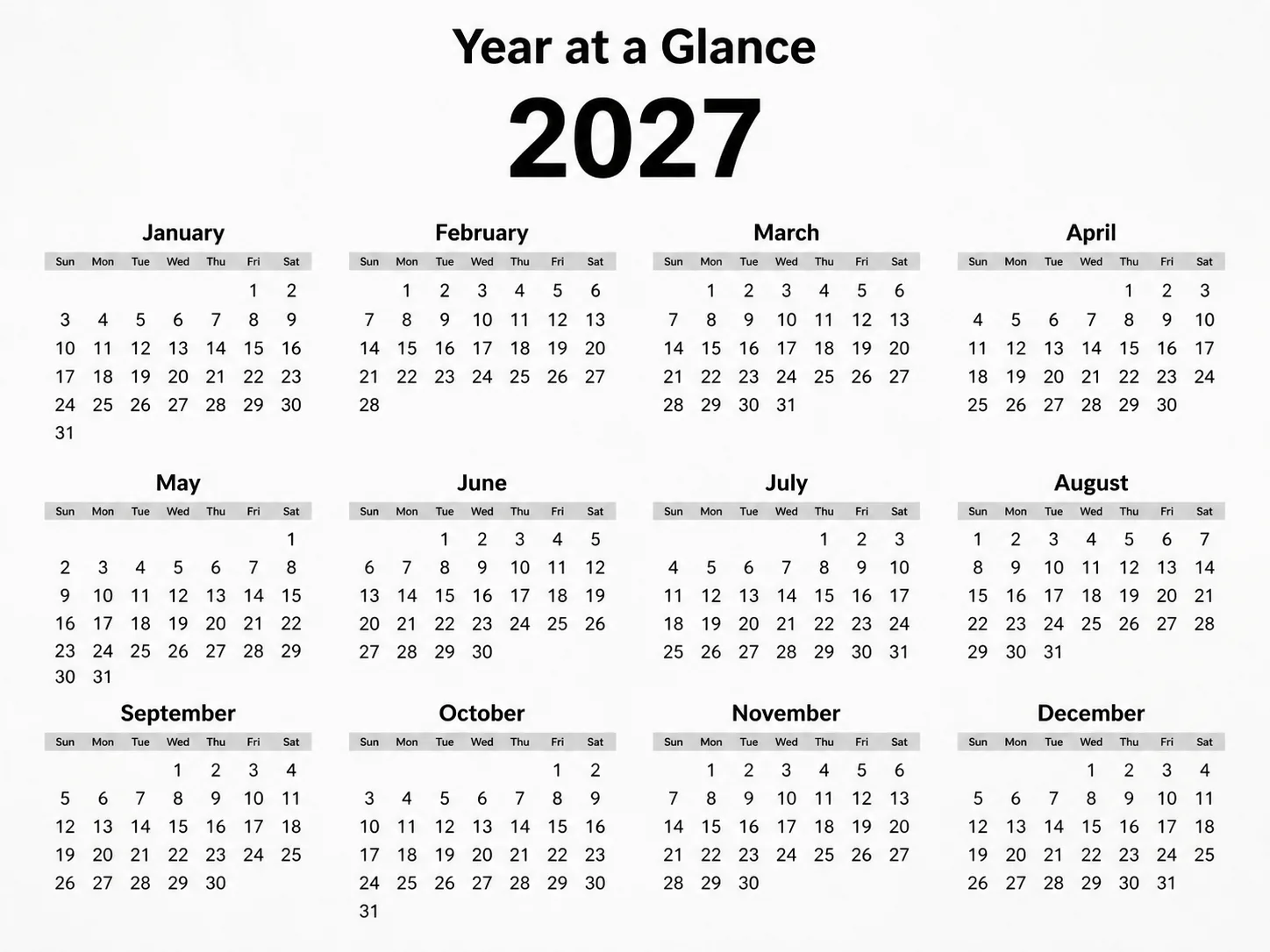
Lay out a front-facing, flat one-page year calendar for the Year, arranging every month from the Month in a precise Swiss grid. Use the Art Theme with crisp sans-serif typography, strong alignment, generous white space and a clear hierarchy: the Custom Labels at the top, followed by twelve evenly sized monthly blocks. Use the Color Palette, keeping the background light and the numerals dark. Set the week to begin on the Week Start Day and place every date in the correct weekday column. For 2027, January starts on Friday, February on Monday, March on Monday, April on Thursday, May on Saturday, June on Tuesday, July on Thursday, August on Sunday, September on Wednesday, October on Friday, November on Monday and December on Wednesday. The months contain 31, 28, 31, 30, 31, 30, 31, 31, 30, 31, 30 and 31 days respectively. Include only month names, the year, Sun, Mon, Tue, Wed, Thu, Fri, Sat and date numbers. Keep every numeral crisp, evenly spaced and fully legible, with generous margins and nothing touching the edges. Render it in the Format with the texture of carefully printed quality paper. No holidays, long text, logos, watermarks or decorative effects.

Use these details:
Year: "2027"
Month: "January through December"
Week Start Day: "Sunday"
Art Theme: "Swiss International Typographic Style"
Color Palette: "black, white and soft gray"
Format: "4:3 landscape"
Custom Labels: ["Year at a Glance"]
Using your own logo, product or face? Attach it in the chat and say which of the details it replaces.
Your result will come out close to the example rather than identical to it. Change the details to make it yours.