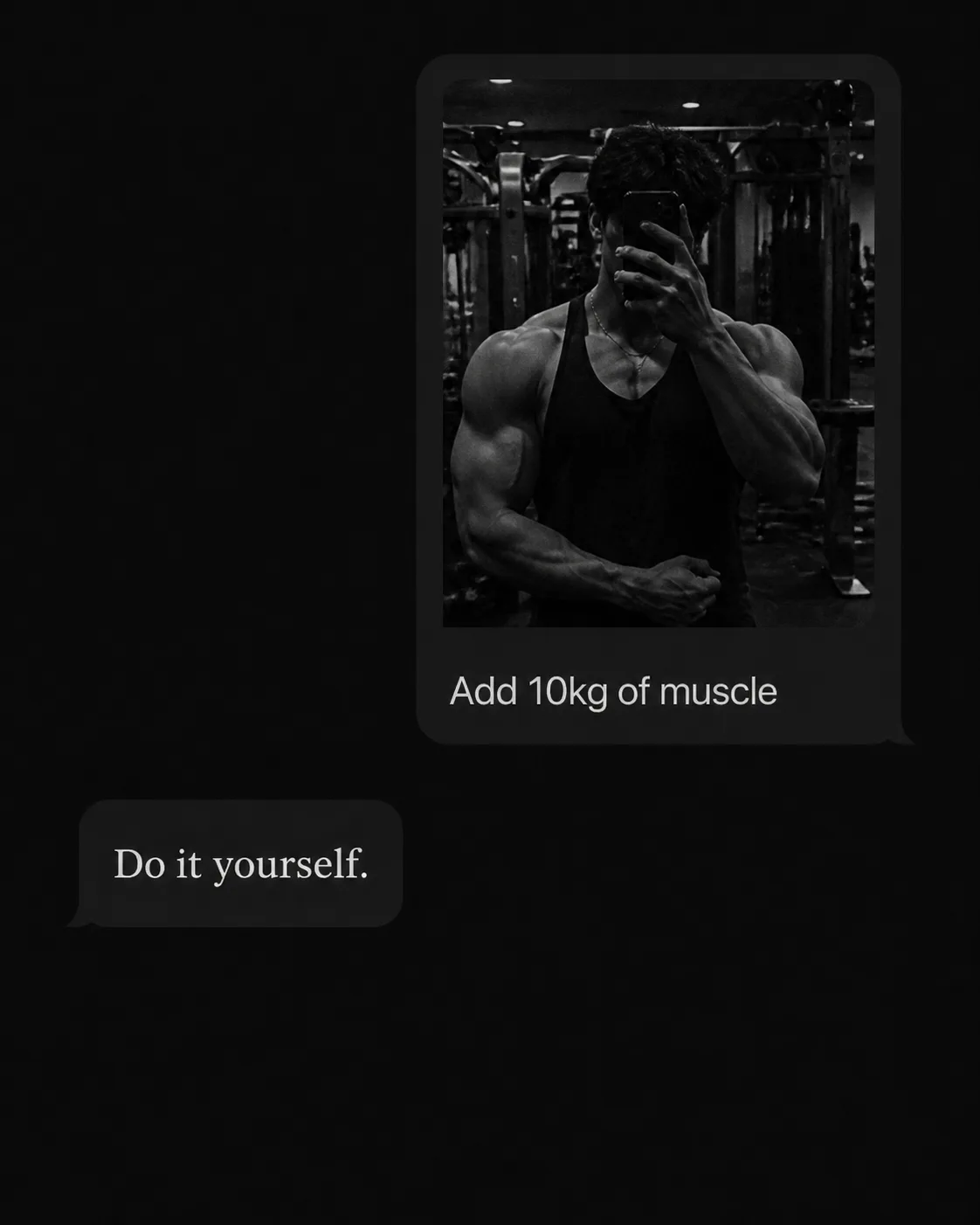
Build an AI chat screen in the Format, shown in dark mode with a nearly black background and realistic, restrained interface details. At the top, place a compact user message bubble containing the Gym Photo Description as a small inline gym mirror photo, followed by the User Message rendered exactly as written. Beneath it, place the Assistant Reply exactly as written in a plain serif typeface, with no decorative emphasis. Use the Color Palette throughout the interface and apply the Visual Treatment to the photo, screen, and subtle background texture. Keep the layout sparse and believable, with generous black space, soft screen glow, and clearly readable text at phone size. Use realistic bubble shapes, restrained spacing, and minimal interface icons. Do not add usernames, profile pictures, timestamps, watermarks, logos, borders, extra captions, or interface elements beyond the chat screen.

Use these details:
User Message: "Add 10kg of muscle"
Assistant Reply: "Do it yourself."
Gym Photo Description: "A grainy mirror photo taken in a dim gym, with the person's face obscured by the phone and weight machines faintly visible behind them"
Color Palette: "Black, white and soft charcoal grey"
Visual Treatment: "Monochrome, grainy phone-screen texture with subtle film noise"
Format: "4:5 portrait social image"
Using your own logo, product or face? Attach it in the chat and say which of the details it replaces.
Your result will come out close to the example rather than identical to it. Change the details to make it yours.