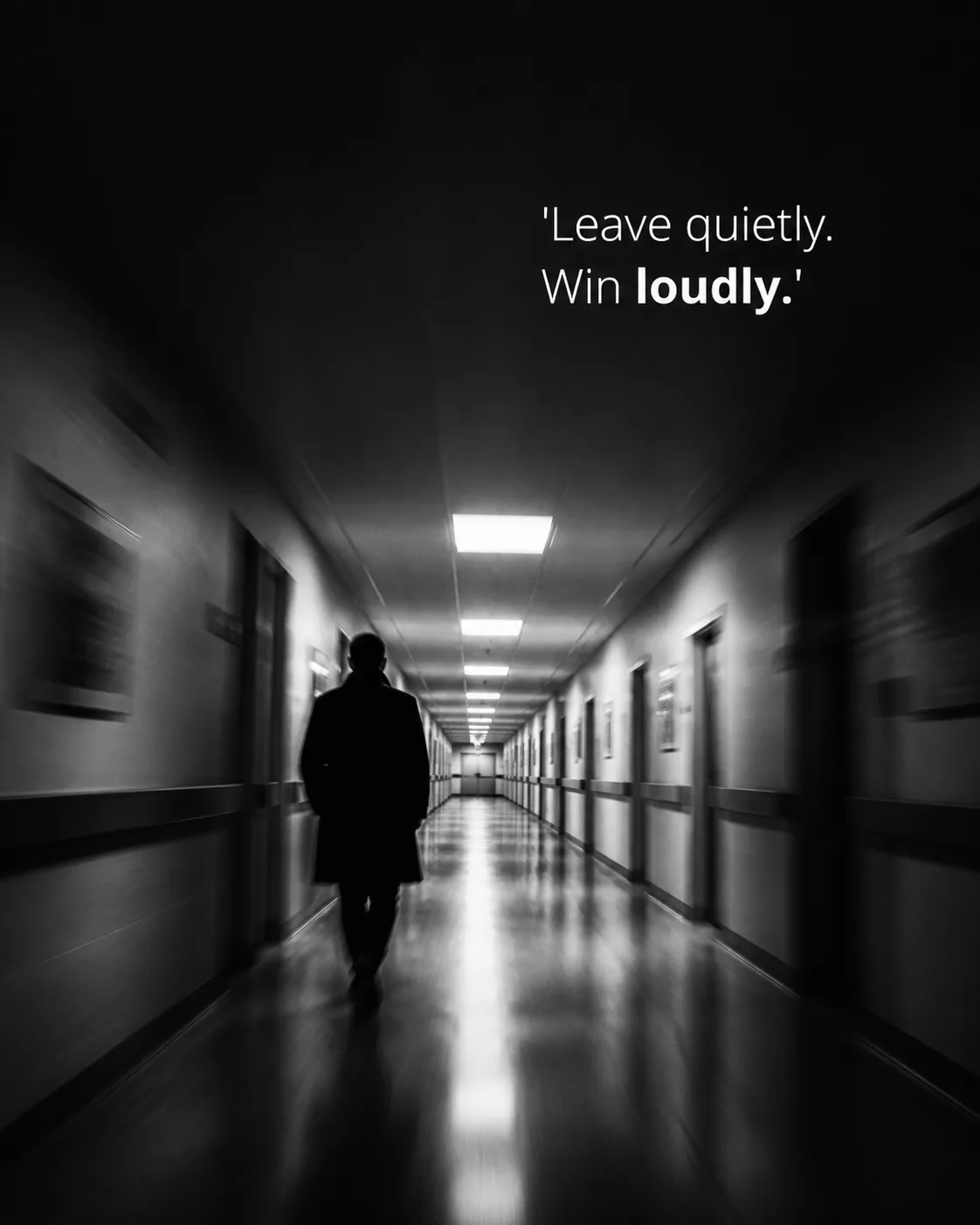
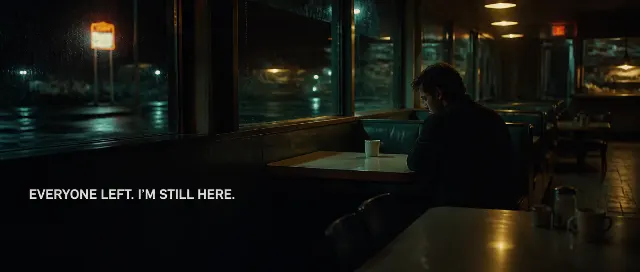
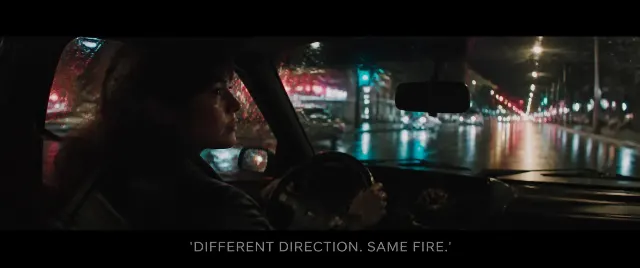
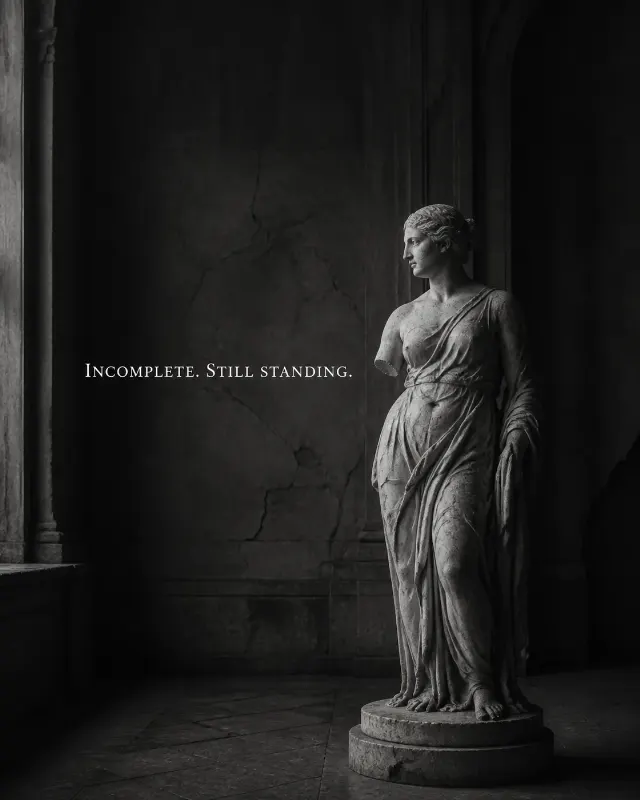
A candid phone-camera photograph of the Person walking away through the Corridor, framed from behind in a deep central perspective. Apply the Image Treatment with directional motion blur across the moving figure and corridor edges, while keeping the central path and the Quote readable. Leave generous negative space in the upper half or along one side of the corridor for the text, without covering the person or the vanishing point. Set the Quote directly on the photograph in a clean, readable sans-serif typeface, using white or light grey lettering at a phone-friendly size. Set the Emphasis Word in bold. Keep the image stark, quiet and emotionally restrained, with no separate text box, border, logo, watermark or extra caption. Render the Quote exactly as written, including its quotation marks and punctuation, in the Format.

Use these details:
Quote: "'Leave quietly. Win loudly.'"
Emphasis Word: "loudly"
Format: "4:5 portrait"
Corridor: "a long, empty institutional corridor"
Person: "a person in a dark coat walking away"
Image Treatment: "high-contrast black and white with strong motion blur"
Using your own logo, product or face? Attach it in the chat and say which of the details it replaces.
Your result will come out close to the example rather than identical to it. Change the details to make it yours.