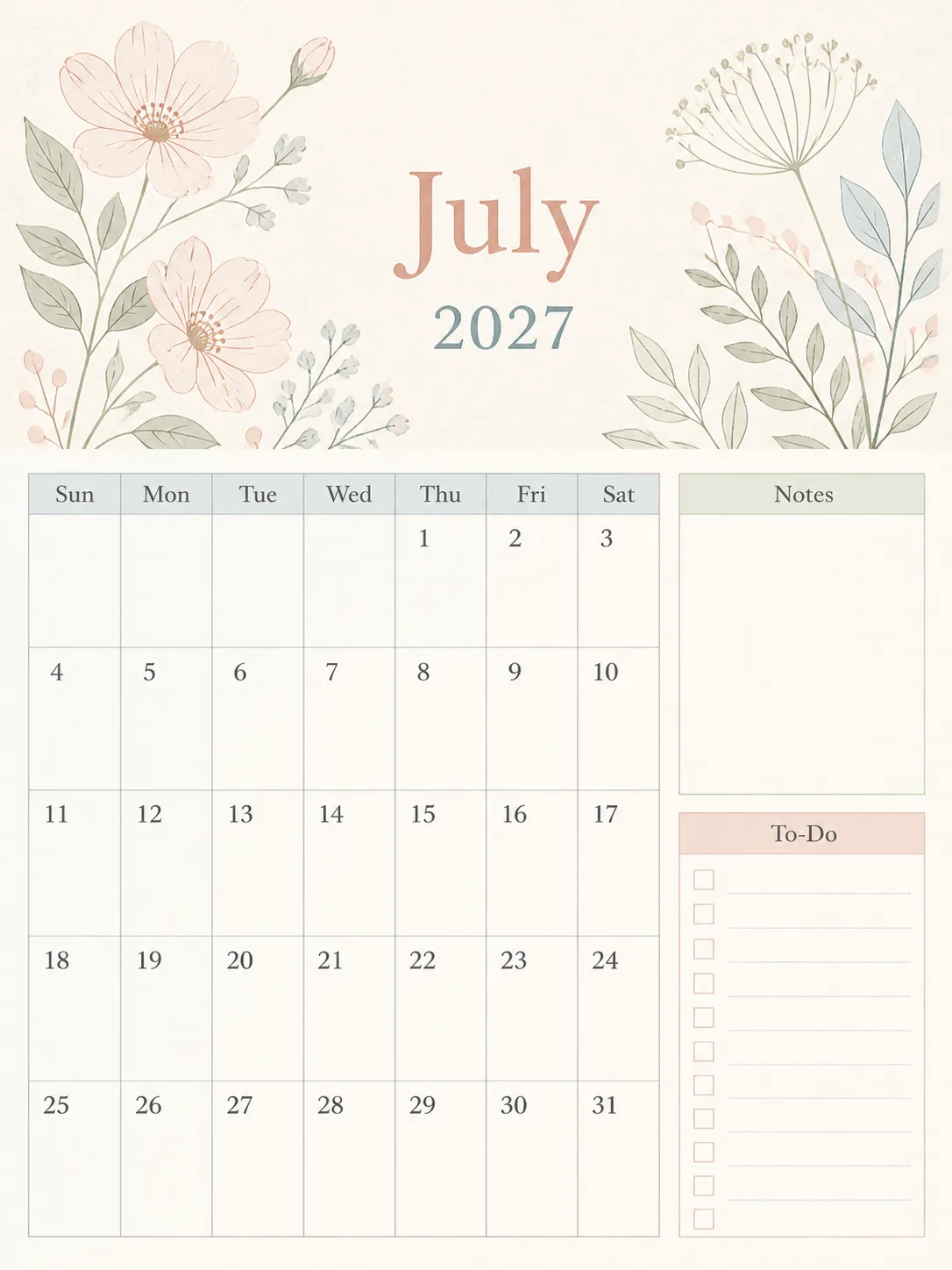
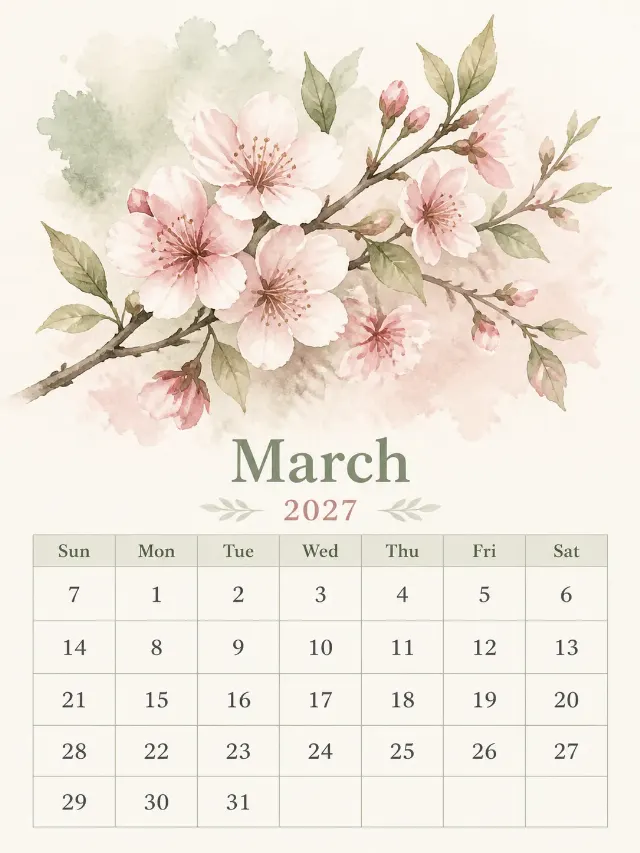
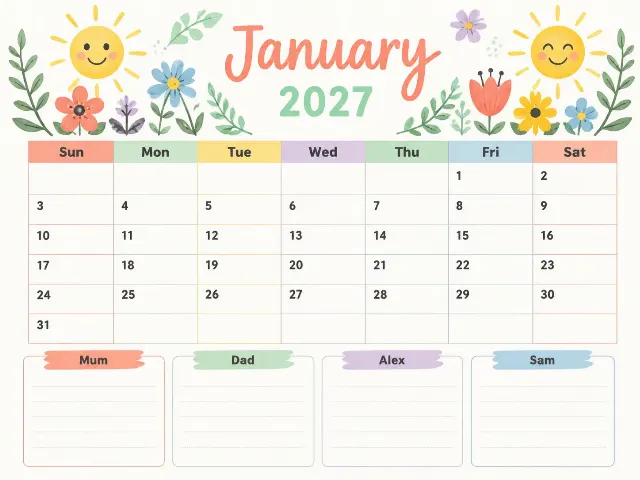
Design a printable monthly planner page for the Month and Year, using the Art Theme and Color Palette in the Format. Keep the page flat and front-facing, with the artwork as a quiet hero area above a clean, readable calendar grid. Give the grid generous margins and place a large empty Notes area beside or below it, plus a clearly separated To-Do list with ruled lines and checkboxes. Use the Custom Labels exactly as written and render all text in English only.

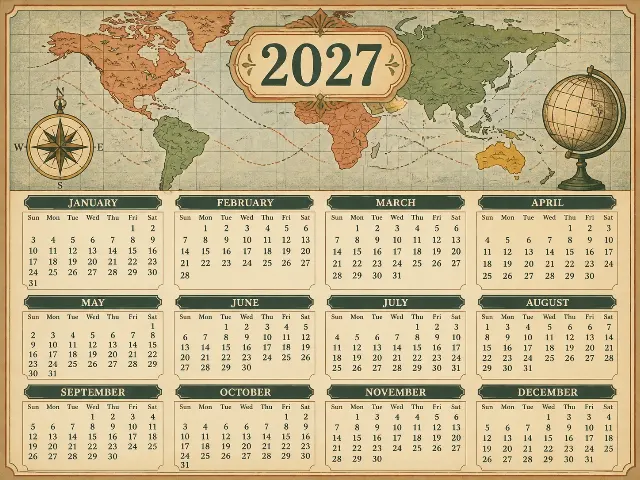
The week starts on the Week Start Day. For the 2027 calendar, January 1 is Friday, February 1 Monday, March 1 Monday, April 1 Thursday, May 1 Saturday, June 1 Tuesday, July 1 Thursday, August 1 Sunday, September 1 Wednesday, October 1 Friday, November 1 Monday and December 1 Wednesday. The months contain 31, 28, 31, 30, 31, 30, 31, 31, 30, 31, 30 and 31 days respectively. 2027 is not a leap year. For July 2027, place every date in the correct weekday column, with 1 on Thursday and 31 on Saturday. Show the month name, year, weekday labels Sun, Mon, Tue, Wed, Thu, Fri, Sat and crisp, evenly spaced date numbers. Include no holidays or long text. Match the named medium with authentic printed-paper texture. Avoid random sparkles, glowing orbs, lens flares, logos, watermarks, copyrighted characters and real brand names.

Use these details:
Year: "2027"
Month: "July"
Week Start Day: "Sunday"
Art Theme: "soft pastel botanical line art"
Color Palette: "blush pink, powder blue, pale sage and warm cream"
Format: "portrait 3:4"
Custom Labels: ["Notes", "To-Do"]
Using your own logo, product or face? Attach it in the chat and say which of the details it replaces.
Your result will come out close to the example rather than identical to it. Change the details to make it yours.