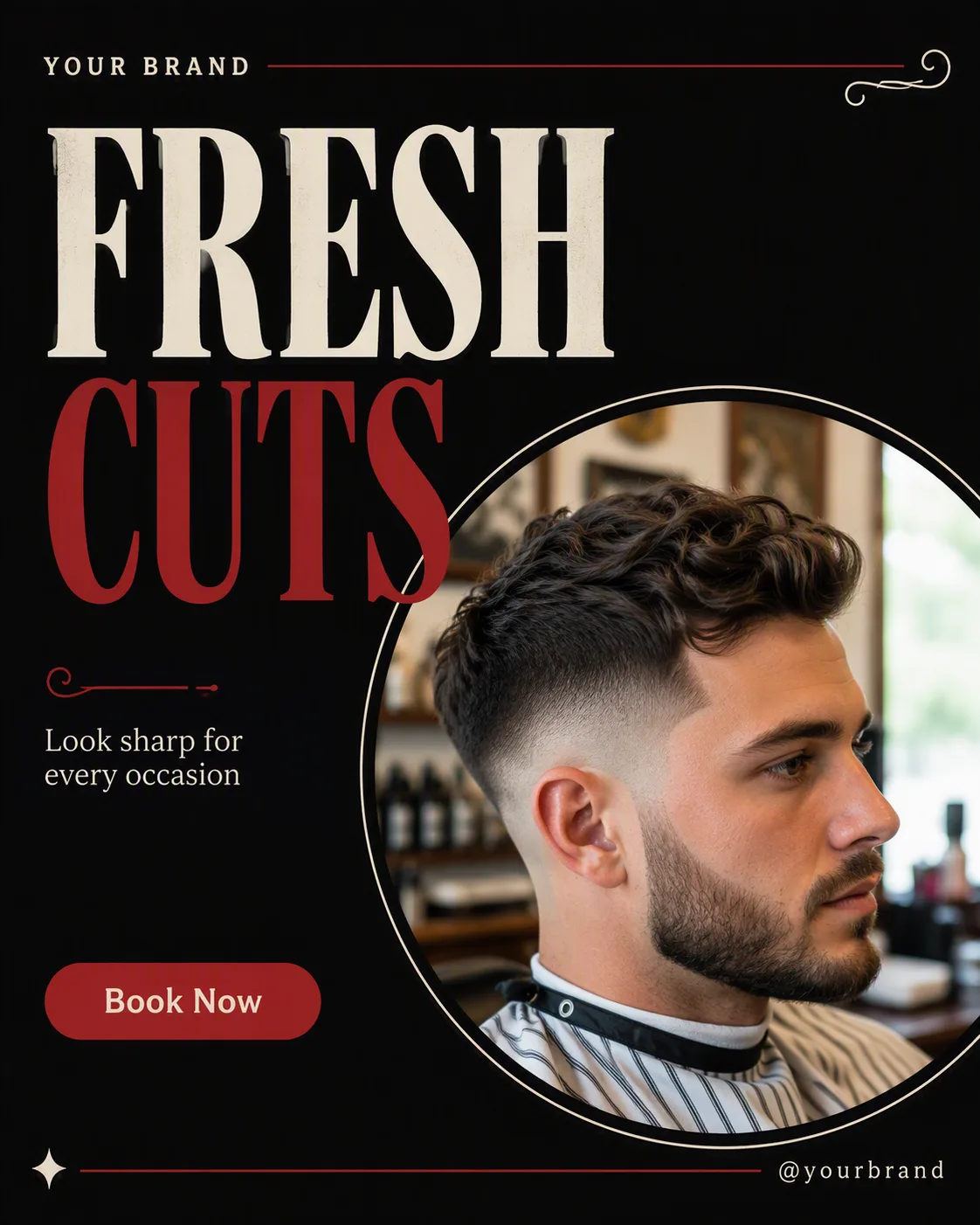
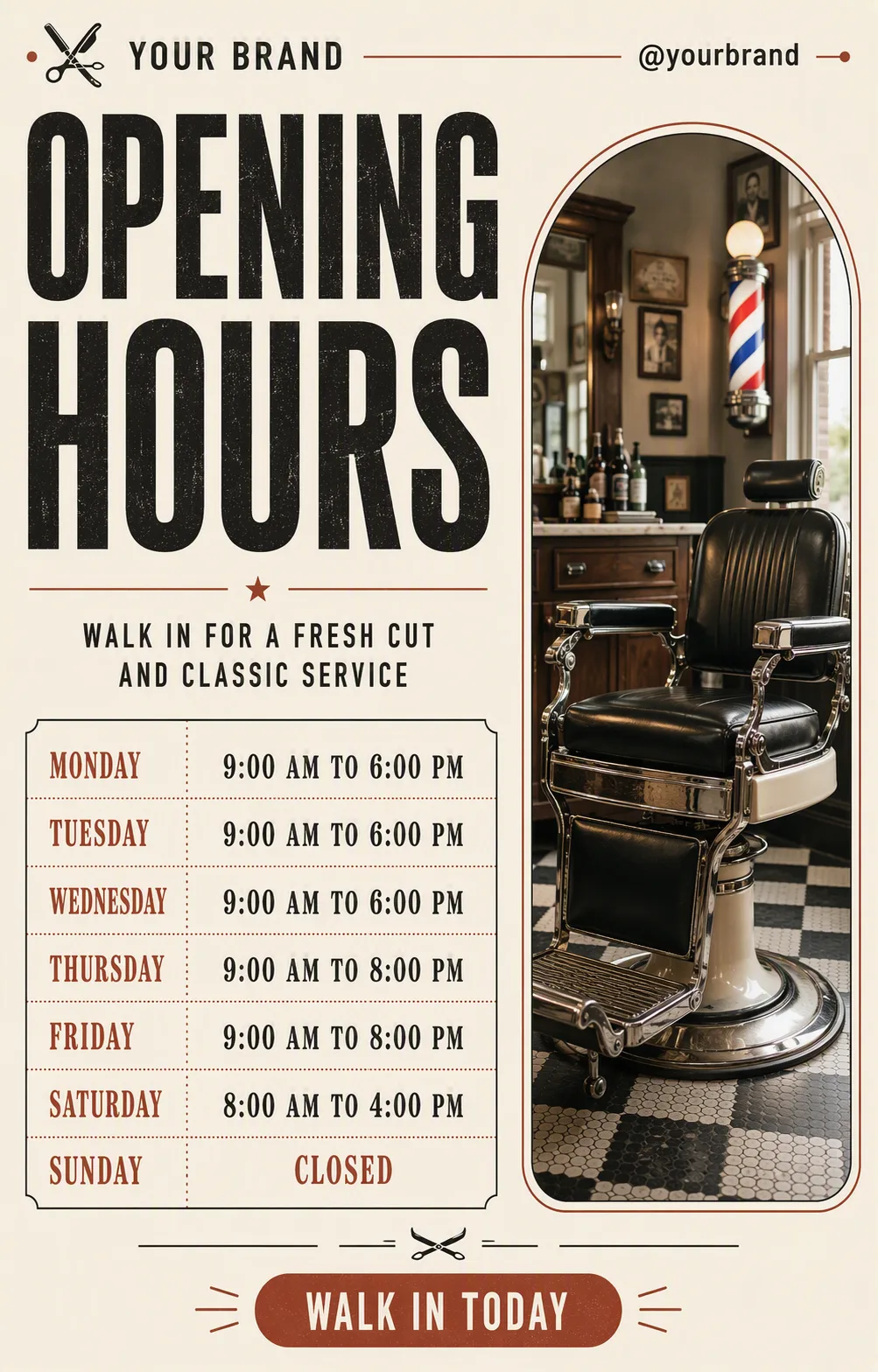
Design one single barber shop social media post in the Format, shown flat and full-frame. Use the Color Palette with a vintage editorial feel: a strong black foundation, restrained red accents and generous light space for readability. Set the Headline as the dominant element in a bold serif display typeface, using the accent color on one selected word if it improves hierarchy. Place the Photo Inside The Frame inside one large, clearly defined circular frame, with natural light and an authentic barbershop feel. Keep the Short Supporting Line small and grouped near the headline. Place the Brand Name and Website Or Handle along the top or bottom edge in compact type. Add only one pill-shaped CTA button containing the exact text Call To Action Button Text. Use a clean grid, deliberate alignment and generous margins. Include subtle vintage-inspired curves or fine decorative lines without crowding the layout. Render all text sharply and correctly at phone size, using no more than two typefaces. No mockup device, multiple posts, watermark, real logo or border.

Use these details:
Headline: "Fresh Cuts"
Short Supporting Line: "Look sharp for every occasion"
Brand Name: "Your Brand"
Website Or Handle: "@yourbrand"
Call To Action Button Text: "Book Now"
Photo Inside The Frame: "A naturally lit close-up photo of a fresh barbershop haircut"
Color Palette: "black, vintage red, white and a muted cream accent"
Format: "4:5 portrait"
Using your own logo, product or face? Attach it in the chat and say which of the details it replaces.
Your result will come out close to the example rather than identical to it. Change the details to make it yours.