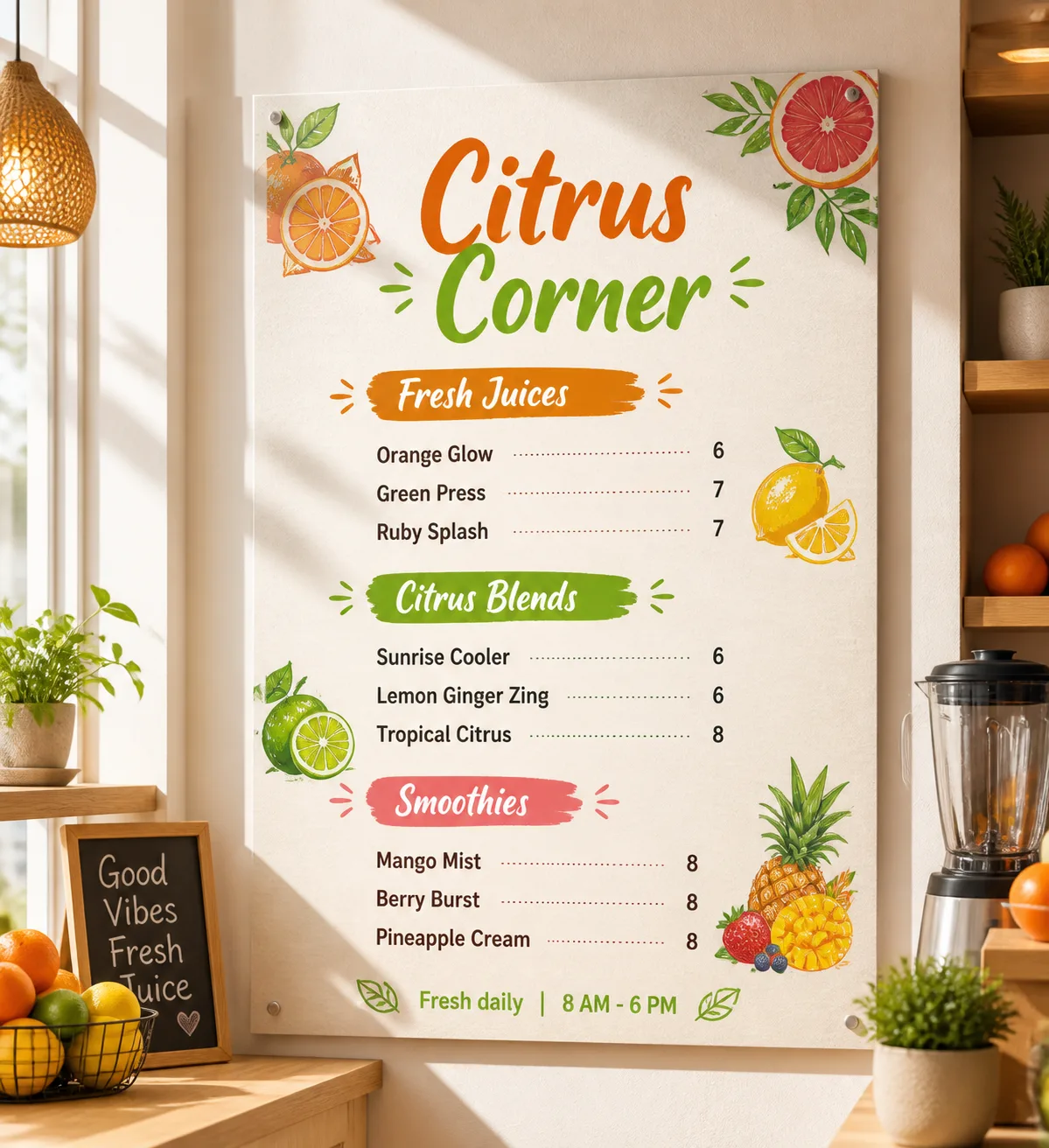
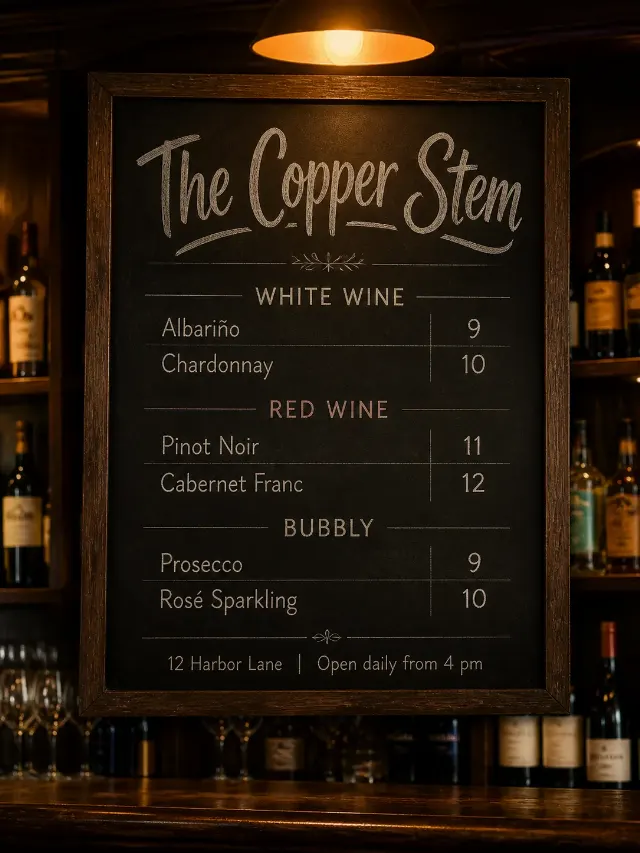
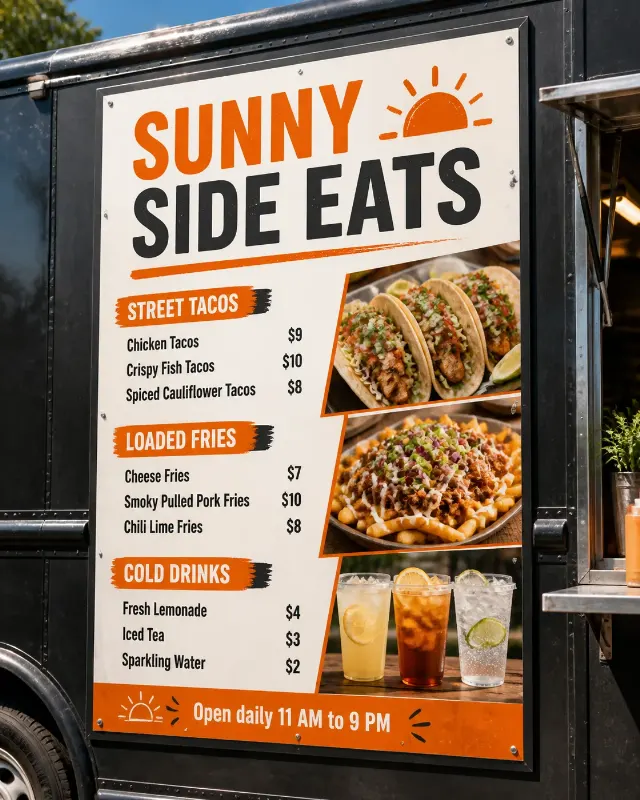
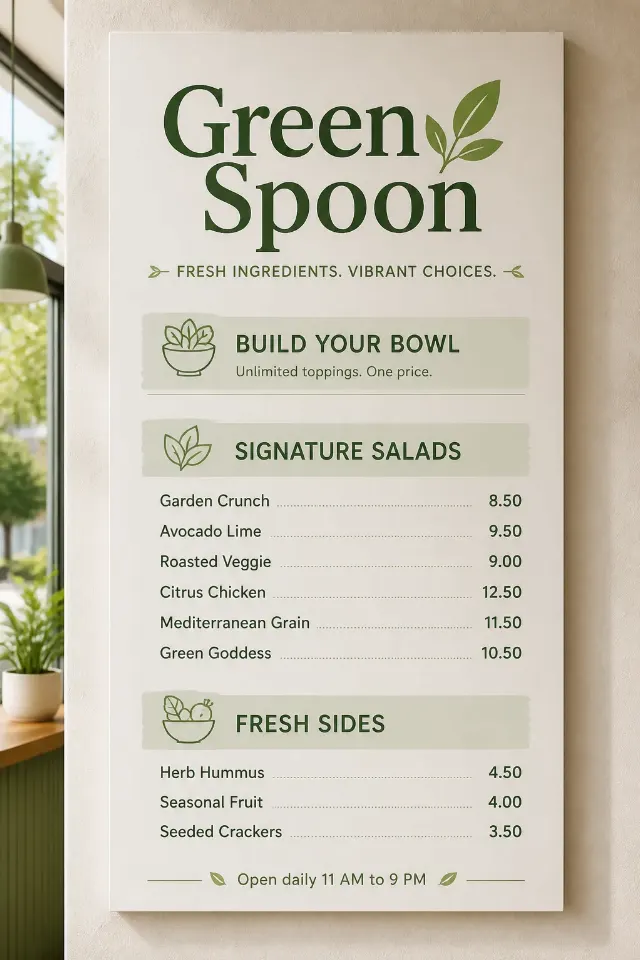
Design a wall-mounted juice bar menu displayed inside the Interior Setting. Use the Venue Name as the largest text element, with the Section Headings clearly separated beneath it. Arrange the Item Names and corresponding Prices in a clean, consistent grid, with prices right-aligned and generous spacing for easy reading. Keep the text volume compact and ensure every word and number is correctly spelled, legible and free from overlap.

Use the Color Palette throughout the menu, supported by the Fruit Illustration Style as cheerful decorative accents around the edges and between sections without crowding the type. Limit the design to two complementary typefaces. Include the Footer Line in small text at the bottom. Show the finished menu as a realistic wall-mounted display with believable paper or board texture, warm sunlight, soft cast shadows and a professional juice-bar interior context. No watermarks, real logos, QR codes or border around the image.

Use these details:
Venue Name: "Citrus Corner"
Section Headings: ["Fresh Juices", "Citrus Blends", "Smoothies"]
Item Names: ["Orange Glow", "Green Press", "Ruby Splash", "Sunrise Cooler", "Lemon Ginger Zing", "Tropical Citrus", "Mango Mist", "Berry Burst", "Pineapple Cream"]
Prices: ["6", "7", "7", "6", "6", "8", "8", "8", "8"]
Footer Line: "Fresh daily | 8 AM - 6 PM"
Color Palette: "tangerine orange, lemon yellow, lime green, grapefruit pink and clean white"
Interior Setting: "a bright sunny juice bar with white walls, pale wood accents and warm daylight"
Fruit Illustration Style: "simple hand-drawn oranges, lemons, limes, grapefruit and tropical leaves"
Using your own logo, product or face? Attach it in the chat and say which of the details it replaces.
Your result will come out close to the example rather than identical to it. Change the details to make it yours.