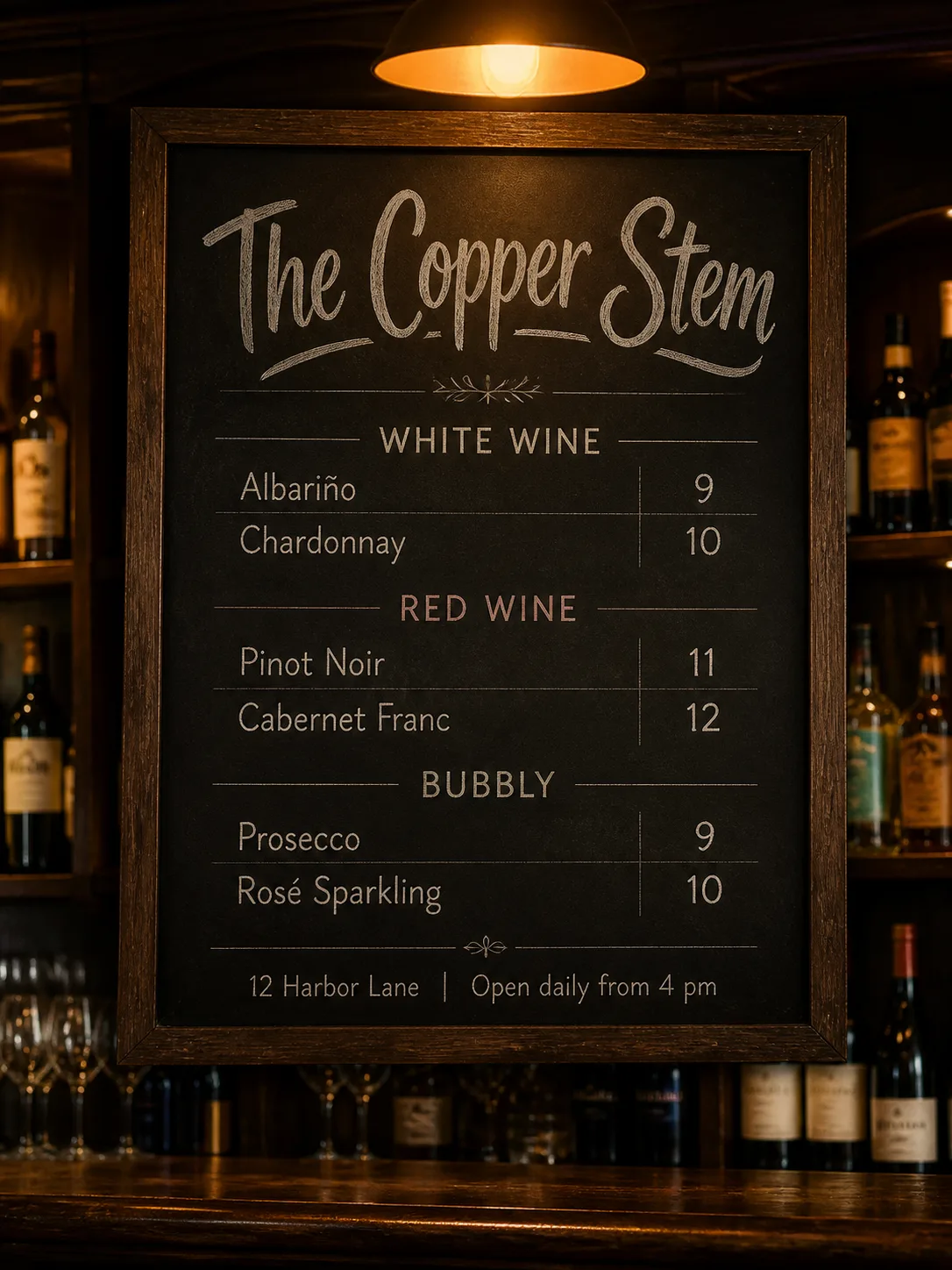
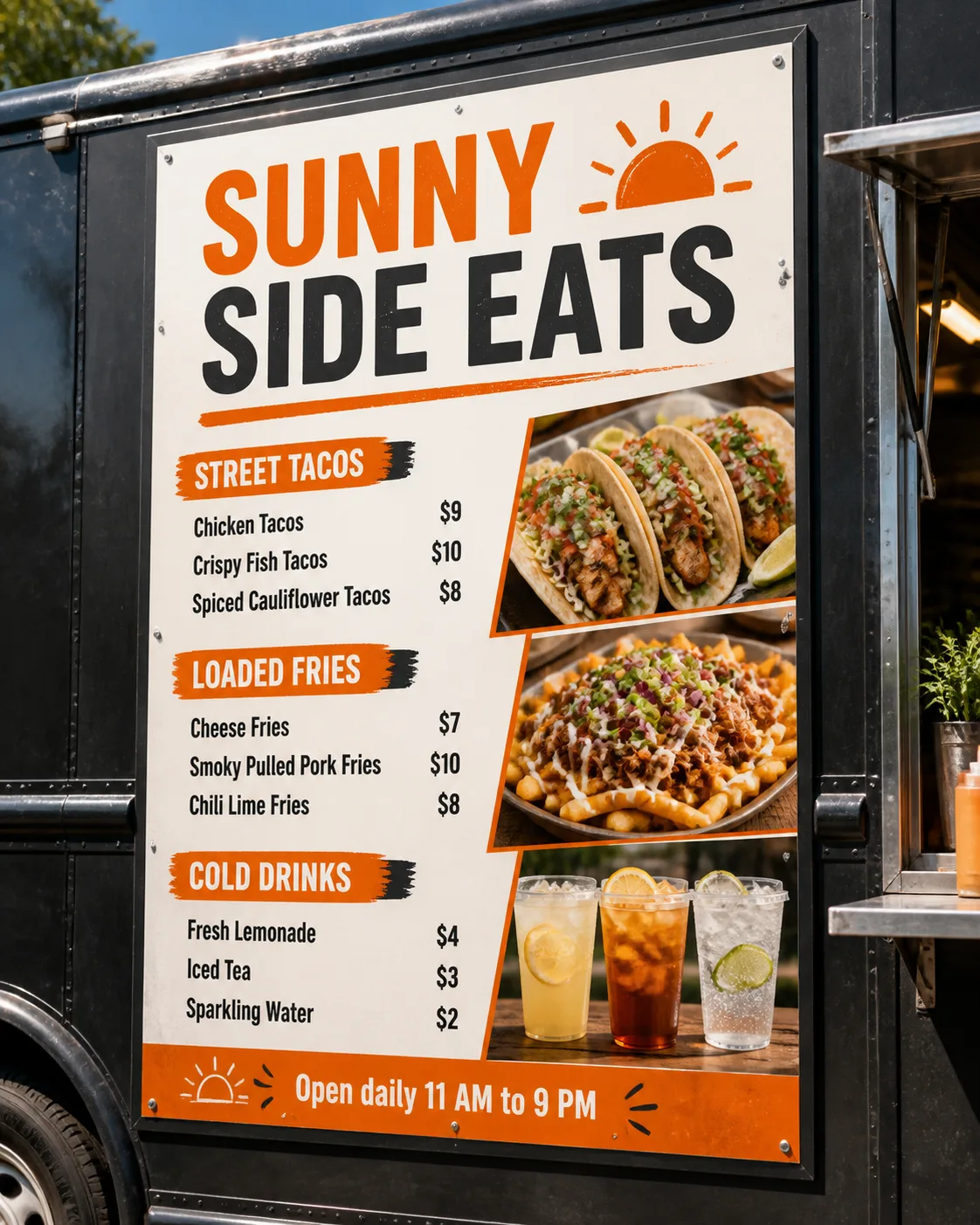
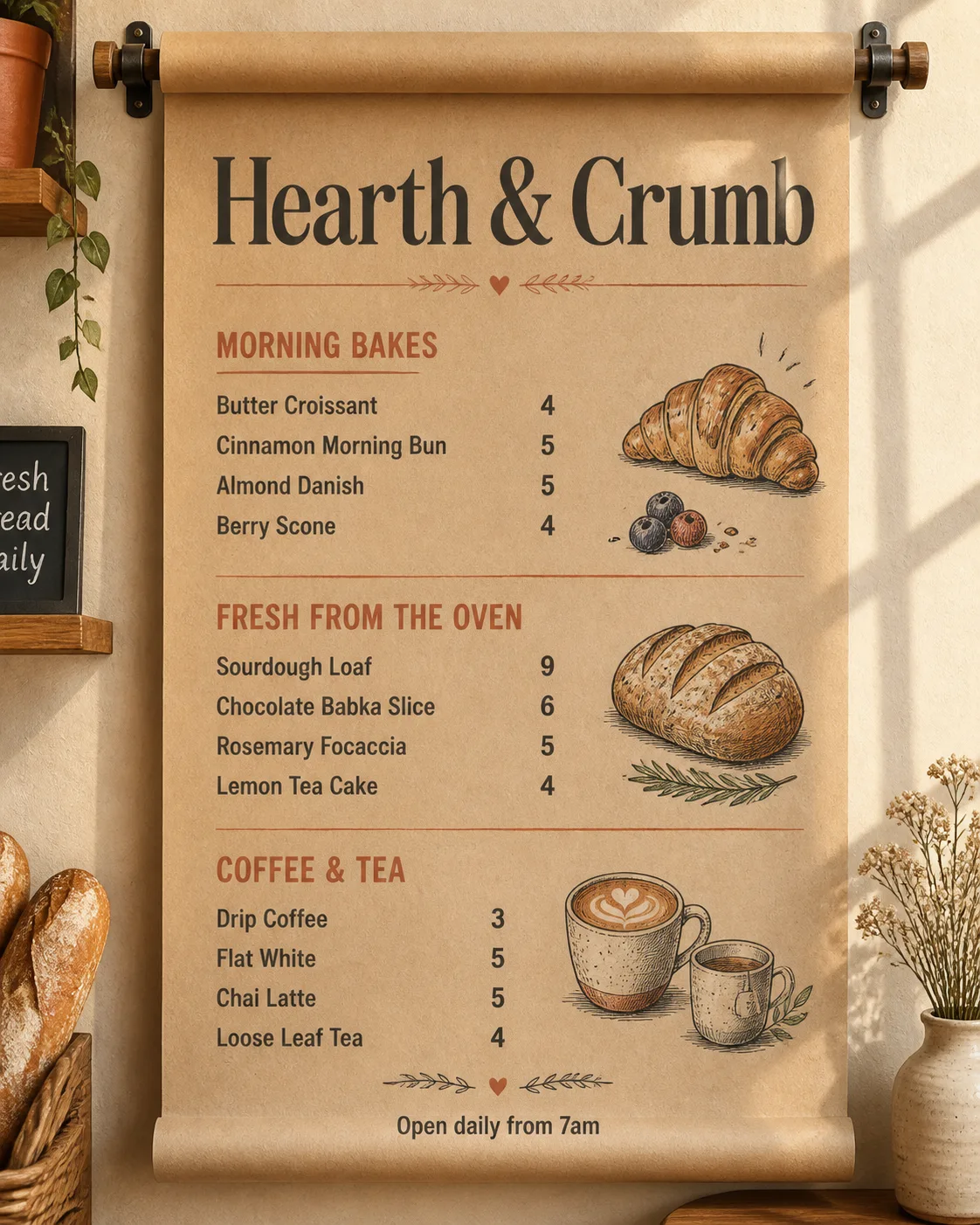
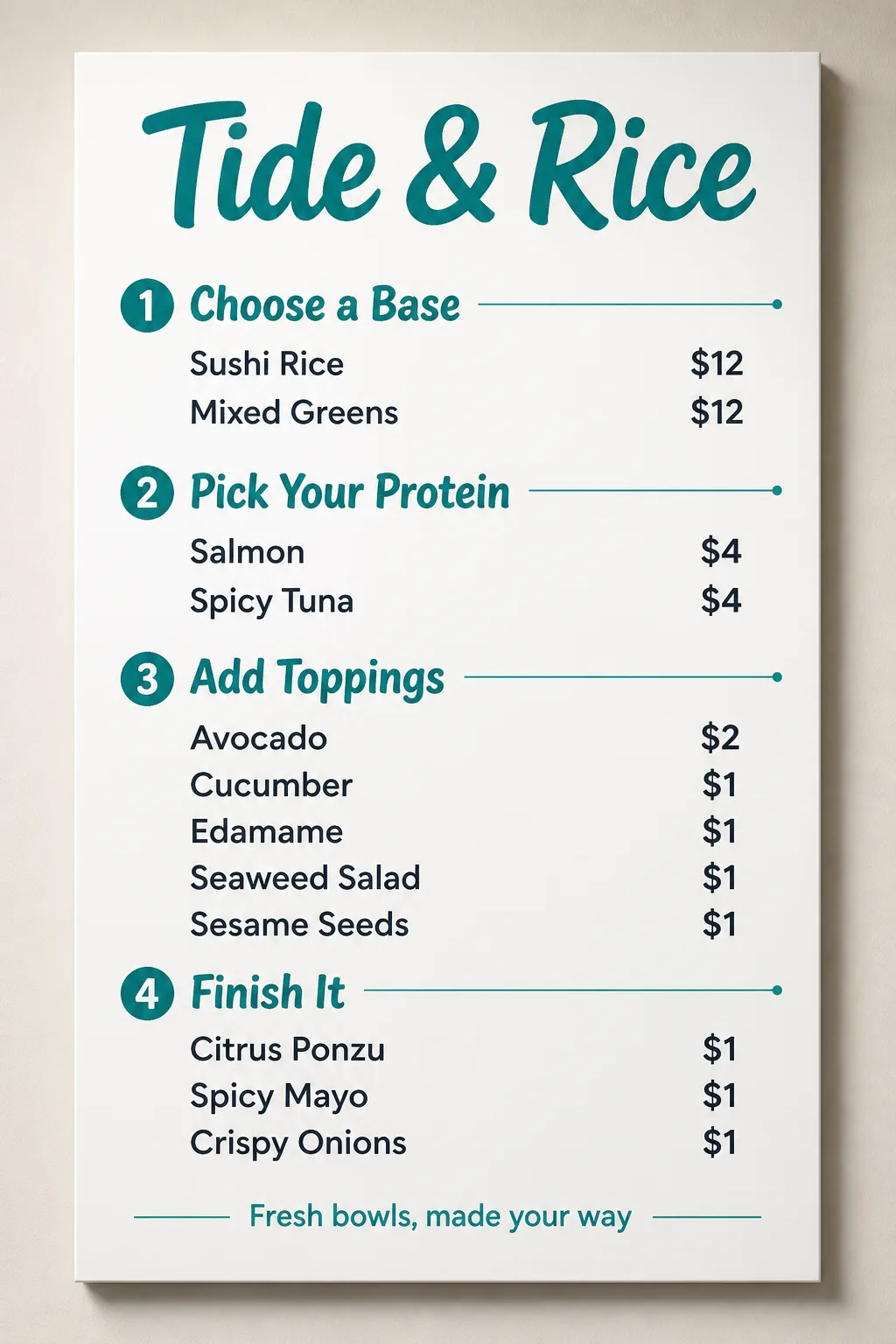
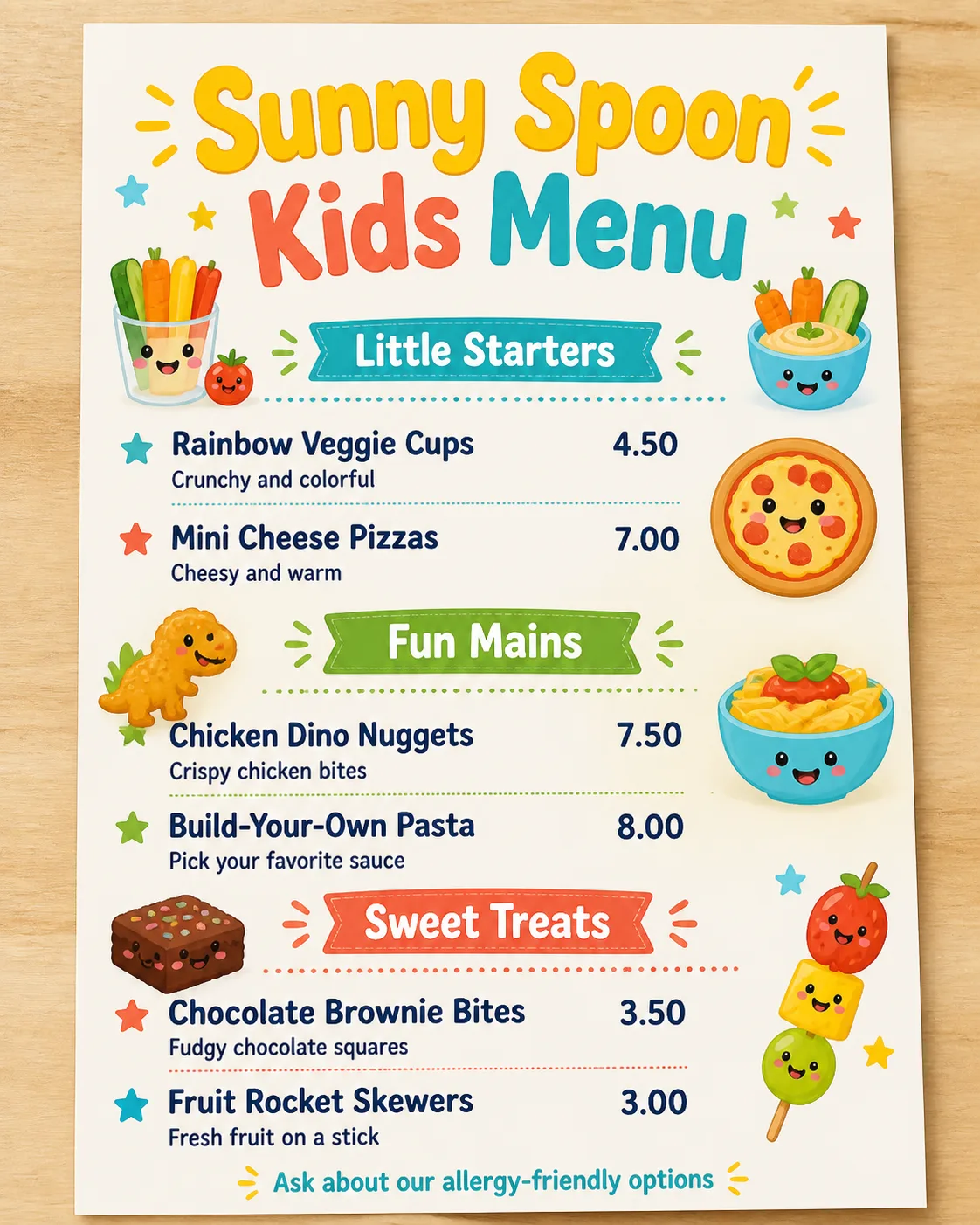
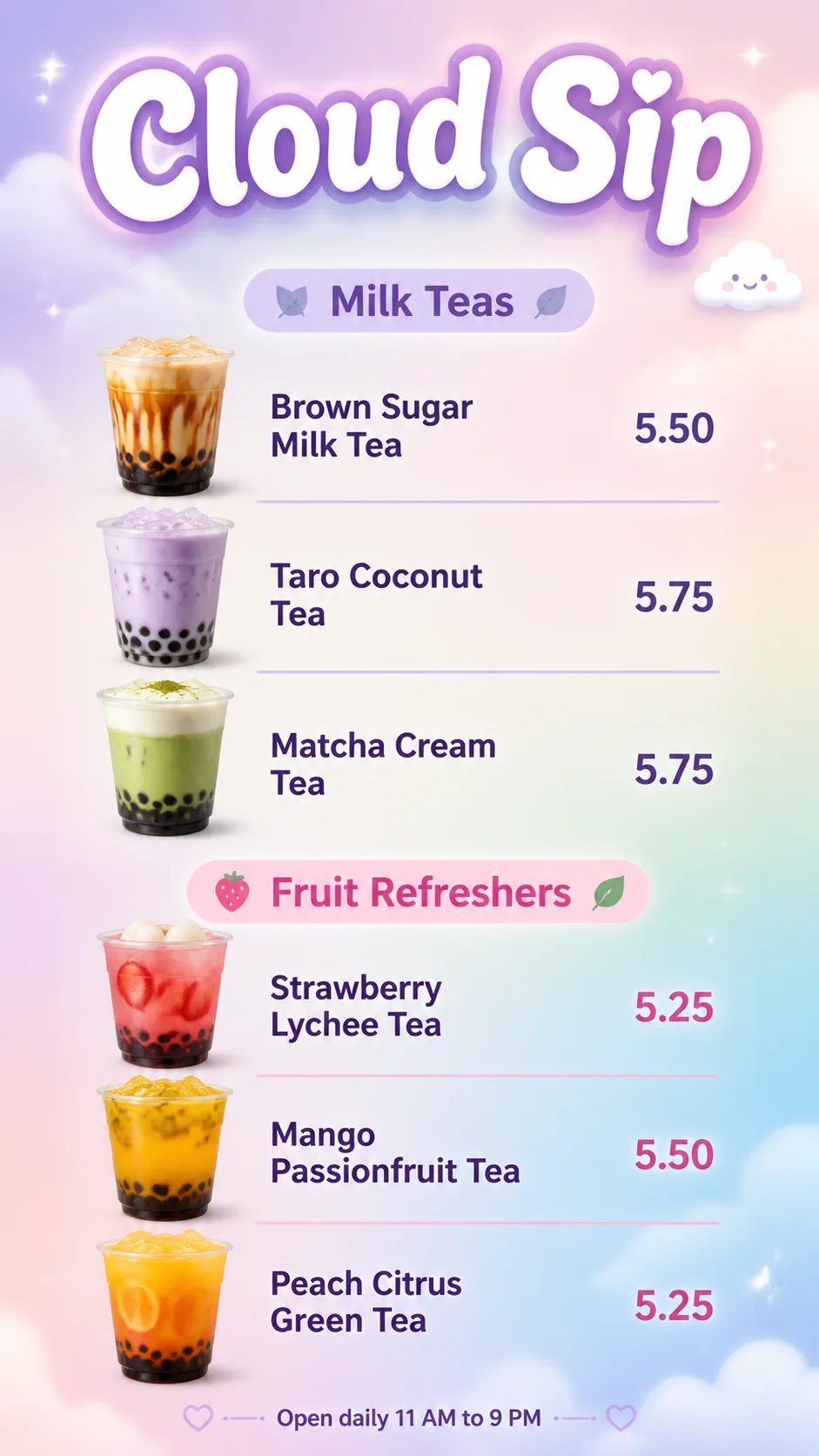
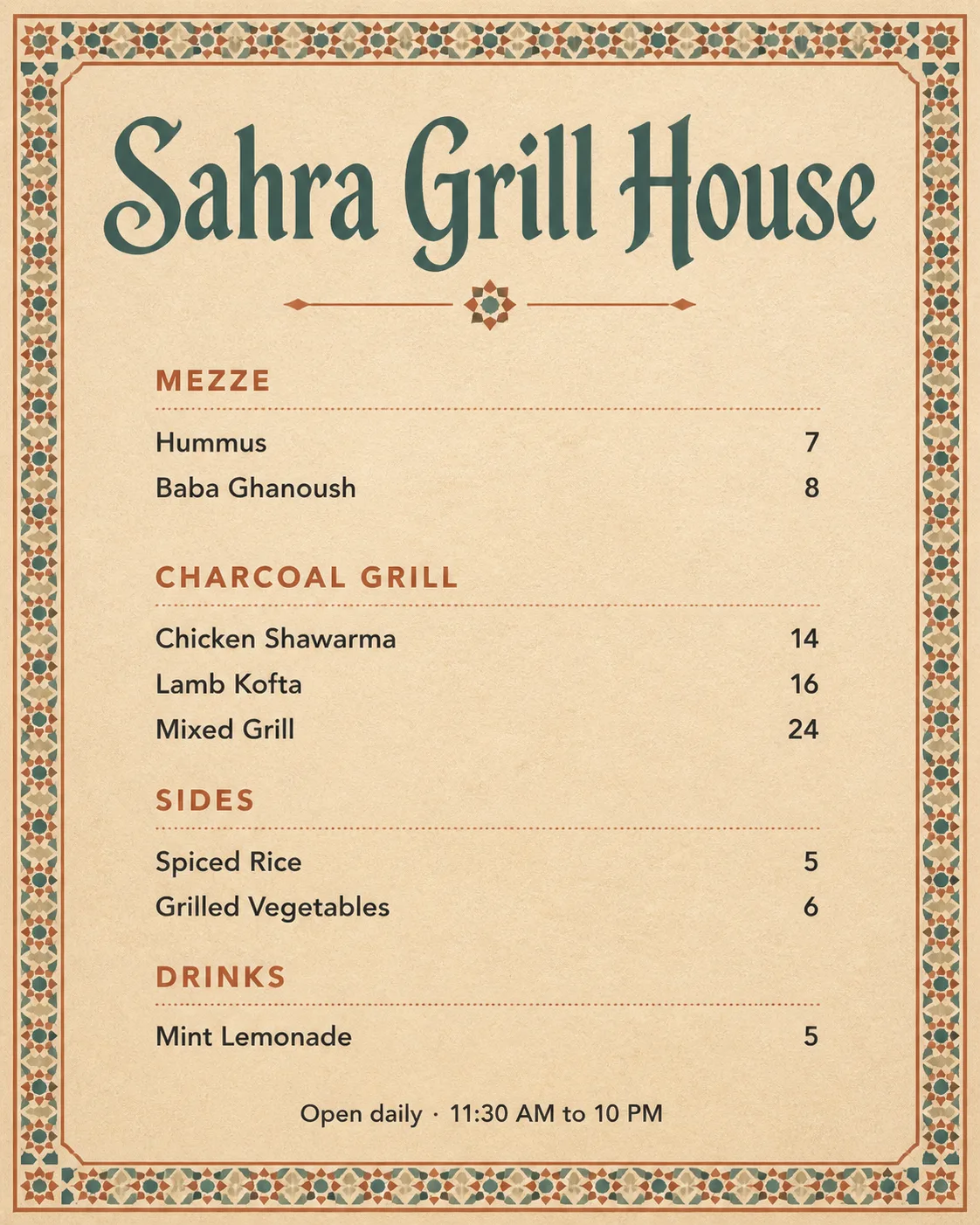
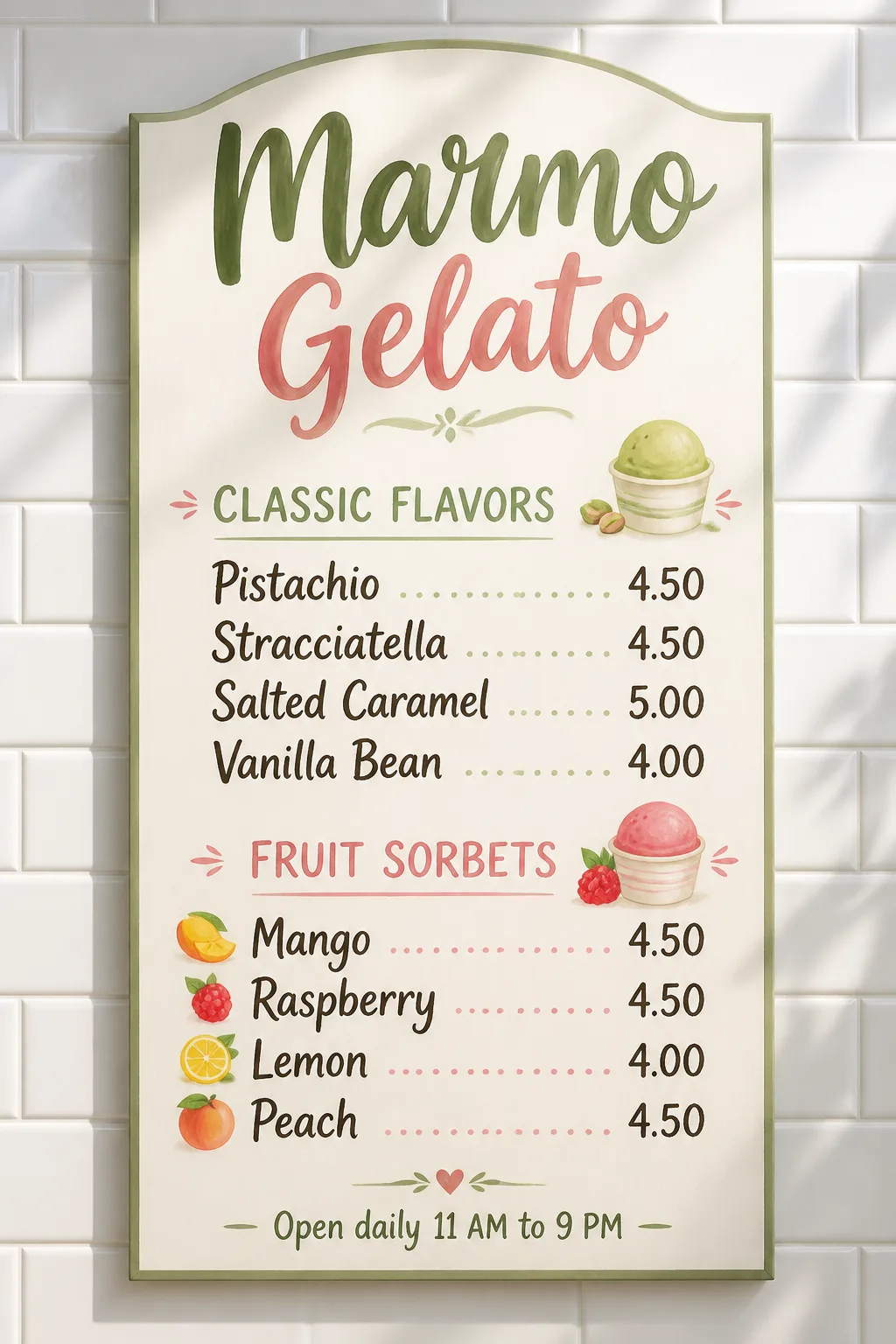
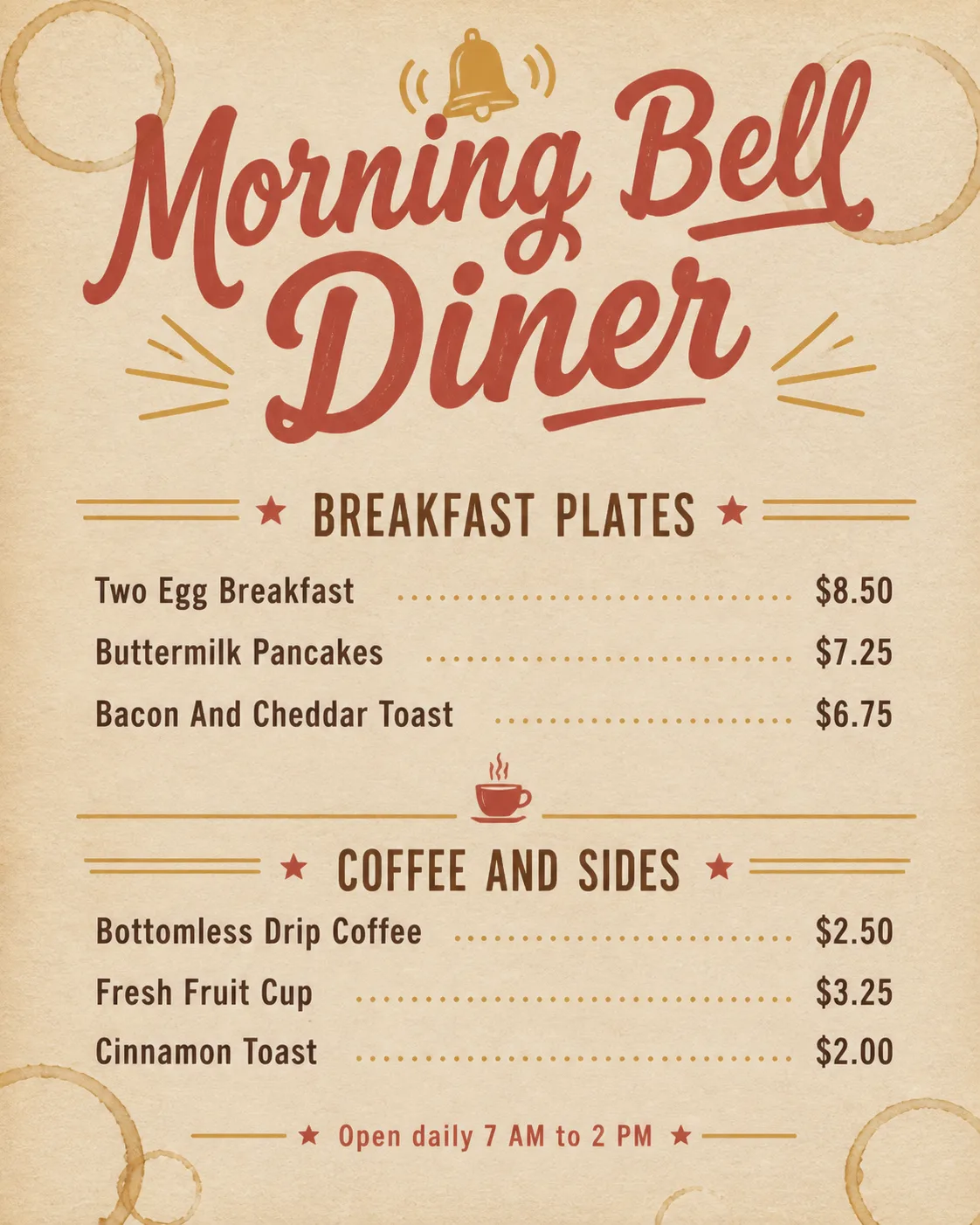
Design a realistic wall-mounted restaurant menu using the Venue Name as the largest element, with the Section Headings clearly separated into two to four sections. Arrange the Item Names and corresponding Prices in a clean, consistent grid, with prices aligned to the right. Use the Color Palette throughout and add the Icon Style as restrained supporting decoration near the relevant sections. Include the Footer Line in small type at the bottom. Follow the Format and show the menu in the Display Setting, with believable paper or board texture, bright natural interior light and soft contact shadows. Use no more than two typefaces, strong spacing and generous white space. Keep every line legible, correctly spelled and fully inside the layout. Make it feel like a professionally designed salad bar menu rather than a clip-art template. No watermarks, real logos, QR codes or border around the image.

Use these details:
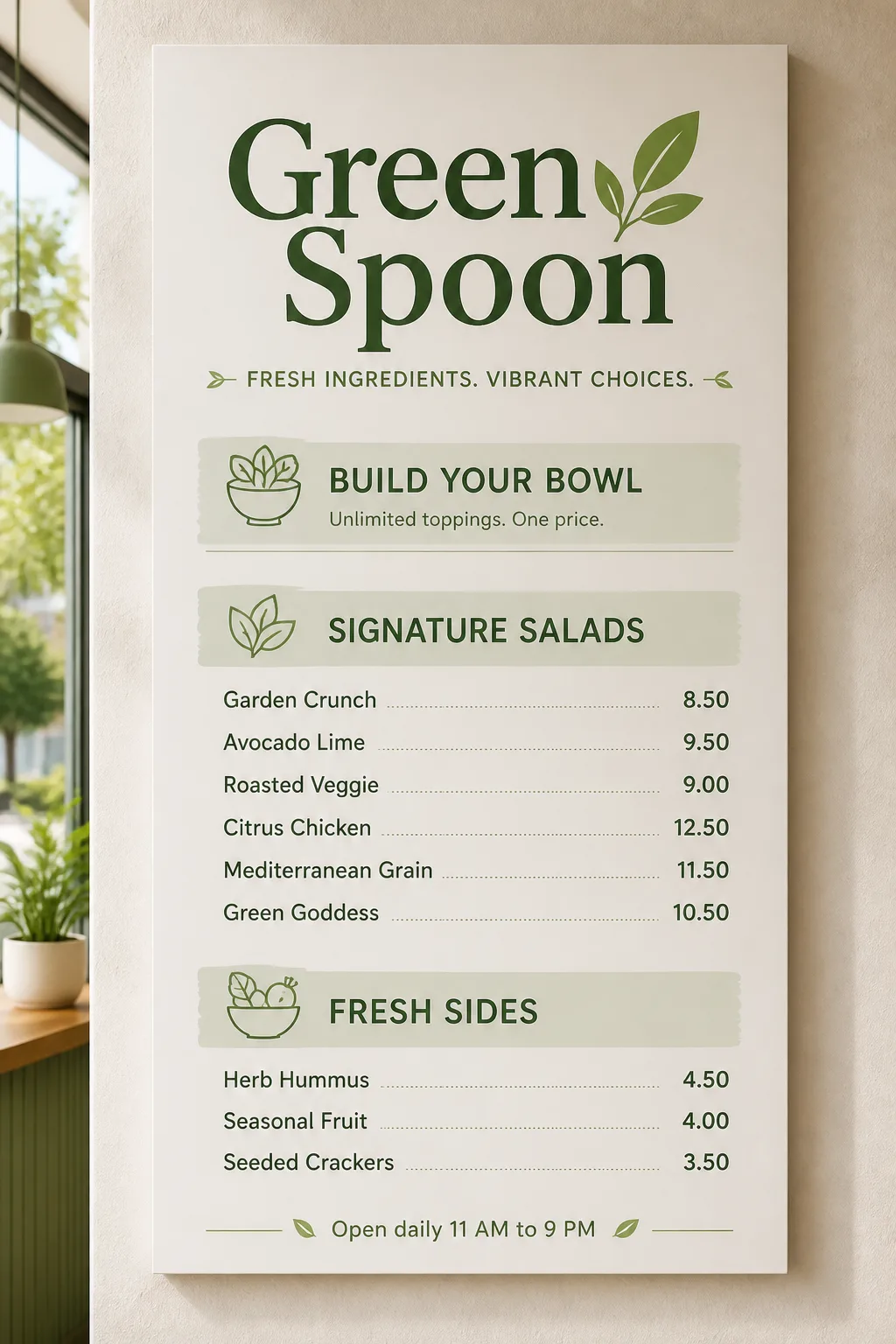
Venue Name: "Green Spoon"
Section Headings: ["Build Your Bowl", "Signature Salads", "Fresh Sides"]
Item Names: ["Garden Crunch", "Avocado Lime", "Roasted Veggie", "Citrus Chicken", "Mediterranean Grain", "Green Goddess", "Herb Hummus", "Seasonal Fruit", "Seeded Crackers"]
Prices: ["8.50", "9.50", "9.00", "12.50", "11.50", "10.50", "4.50", "4.00", "3.50"]
Footer Line: "Open daily 11 AM to 9 PM"
Color Palette: "leaf green, sage, crisp white and soft olive"
Icon Style: "simple monoline icons of leaves, bowls and vegetables"
Format: "24 x 36 inch vertical wall menu"
Display Setting: "mounted on a pale plaster wall inside a bright modern cafe"
Using your own logo, product or face? Attach it in the chat and say which of the details it replaces.
Your result will come out close to the example rather than identical to it. Change the details to make it yours.