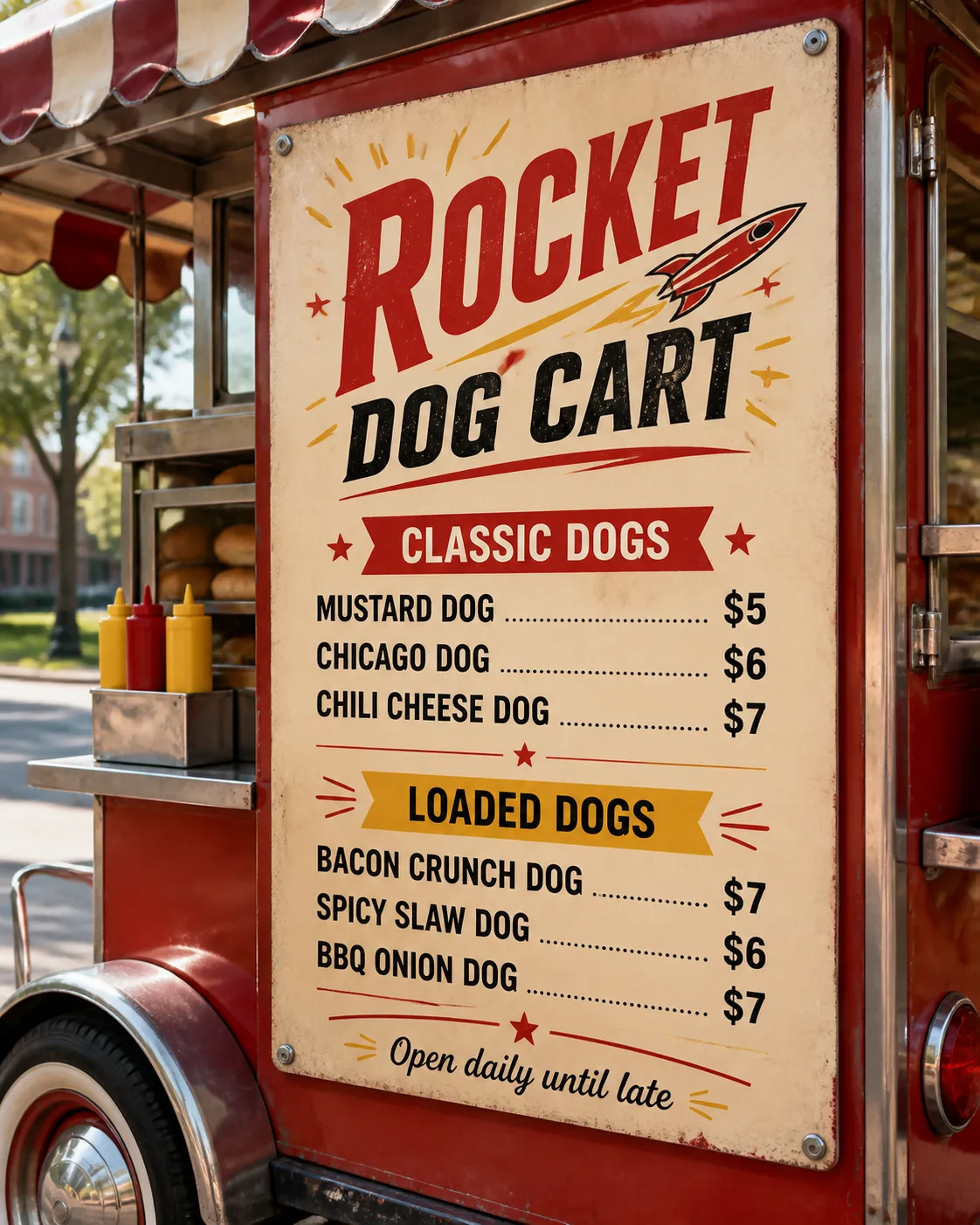
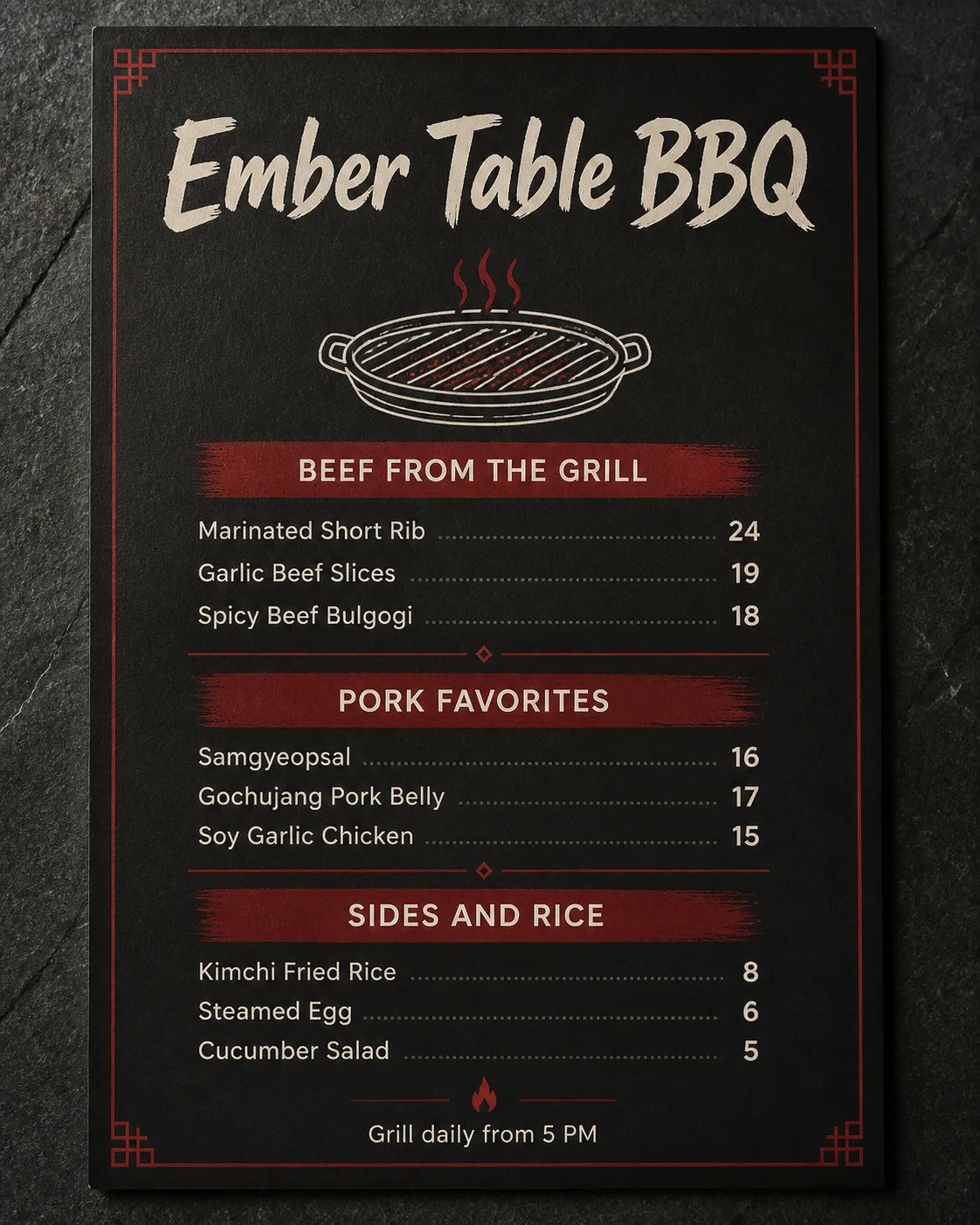
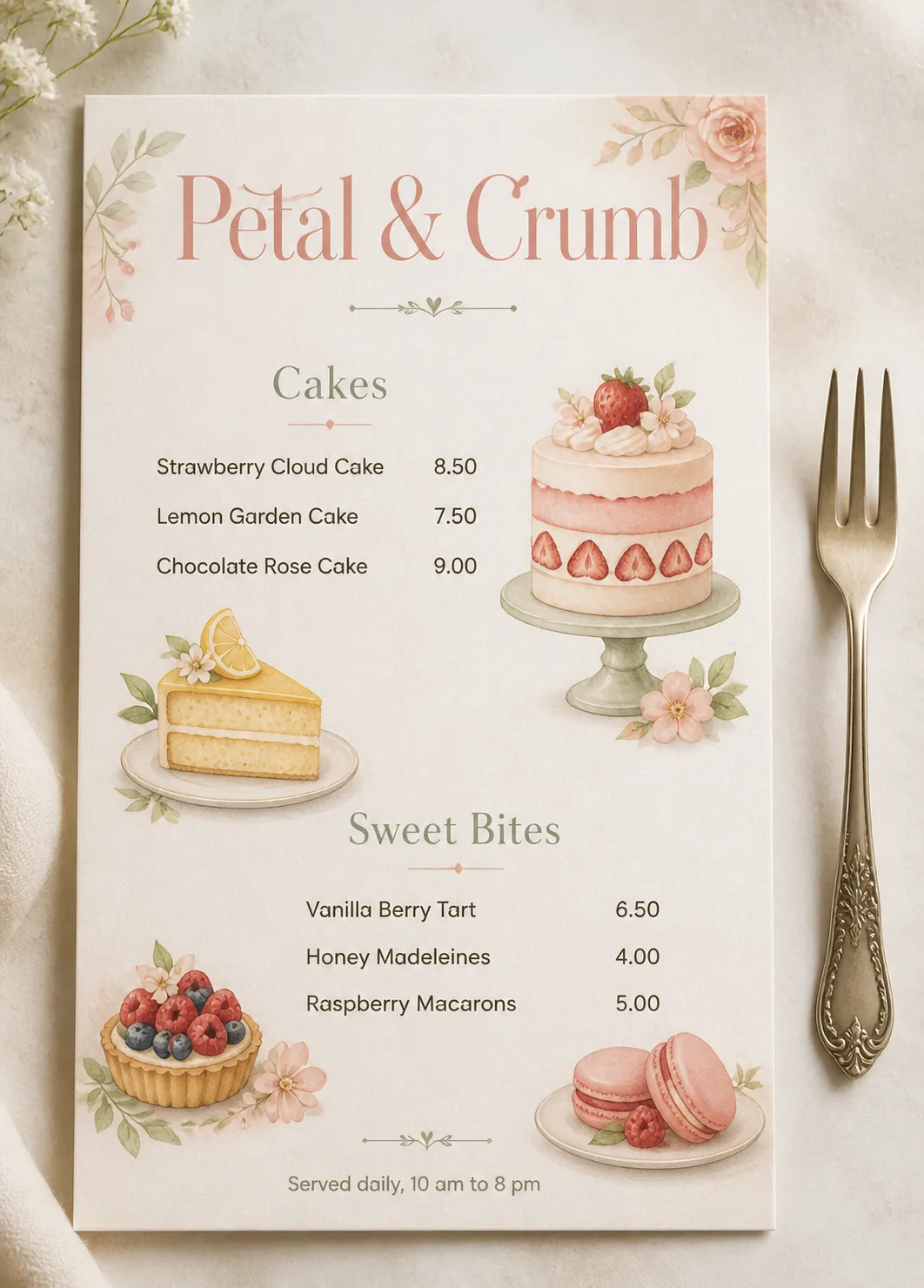
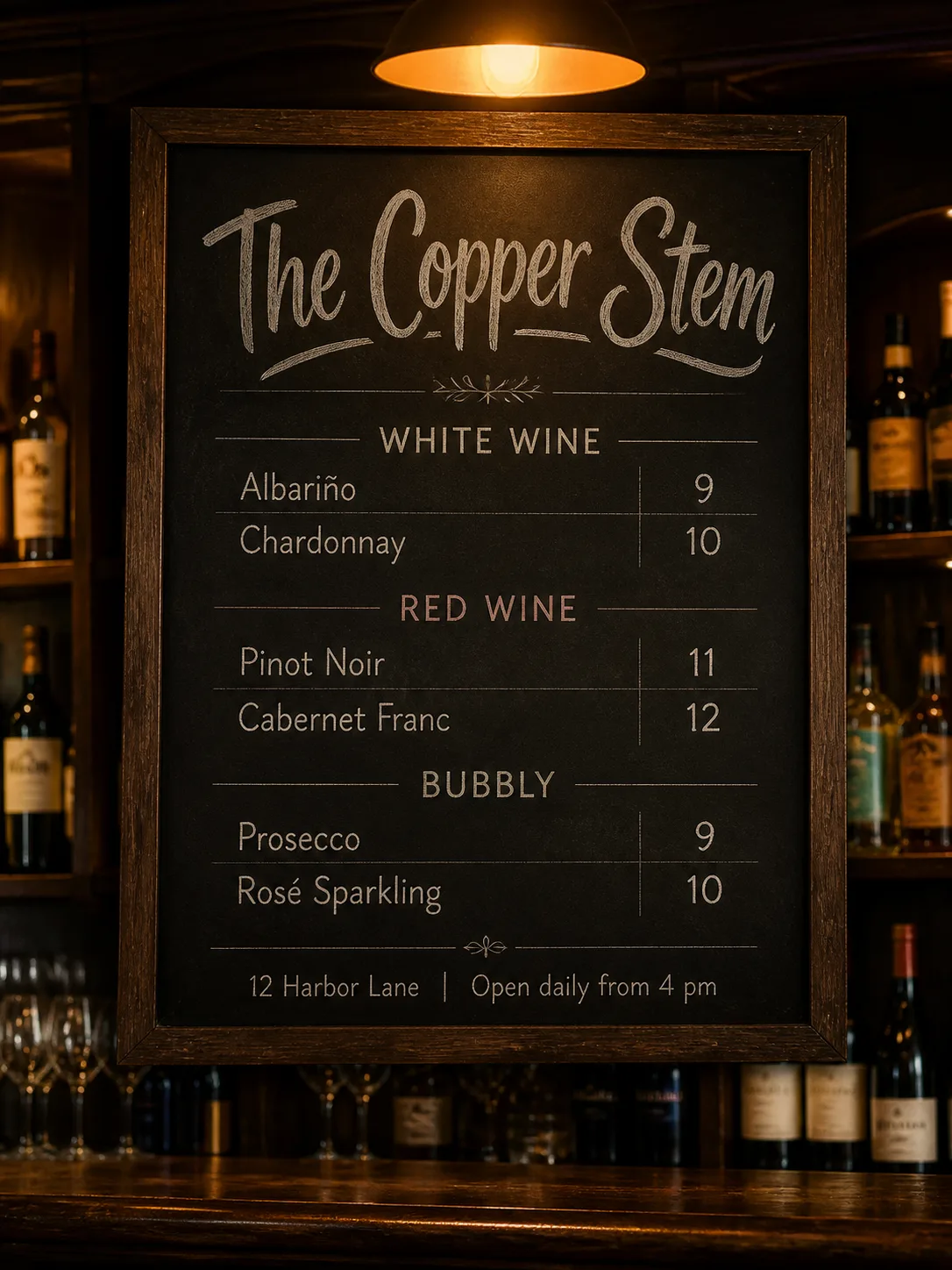
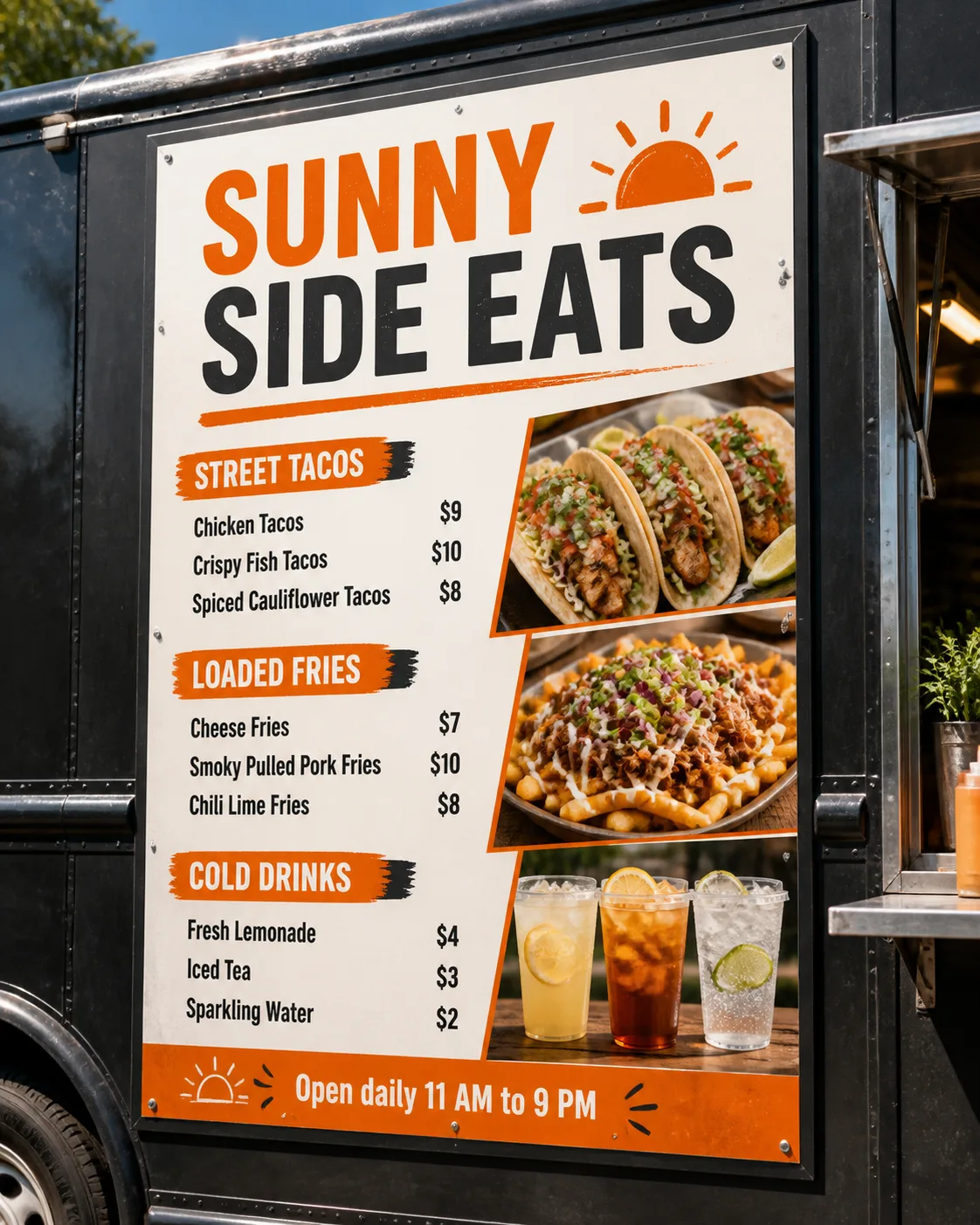
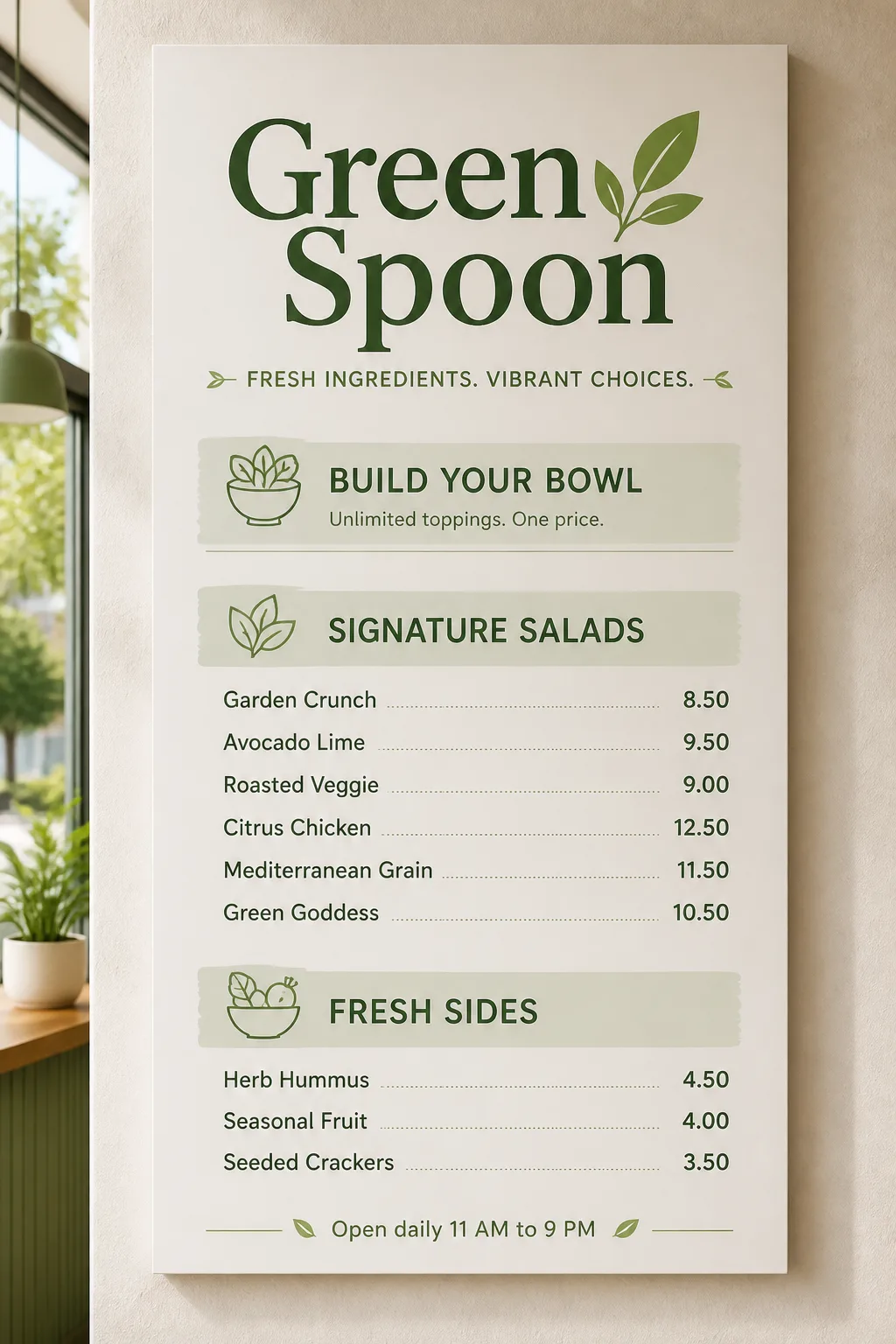
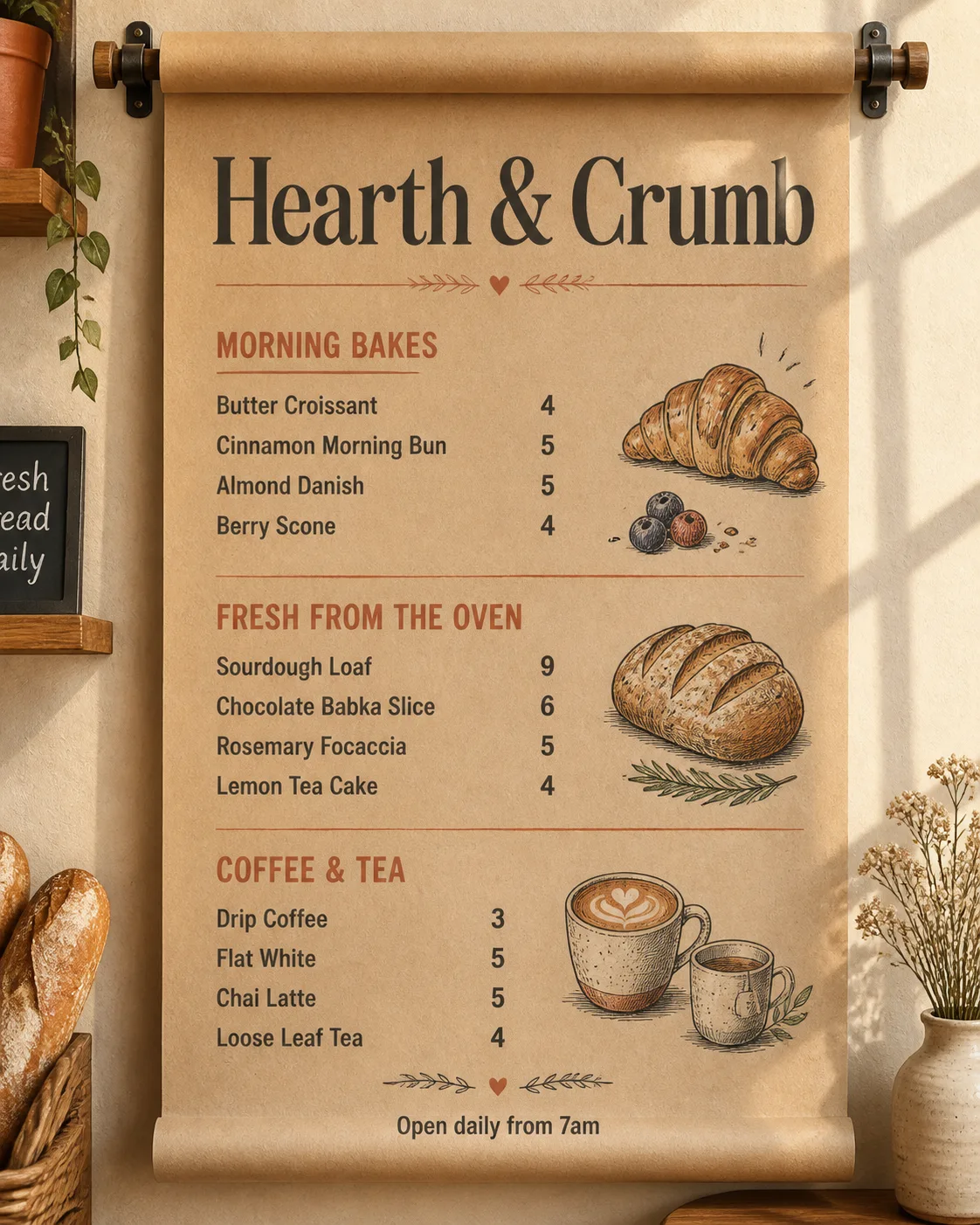
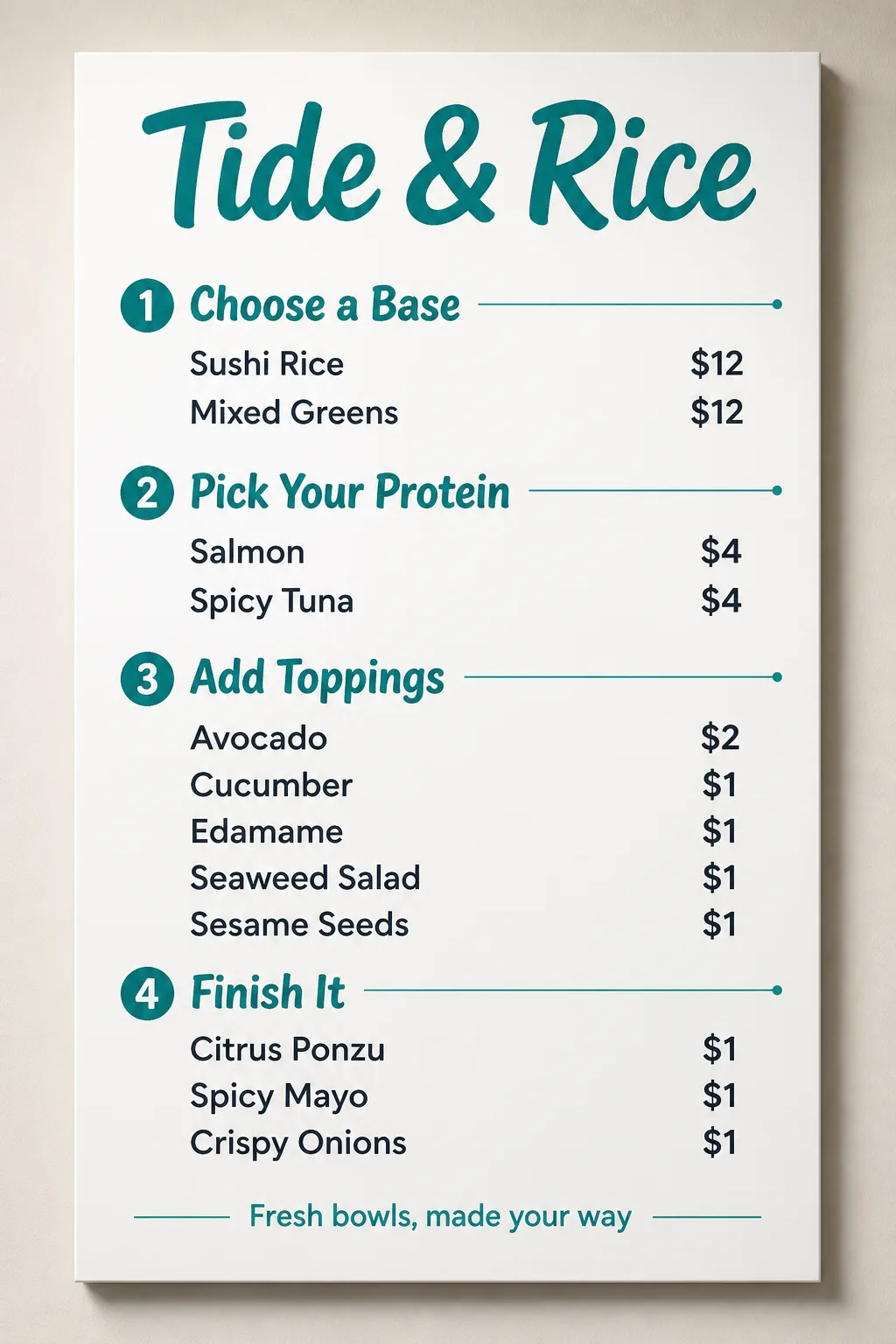
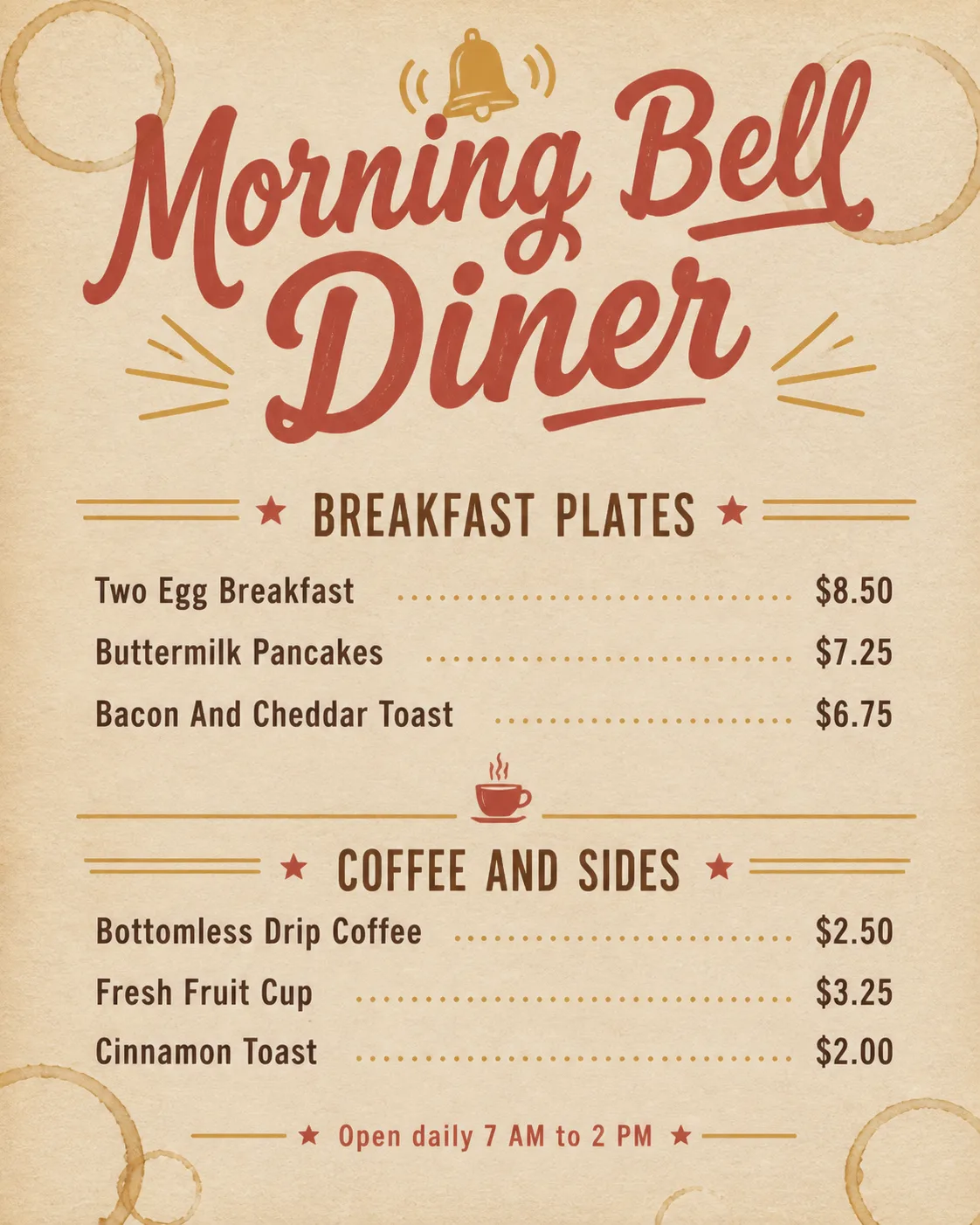
Design a restaurant menu for a hot dog stand, mounted on the Cart Setting as a realistic vertical board. Place the Venue Name at the top as the largest element, using bold retro display lettering with a slightly distressed vintage print character. Organize the Section Headings into two clear sections, with the Item Names and matching Prices arranged on a consistent grid beneath them. Use the Color Palette throughout, with mustard yellow and tomato red as the dominant accents against a cream base and black lettering. Include the Footer Line as a small, discreet line near the bottom. Add restrained retro menu details such as simple rays, stars or curved divider lines, keeping them secondary to the text. Use no more than two typefaces. Ensure every word is correctly spelled, highly legible and fully contained, with no overlapping text, no watermarks, no logos, no QR codes and no border around the image. Show believable board texture, mounting hardware, natural outdoor light and realistic shadows on the cart.

Use these details:
Venue Name: "Rocket Dog Cart"
Section Headings: ["Classic Dogs", "Loaded Dogs"]
Item Names: ["Mustard Dog", "Chicago Dog", "Chili Cheese Dog", "Bacon Crunch Dog", "Spicy Slaw Dog", "BBQ Onion Dog"]
Prices: ["$5", "$6", "$7", "$7", "$6", "$7"]
Footer Line: "Open daily until late"
Color Palette: "mustard yellow, tomato red, cream and black"
Cart Setting: "a vintage hot dog cart with red enamel panels and a striped canopy"
Using your own logo, product or face? Attach it in the chat and say which of the details it replaces.
Your result will come out close to the example rather than identical to it. Change the details to make it yours.