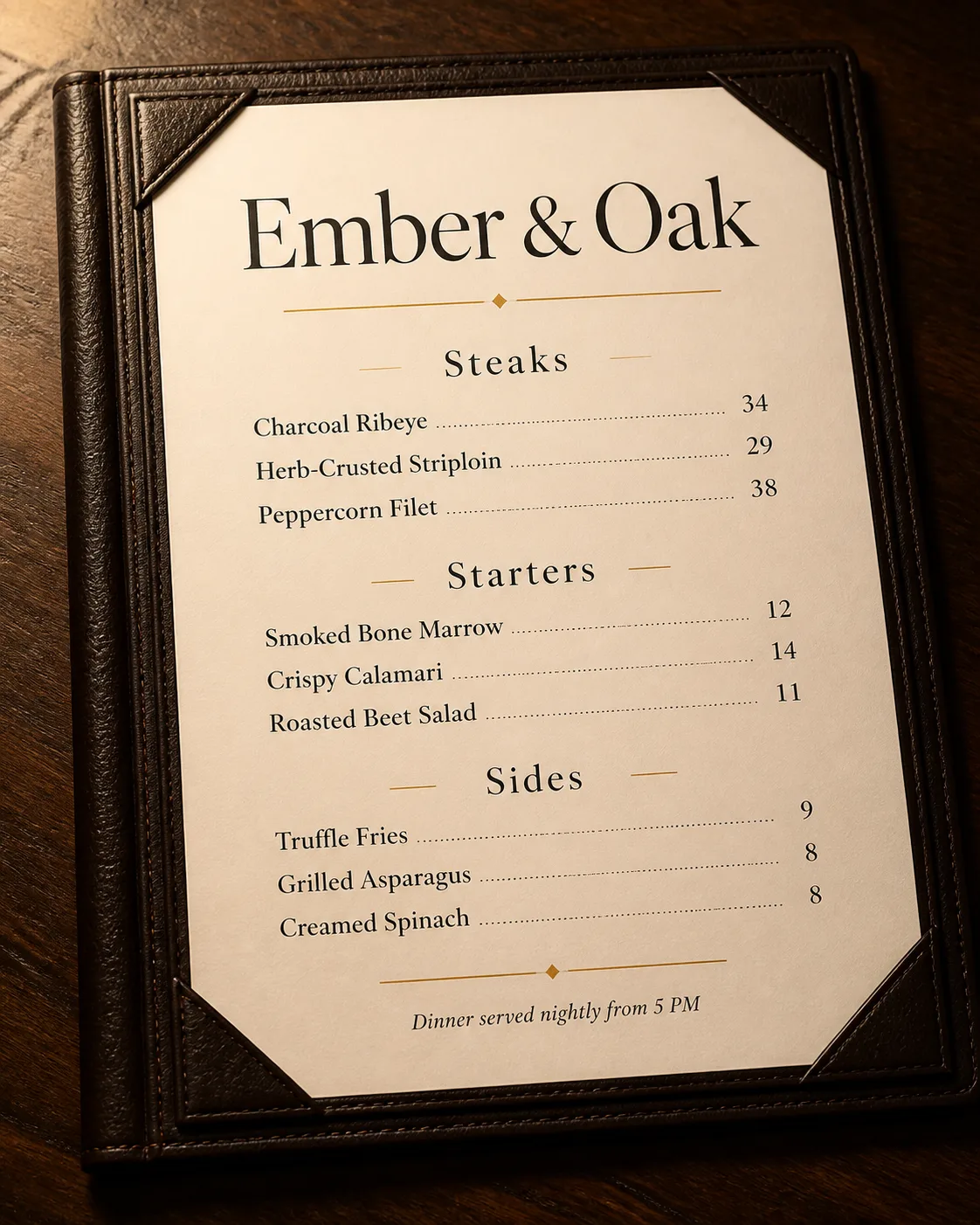
Present a single restaurant menu as a realistic tabletop mockup, using the Folder Material with the Insert Material placed inside it. Use the Color Palette throughout, keeping the insert spacious and refined. Set the Venue Name as the largest text element at the top, then organize the Section Headings into three clearly separated sections. Place the Item Names in listed order, with three items under each section, and align the Prices consistently at the right edge of each row. Use the Typography Style with no more than two typefaces. Add the Footer Line discreetly at the bottom. Frame the menu using the Composition and illuminate it with the Lighting, showing believable leather grain, paper texture, contact shadows, and gentle falloff. Keep the design legible and uncluttered, with no illustrations, props, watermarks, logos, QR codes, overlapping text, or text outside the menu.

Use these details:
Venue Name: "Ember & Oak"
Section Headings: ["Steaks", "Starters", "Sides"]
Item Names: ["Charcoal Ribeye", "Herb-Crusted Striploin", "Peppercorn Filet", "Smoked Bone Marrow", "Crispy Calamari", "Roasted Beet Salad", "Truffle Fries", "Grilled Asparagus", "Creamed Spinach"]
Prices: ["34", "29", "38", "12", "14", "11", "9", "8", "8"]
Footer Line: "Dinner served nightly from 5 PM"
Color Palette: "dark espresso leather, warm cream, muted charcoal ink, and soft amber light"
Folder Material: "dark leather-bound cover"
Insert Material: "matte cream card stock"
Typography Style: "elegant high-contrast serif type"
Composition: "slightly angled three-quarter top-down view"
Lighting: "warm directional light from the upper left"
Using your own logo, product or face? Attach it in the chat and say which of the details it replaces.
Your result will come out close to the example rather than identical to it. Change the details to make it yours.